PromptSense - Smart AI Library with Prompt Templates for Faster Workflow
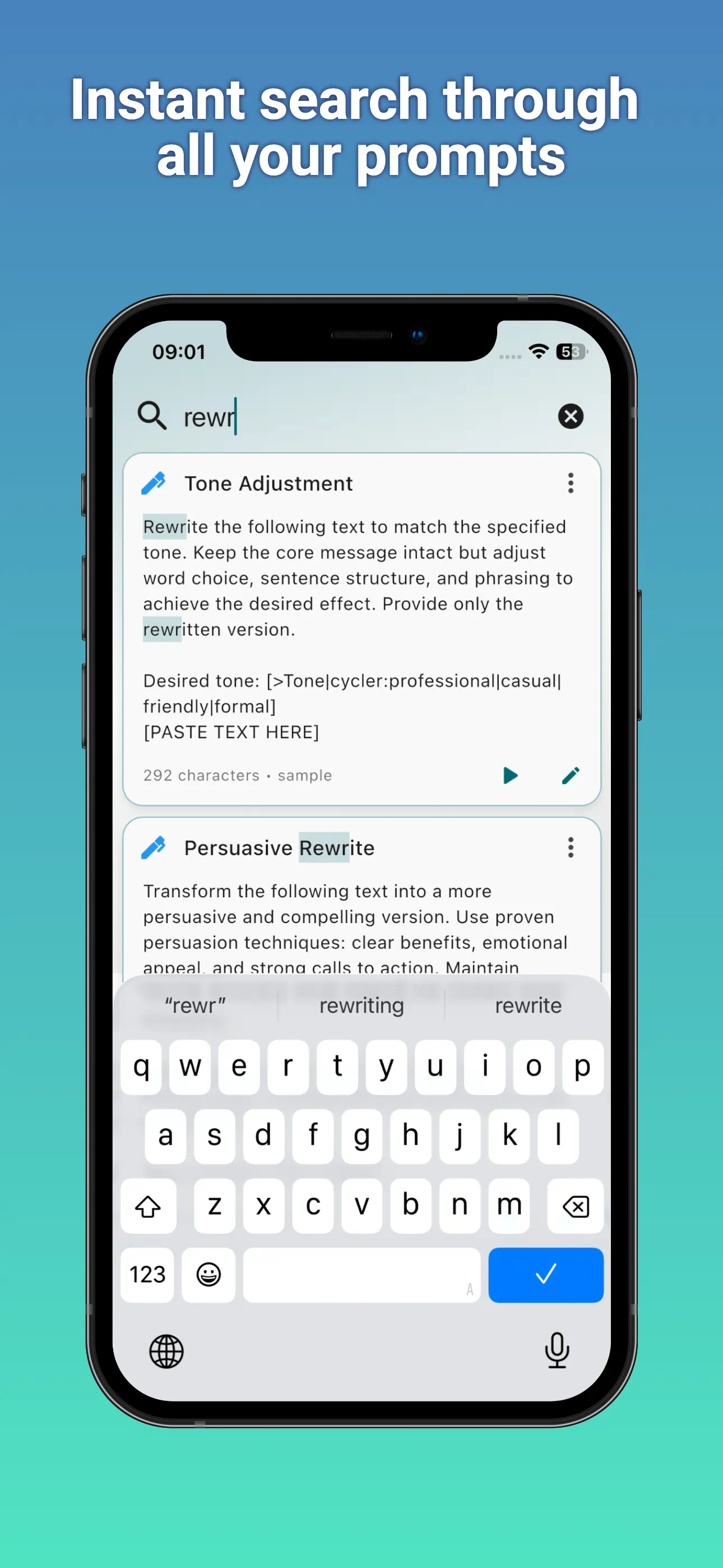
PromptSense helps you keep your best AI prompts organized, searchable, and ready to use with ChatGPT, Claude, Gemini, Perplexity, Copilot, Grok, and other AI services. Save everyday instructions, build reusable prompt templates with fillable fields, group everything by category, and sync your library across Mac, Windows, iPhone, iPad, and Android.
👆 Click to Play Video | Screenshots 👇
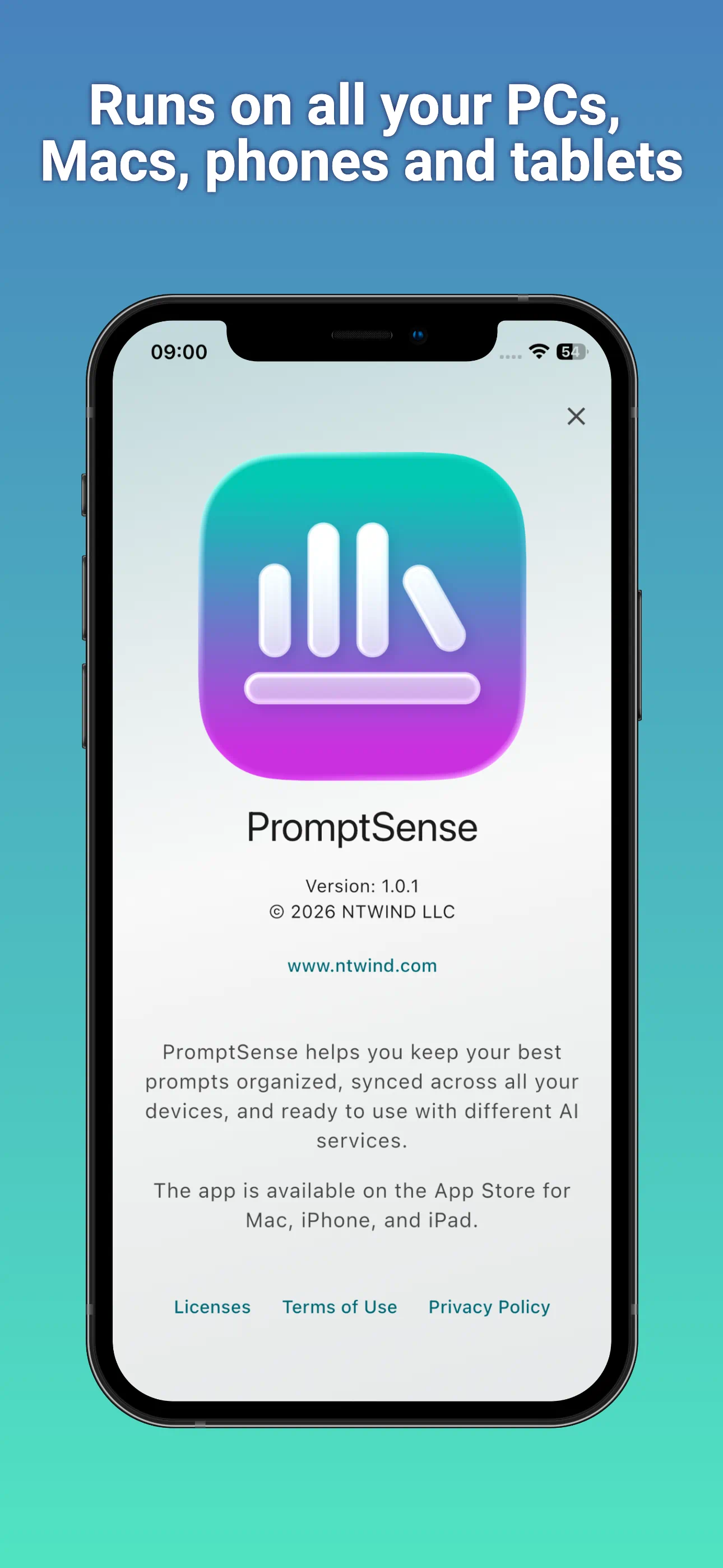
To start using PromptSense, install it on your PC, Mac, iPhone, iPad, Android phone or tablet. Version 1.0.3 was released on 10-Sep-2026, see what's new →


Languages: Arabic, Czech, German, Greek, English, Spanish, Finnish, French, Indonesian, Italian, Japanese, Korean, Dutch, Polish, Portuguese, Romanian, Russian, Swedish, Turkish, Ukrainian, Chinese Simplified, Chinese Traditional
ENJOY OUR FREE SOFTWARE - No ads, no subscriptions, completely free!
Your Personal AI Prompt Library
PromptSense is built for people who reuse AI prompts every day: writers, developers, marketers, researchers, students, founders, and anyone who wants better results from AI tools. Instead of keeping prompts in scattered notes, chat history, or documents, you can store them in one clean library organized by category.
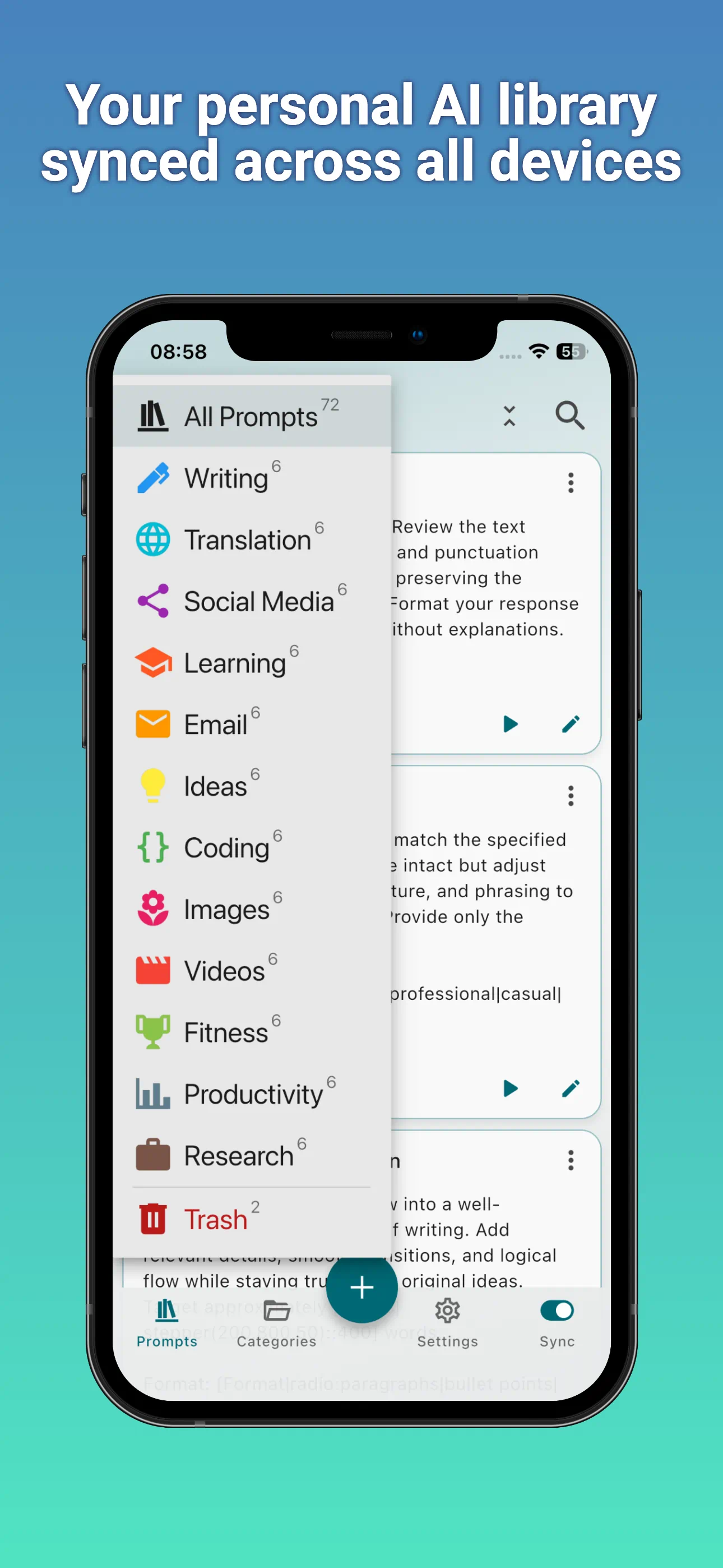
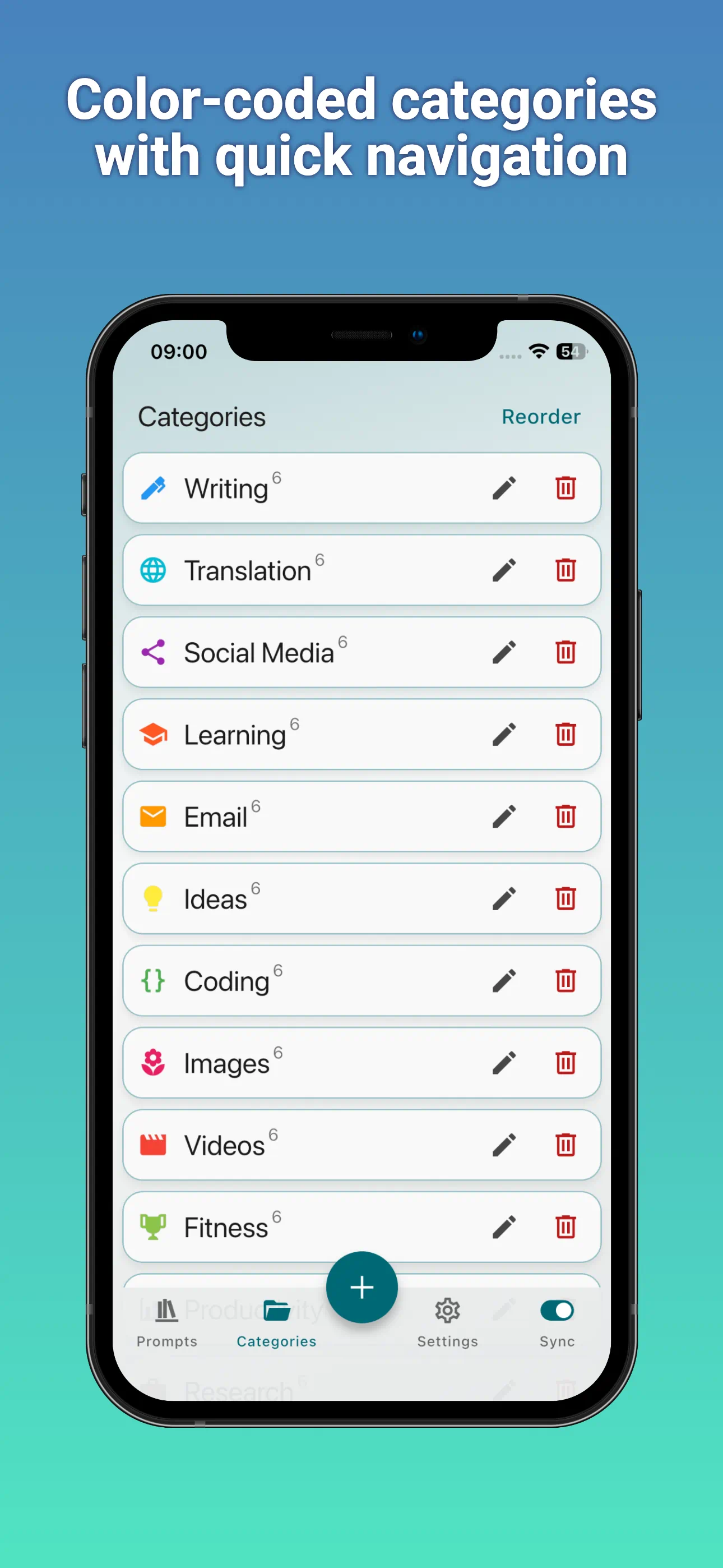
Create categories for work, coding, writing, image generation, video prompts, research, social media, or your own projects. Use color-coded categories to scan your library quickly and find the right prompt when you need it.
Reusable Prompt Templates
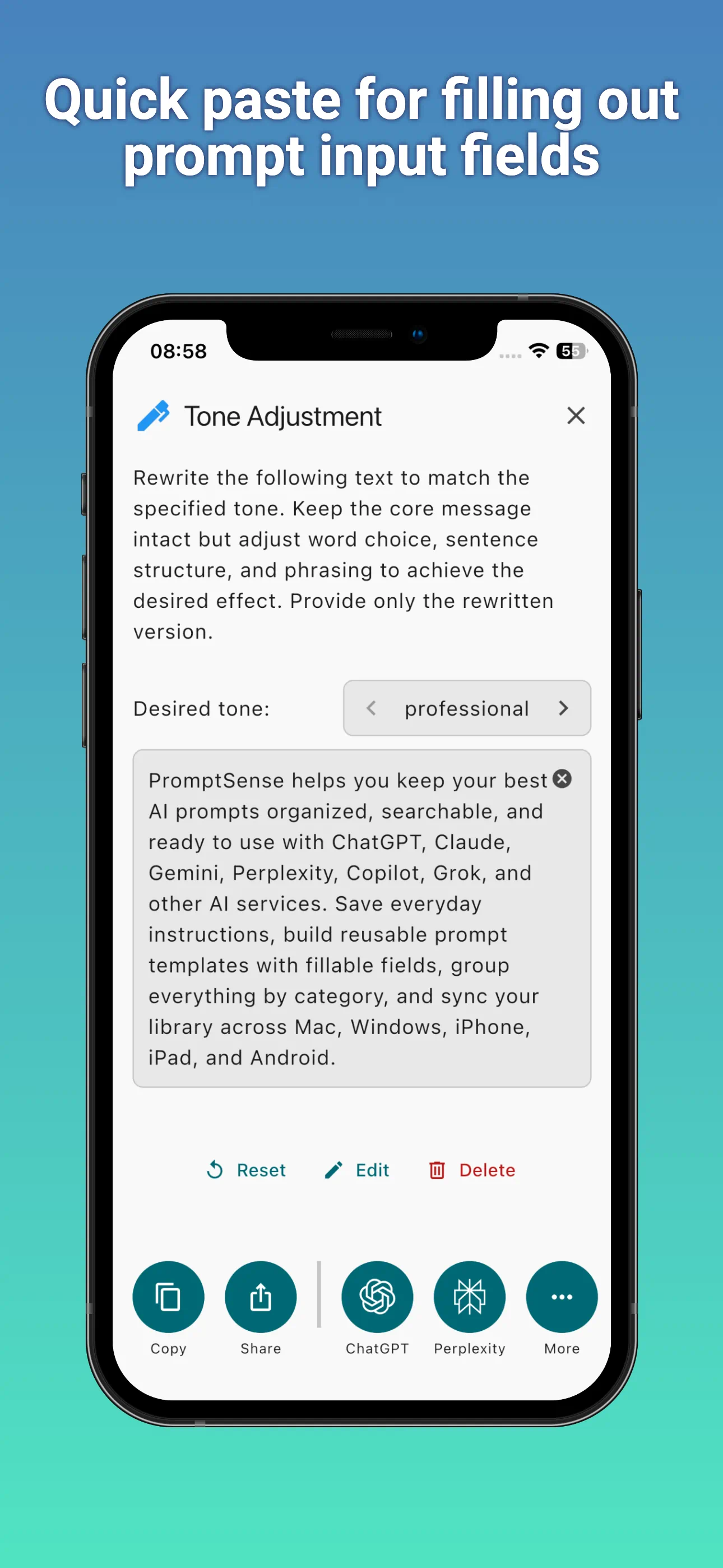
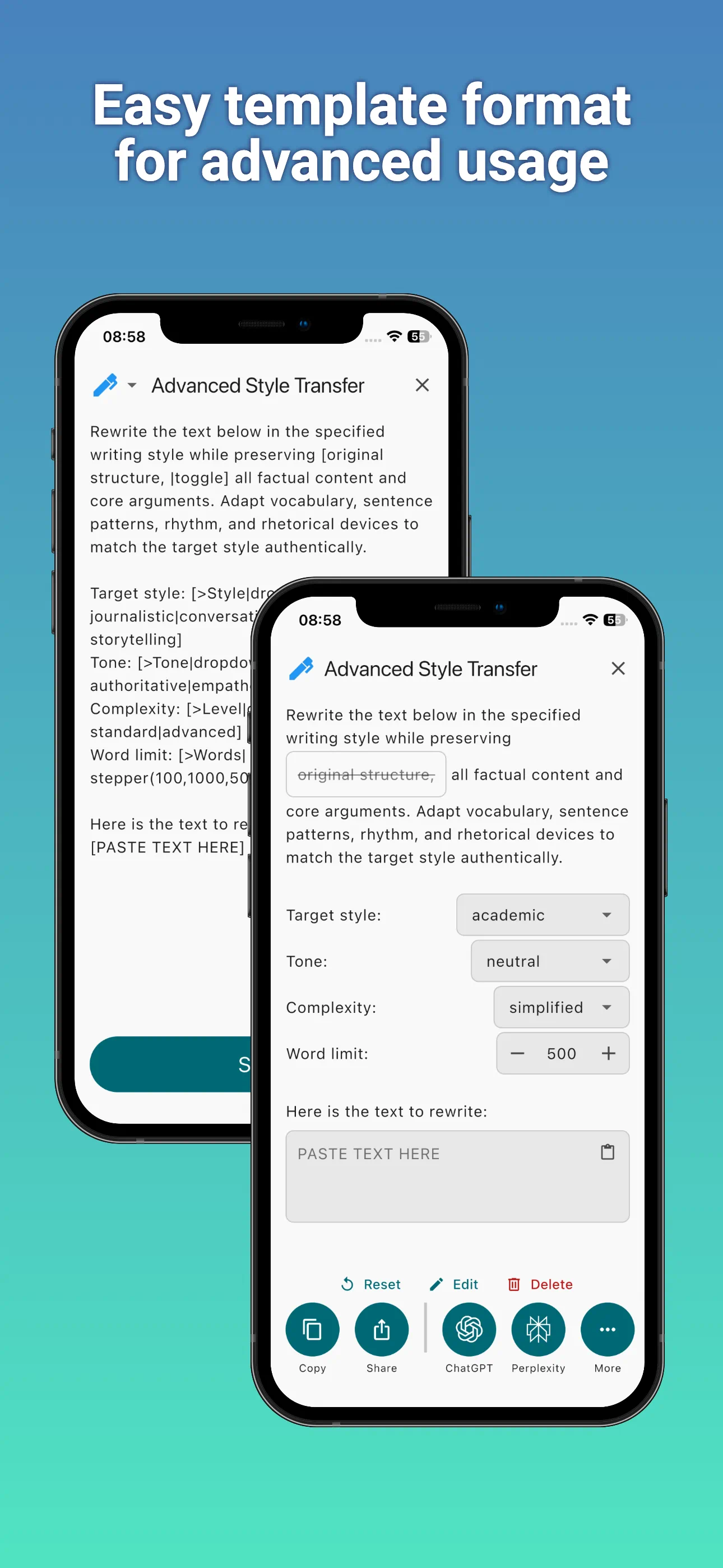
PromptSense templates turn reusable prompt structures into simple forms. Add fields like [Topic], [Tone|dropdown:Professional|Friendly|Direct], or [PASTE TEXT HERE], and the app will show the right input controls when you use the prompt.
[PASTE TEXT HERE]
This simple template creates one large input field for the text you want to rewrite. PromptSense also supports advanced fields such as dropdowns, radio buttons, multiple-choice controls, switches, sliders, steppers, colors, dates, and optional inputs.
Learn more about the PromptSense template format →
Works with Your Favorite AI Tools
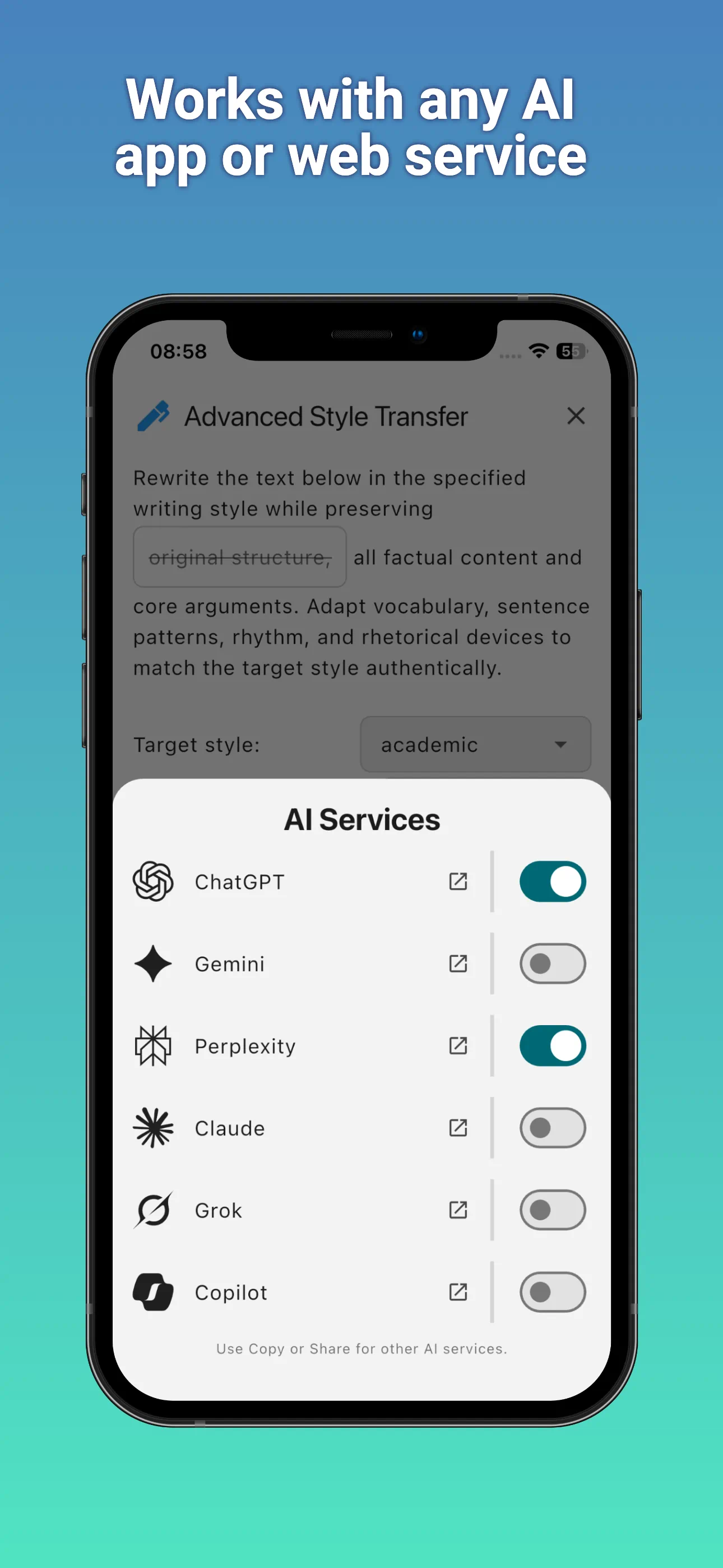
PromptSense does not lock you into a single AI provider. Save prompts once and use them with different AI services depending on the task. Keep polished instructions for ChatGPT, Claude, Gemini, Perplexity, Copilot, Grok, image generators, video generators, and other tools you use in your workflow.
- Save frequently used prompts: Reuse your best prompts instead of rewriting them from memory.
- Organize by category: Group prompts by project, role, task, AI model, or writing style.
- Use dynamic fields: Turn complex prompts into fillable templates that are easy to reuse.
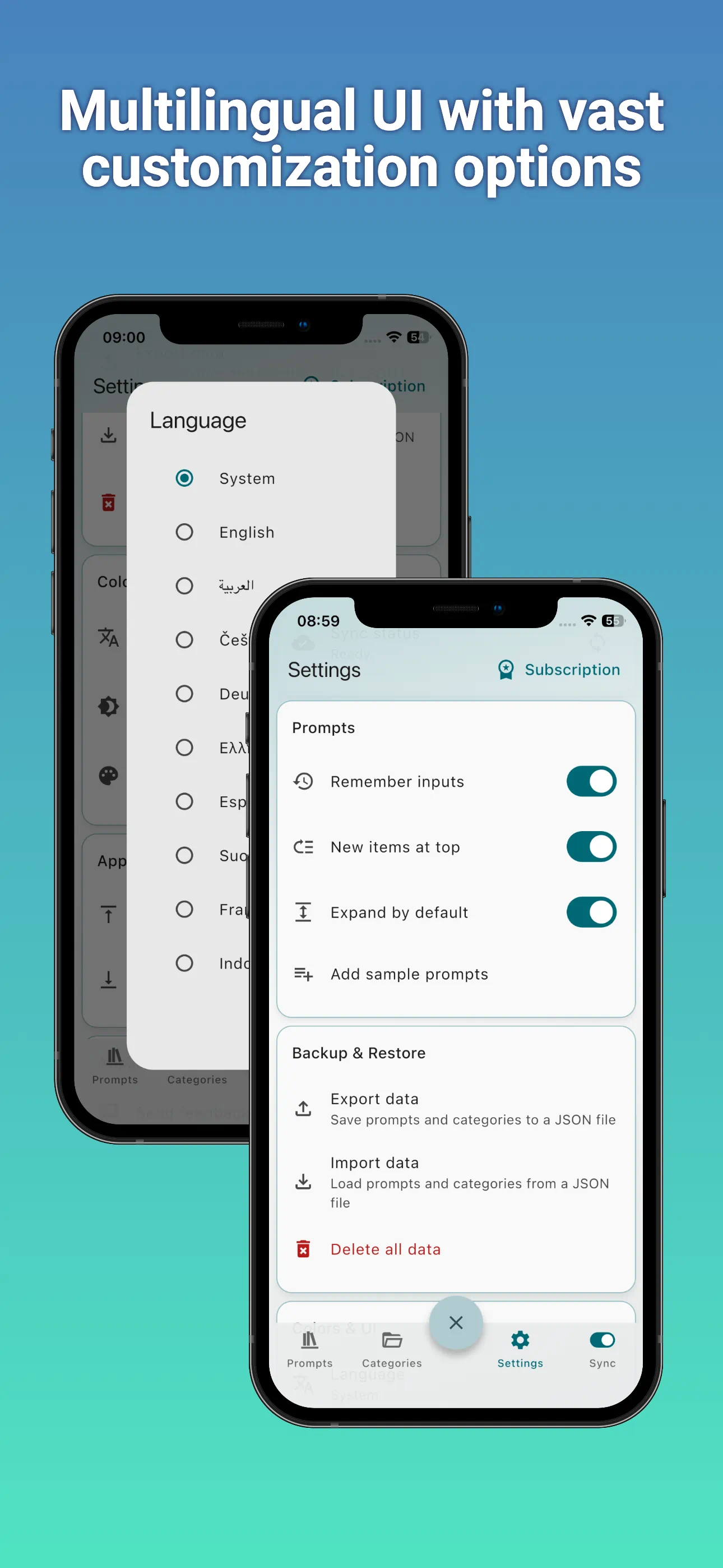
- Backup & restore: Move your prompt library to other devices or create a reserve copy.
Designed for Desktop and Mobile
PromptSense is available across the devices where you actually work. Build and refine prompts on a desktop, then use them later from your phone or tablet. Your Pro library stays synced so your best prompts are available wherever your work continues.
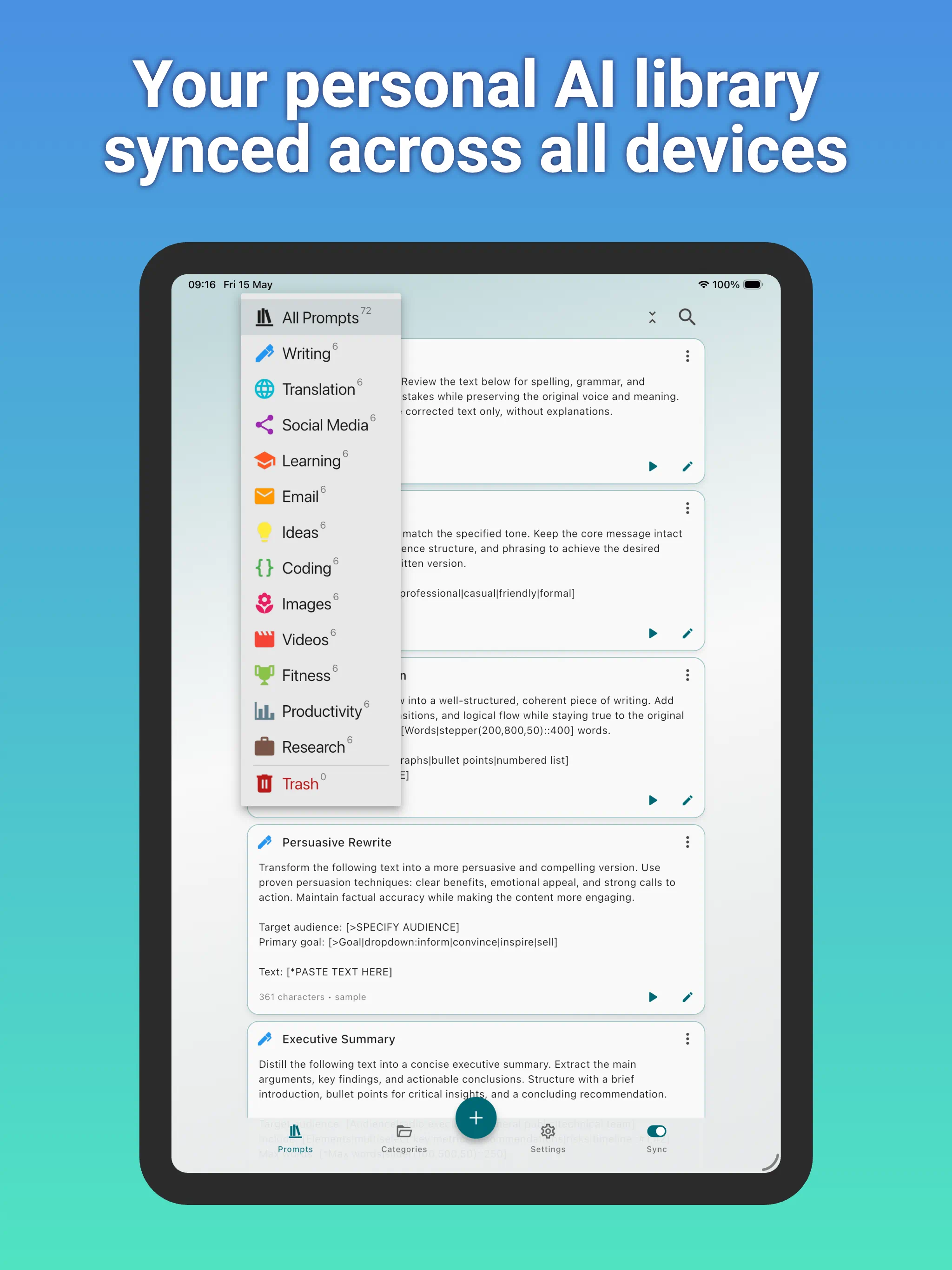
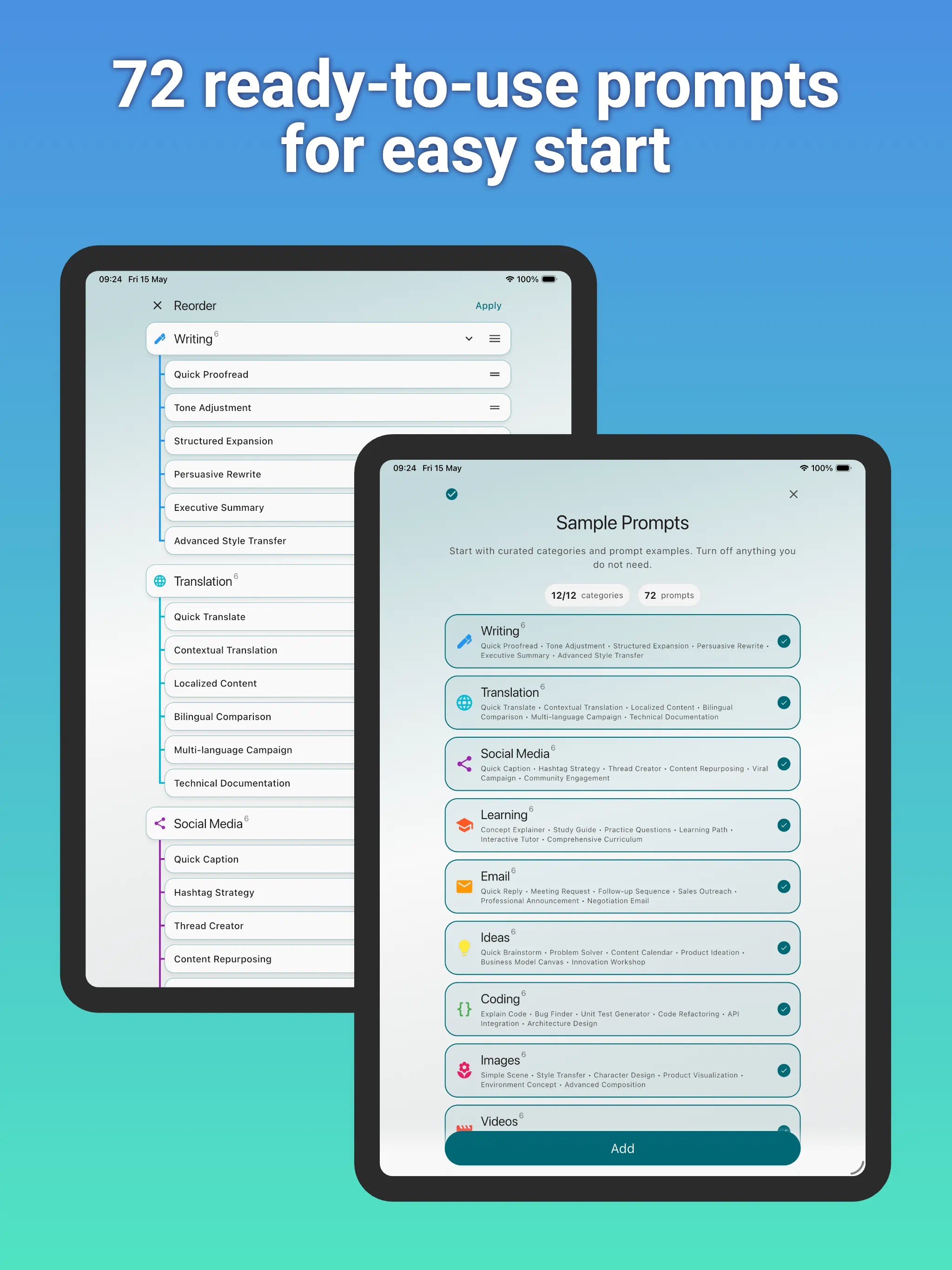
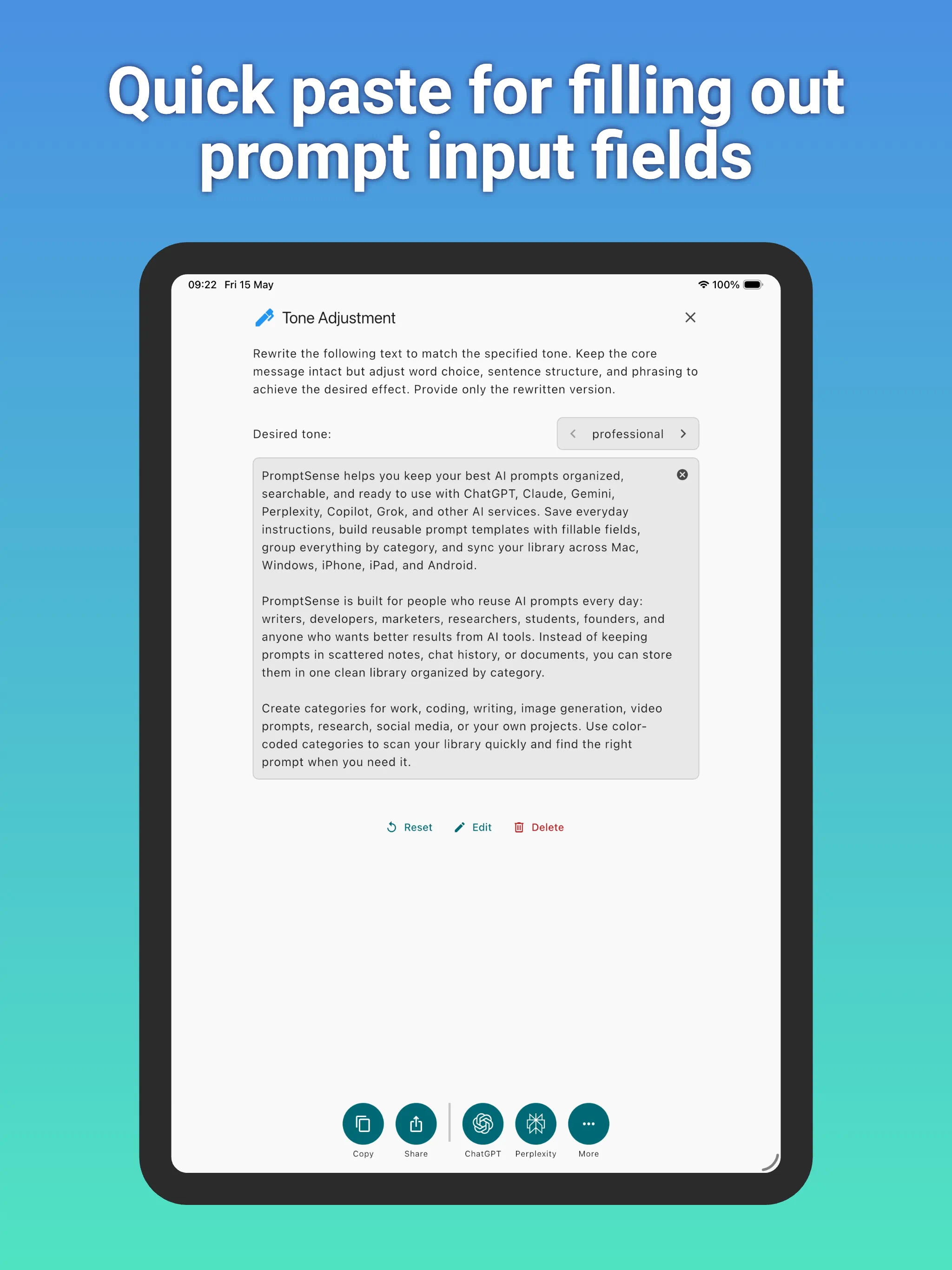
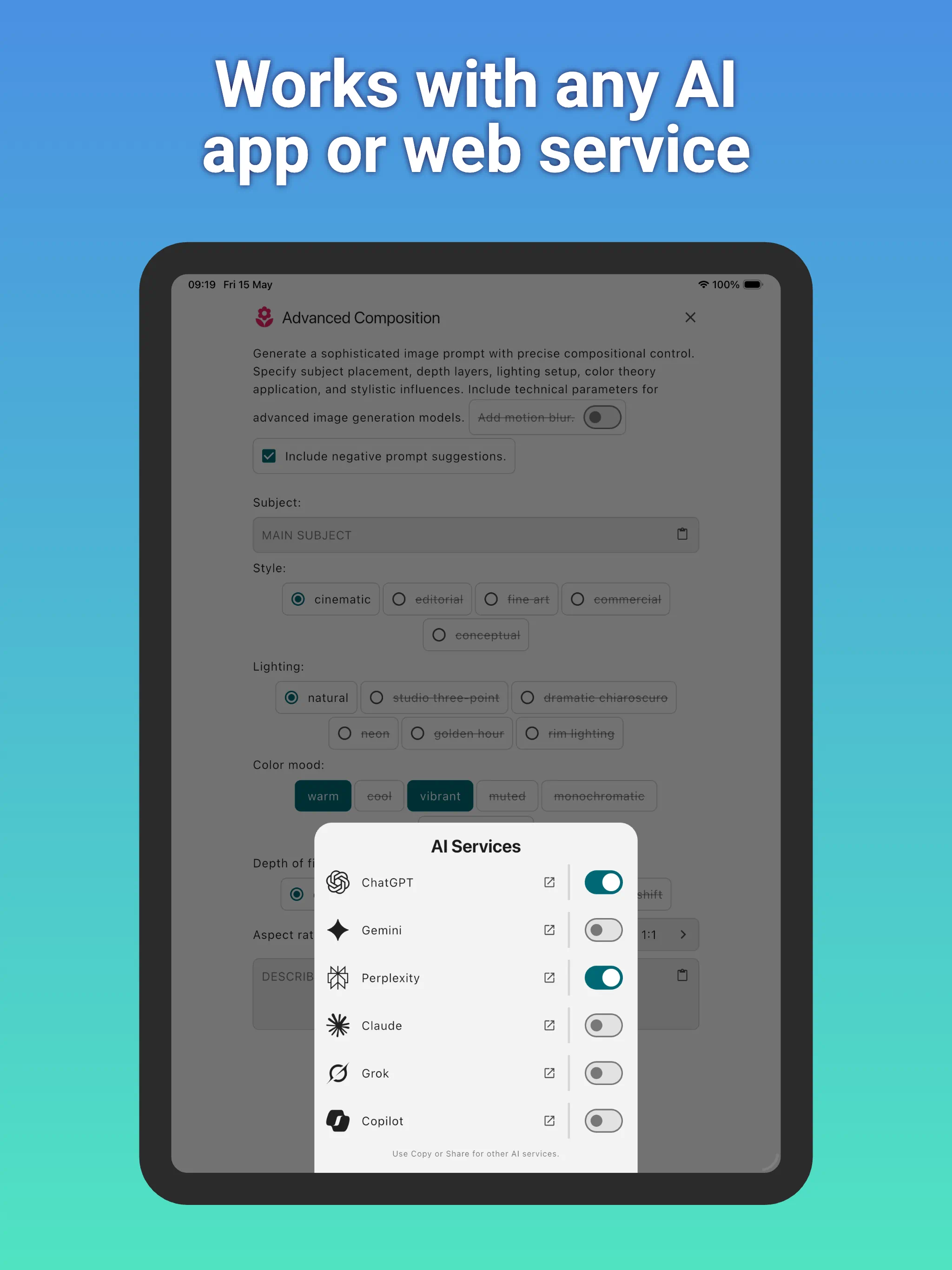
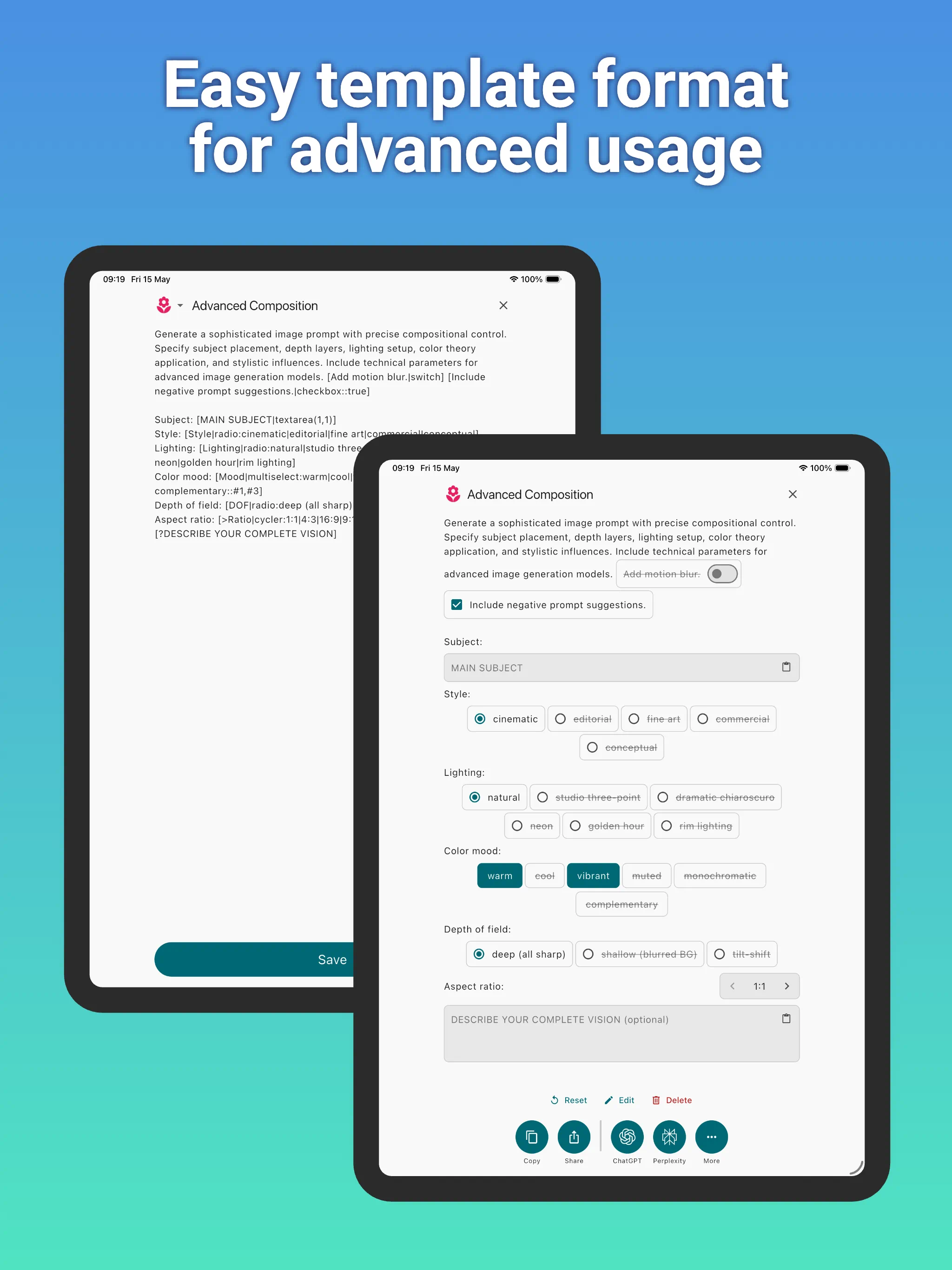
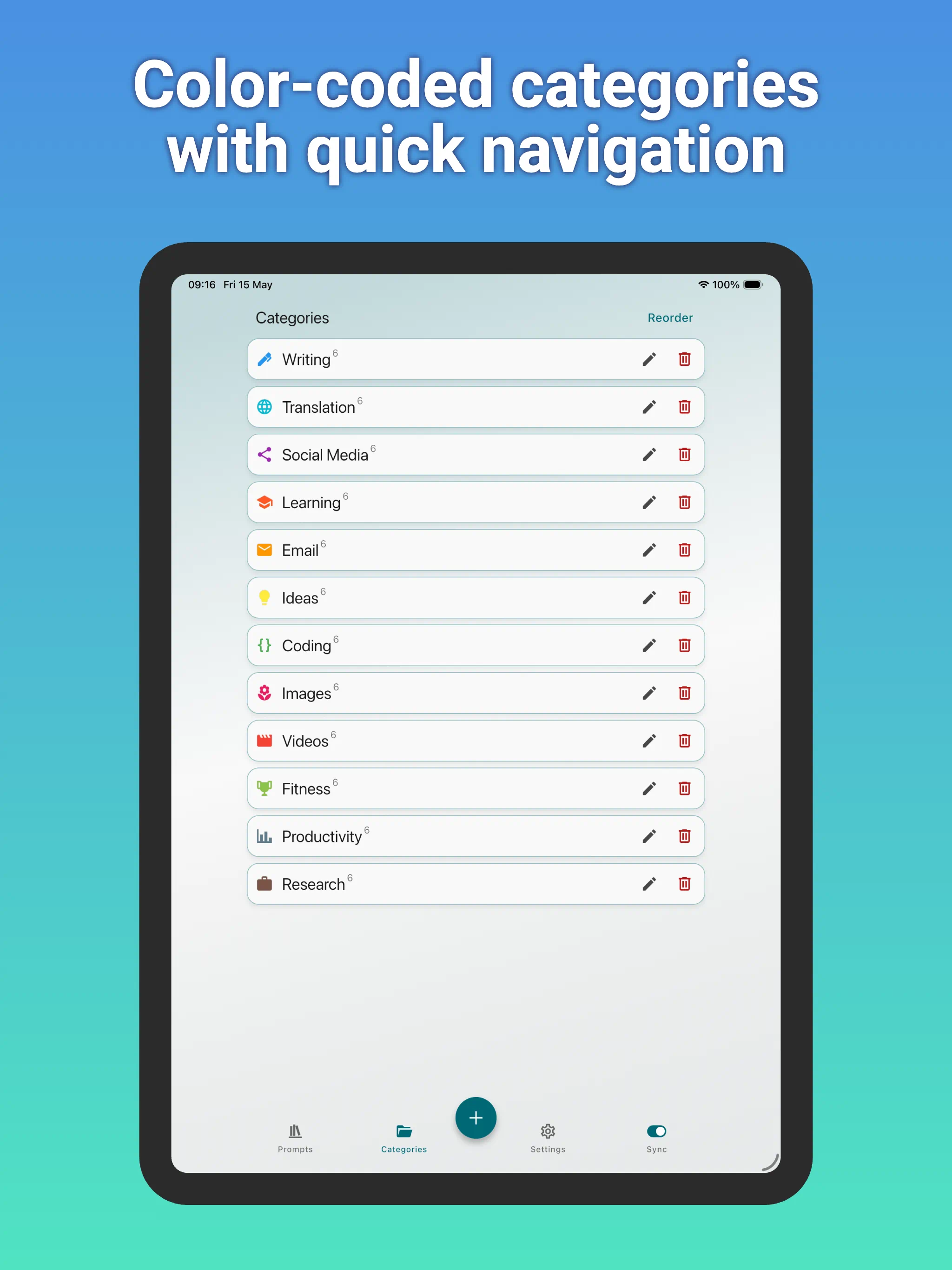
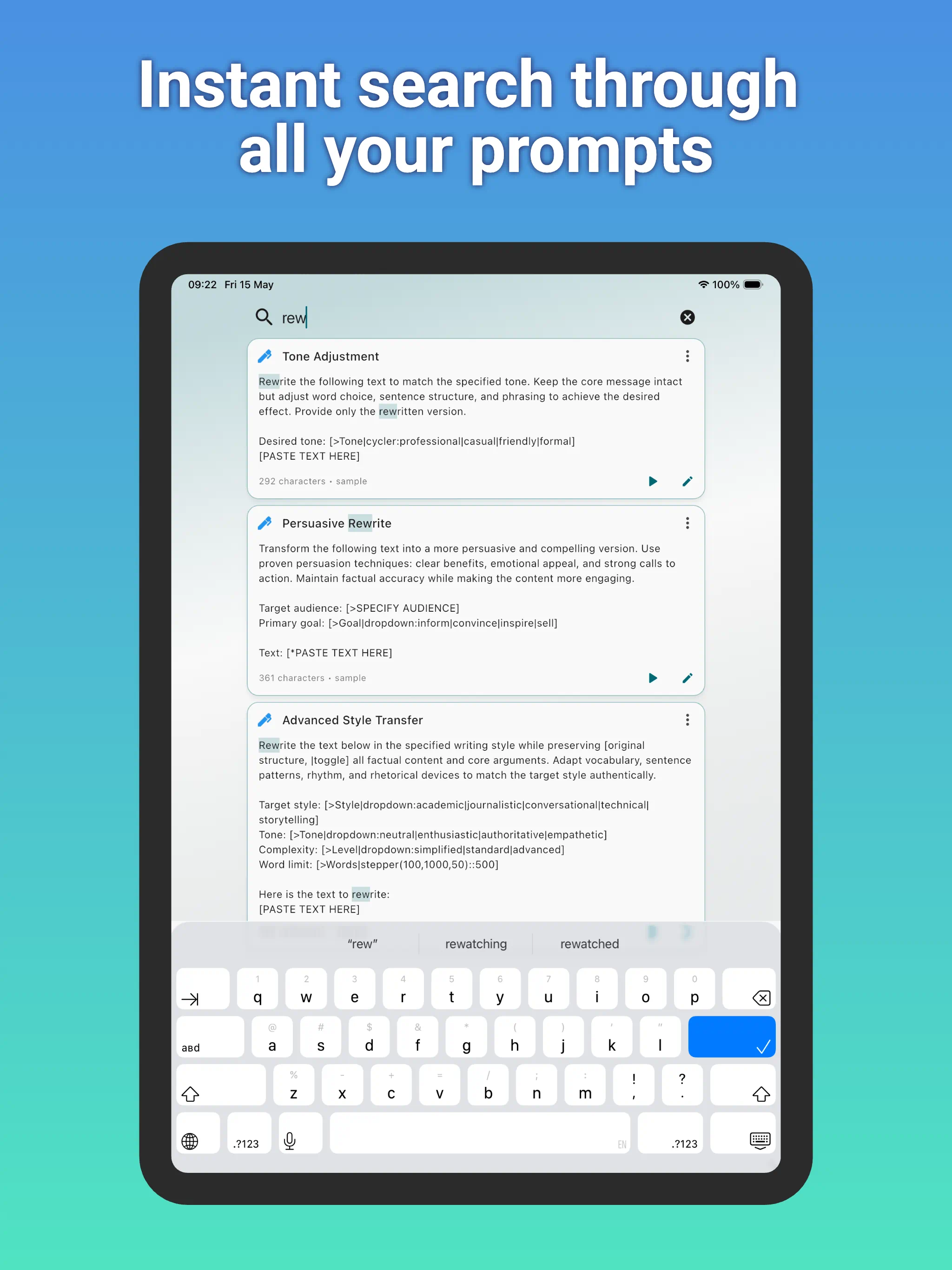
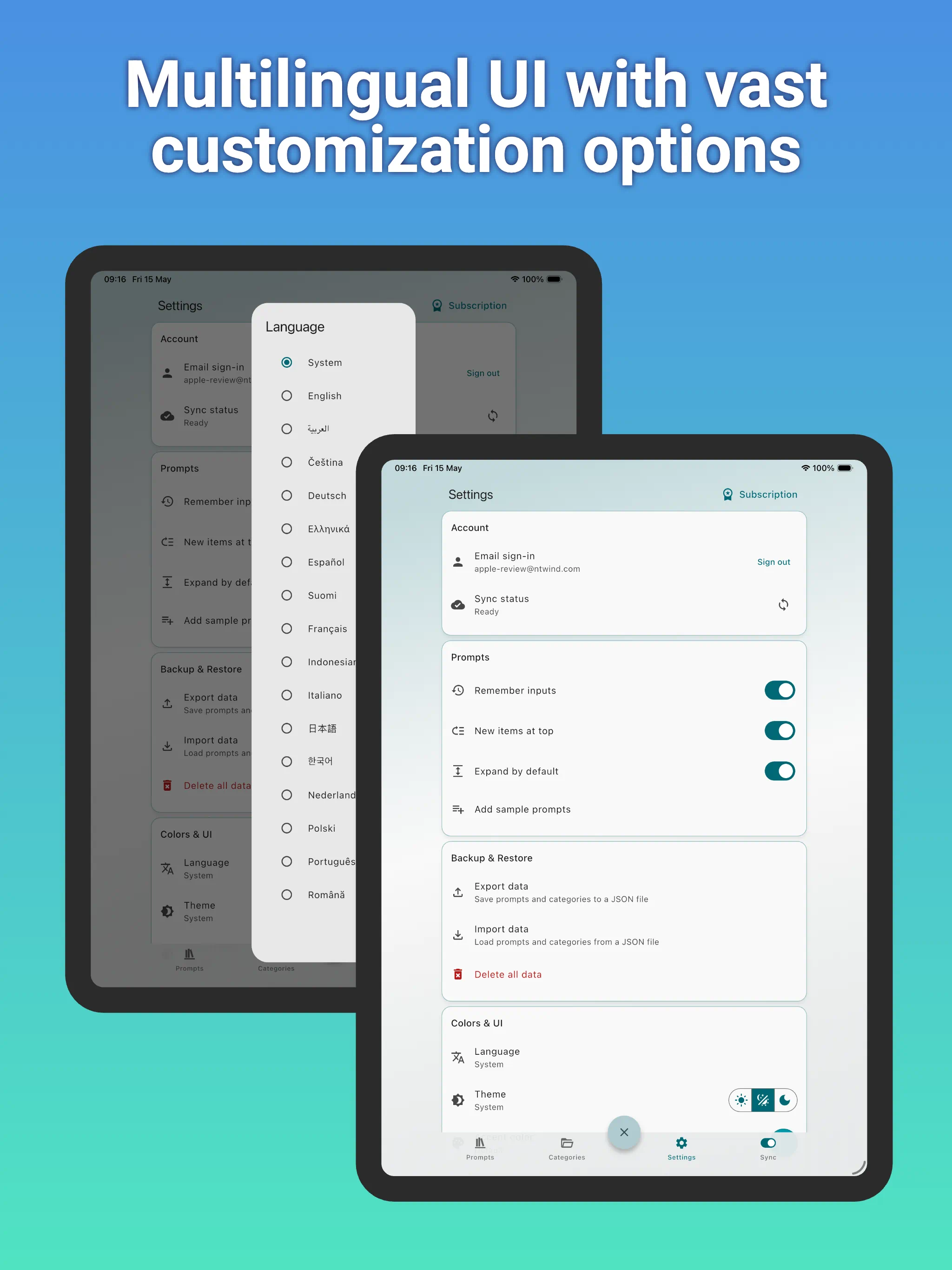
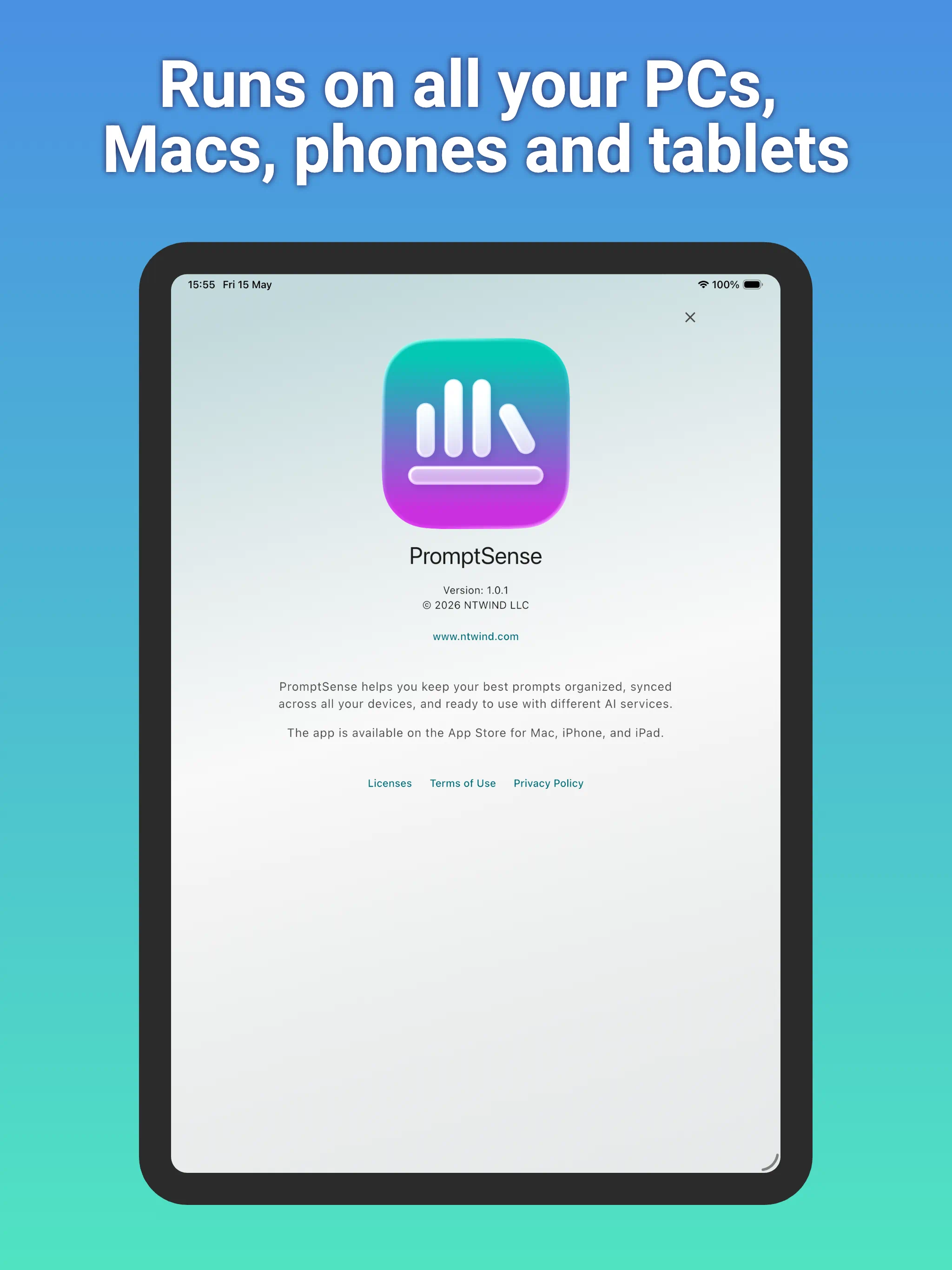
👆 Screenshots on iPad — Click to Enlarge
Feature Highlights
- Prompt categories: Keep prompts grouped, color-coded, and easy to browse.
- Template fields: Create fillable prompts with text fields, dropdowns, toggles, sliders, dates, and more.
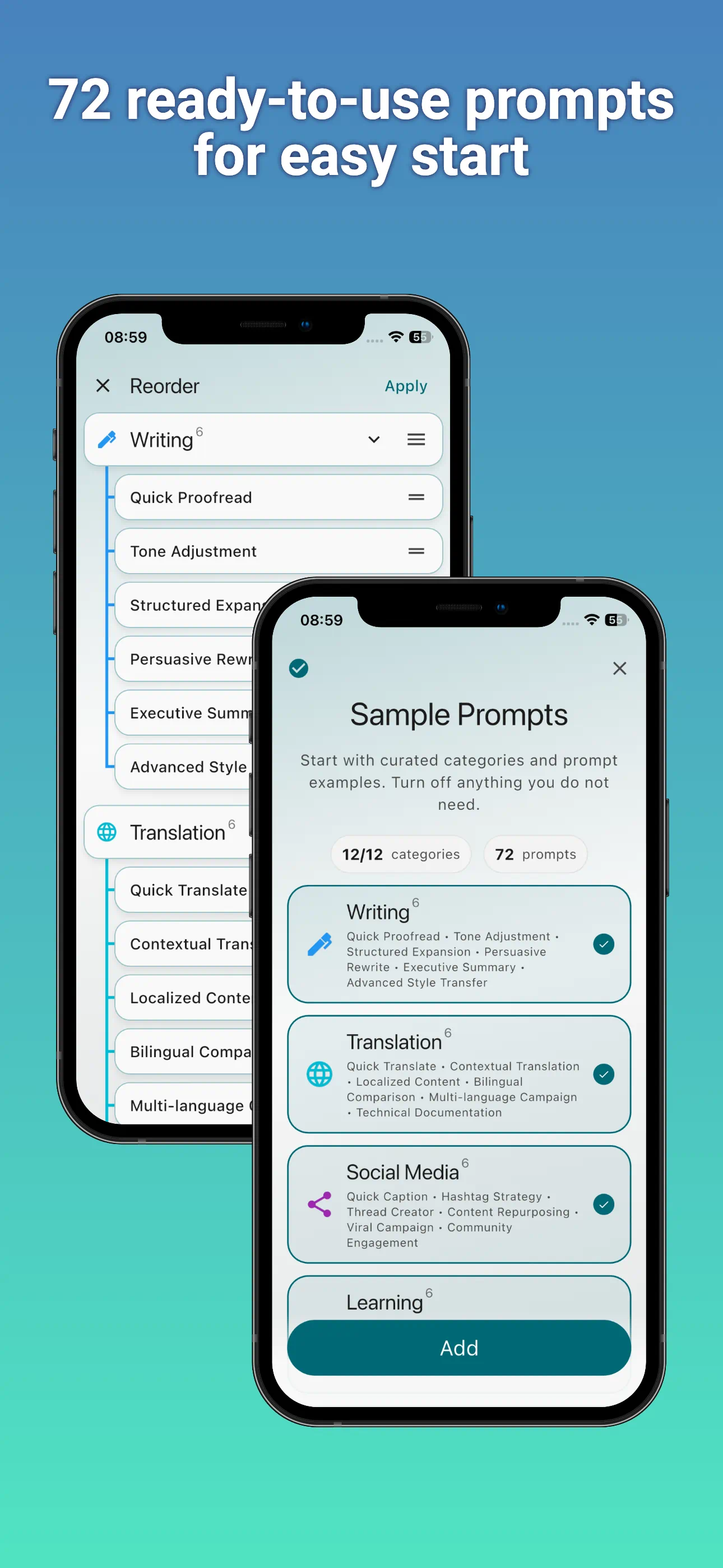
- Sample prompts: Start quickly with built-in examples for writing, coding, research, business, images, videos, and productivity.
- Privacy-first policy: Your prompt library stays on your device. No user account and no Internet connection is required!
- No ads: PromptSense is focused on your prompt workflow, not advertising.
Whether you are building a personal prompt library, managing reusable instructions for work, or experimenting with advanced AI templates, PromptSense gives you a fast and organized place to keep everything.
What's New | Template Format | Privacy Policy | Terms of Use
Home • Cross-Platform • PromptSense