Webcam Remote - Live Webcam Preview, Remote Photos and Video on Your Phone
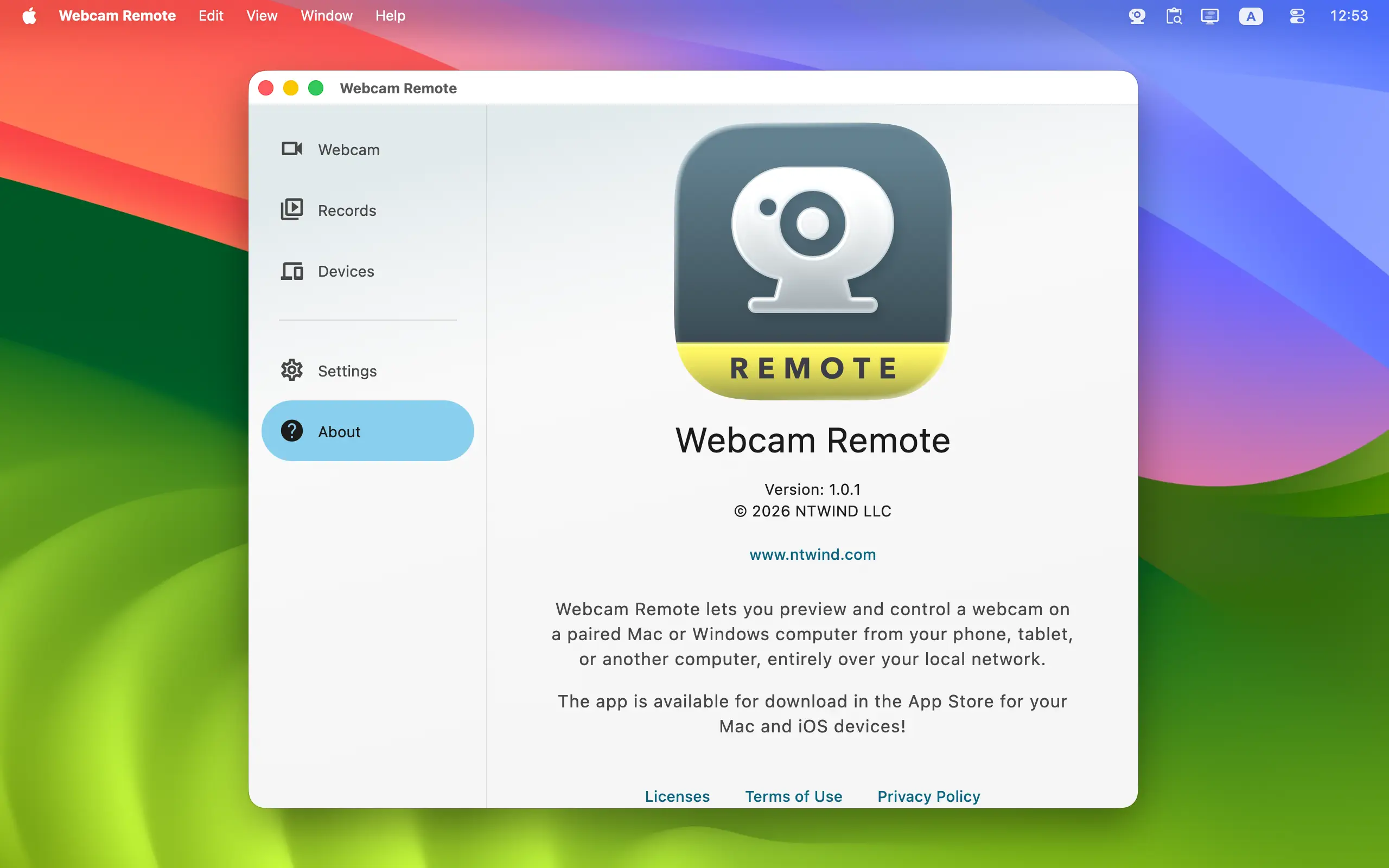
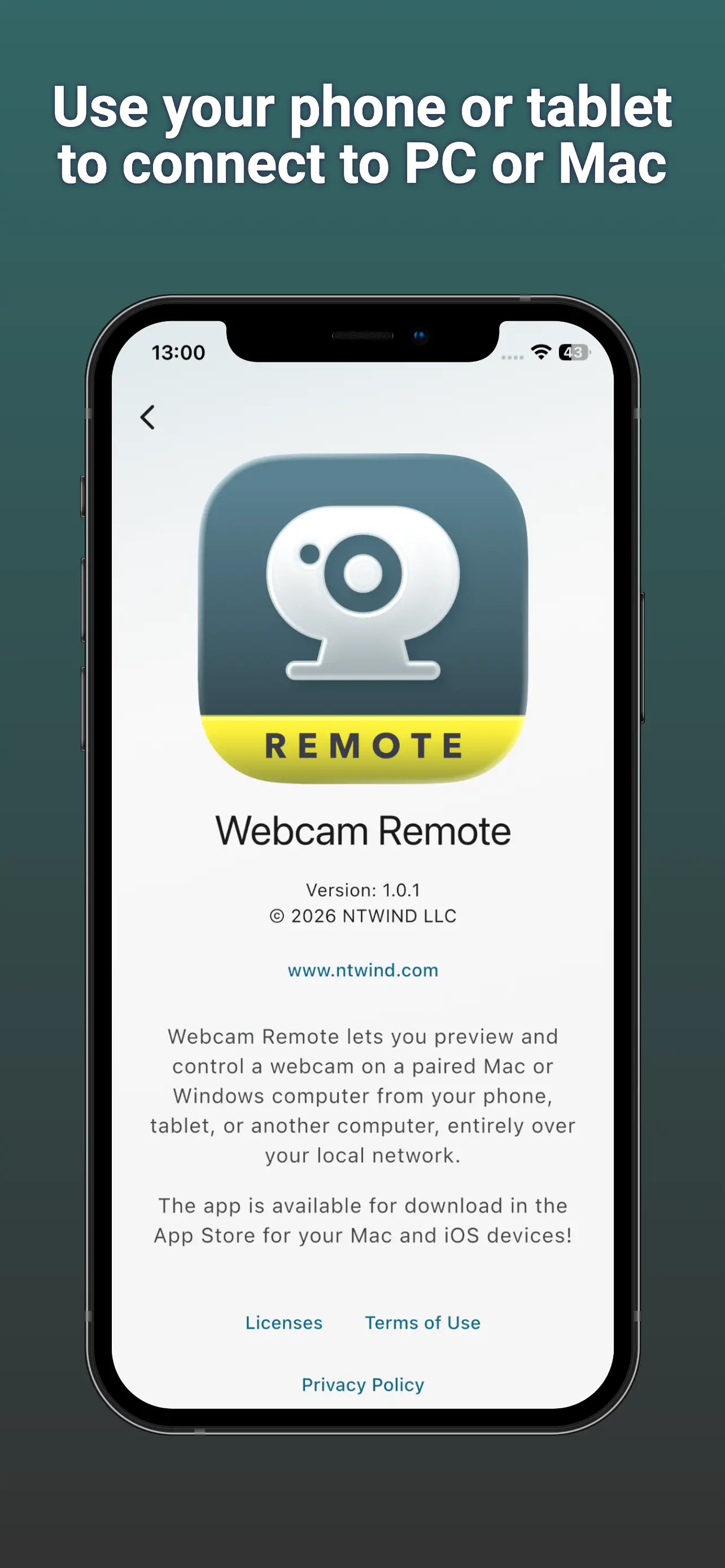
Webcam Remote turns your phone, tablet, Mac, or Windows computer into a private remote control for a webcam on a paired Mac or Windows PC. Connect over your local network or

Webcam Remote is made for camera setups where the best place for the webcam is not the best place for the controls. Frame a group photo while standing in the shot, record a hands-on demonstration from beside your work, check a USB webcam across the room, or monitor an authorized camera elsewhere on the same premises.
To start using Webcam Remote, install it on two or more devices. Webcam capture is available on Mac and Windows computers running Webcam Remote on the same local network. Android phones or tablets, iPhone or iPad can act as controllers. Version 1.0.2 was released on 14-Oct-2026, see what's new →


Languages: Arabic, Czech, German, Greek, English, Spanish, Finnish, French, Indonesian, Italian, Japanese, Korean, Dutch, Polish, Portuguese, Romanian, Russian, Swedish, Turkish, Ukrainian, Chinese Simplified, Chinese Traditional
ENJOY OUR FREE SOFTWARE - No ads, no subscriptions, completely free!
Key Features
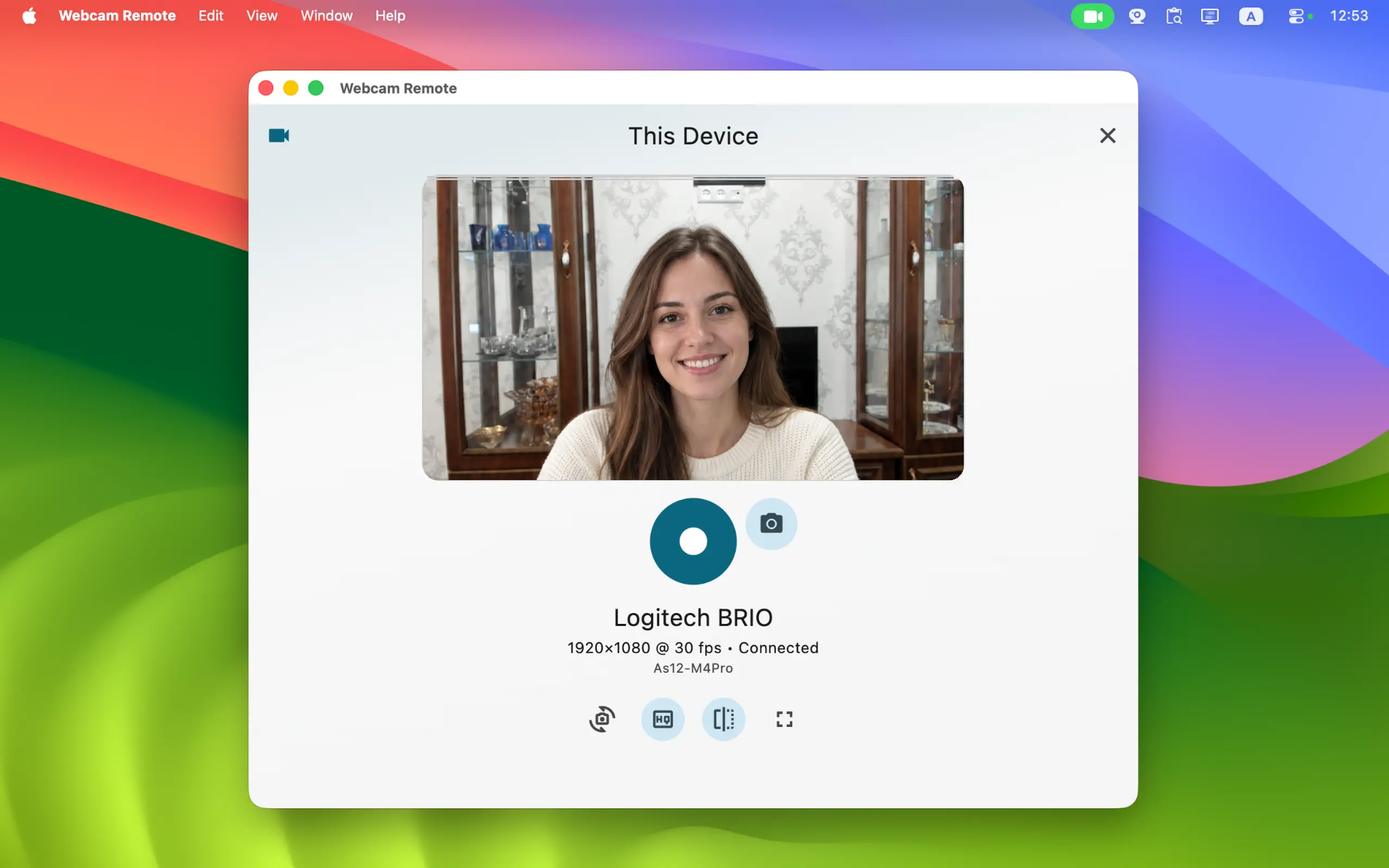
- Live Webcam Preview: View a real-time feed from a built-in or USB webcam on your paired Mac or Windows computer. Use a phone, tablet, laptop, or another desktop as the nearby camera monitor.
- Remote Photo Shutter: Compose the picture from in front of the camera and take a JPEG photo with one tap. It is useful for group photos, self-portraits, product shots, documents, and creative camera placements.
- Remote Video Recording: Start and stop video-only H.264/MP4 recording without touching the capture computer. Webcam Remote intentionally does not record audio.
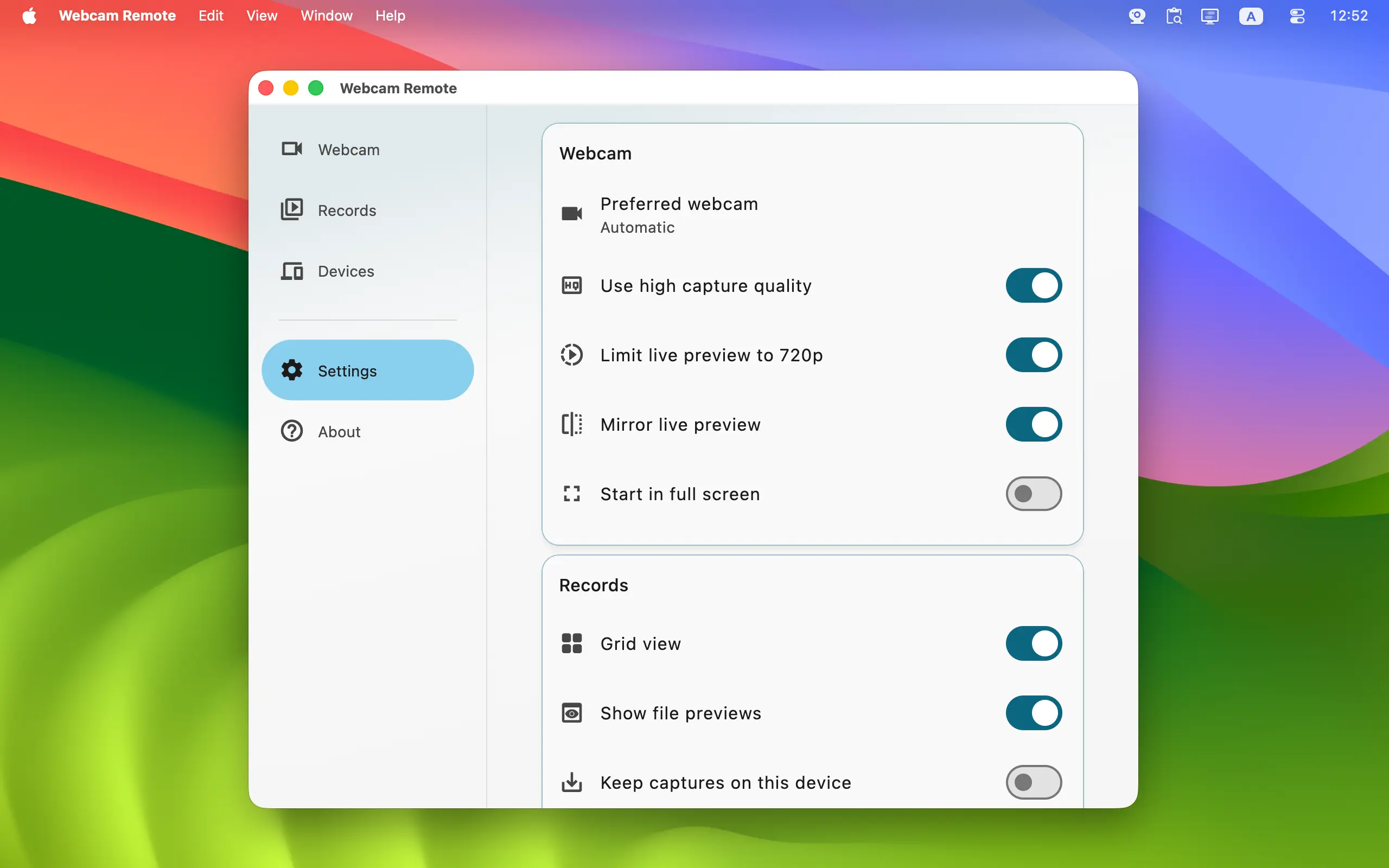
- Standard and High Quality: Choose an advertised archive-quality preset for photos or videos. High-quality video can reach Full HD when supported by the camera and computer.
- Switch Webcams: Select another available camera remotely when the capture computer grants permission. Move between a built-in camera, external USB webcam, or another connected video source.
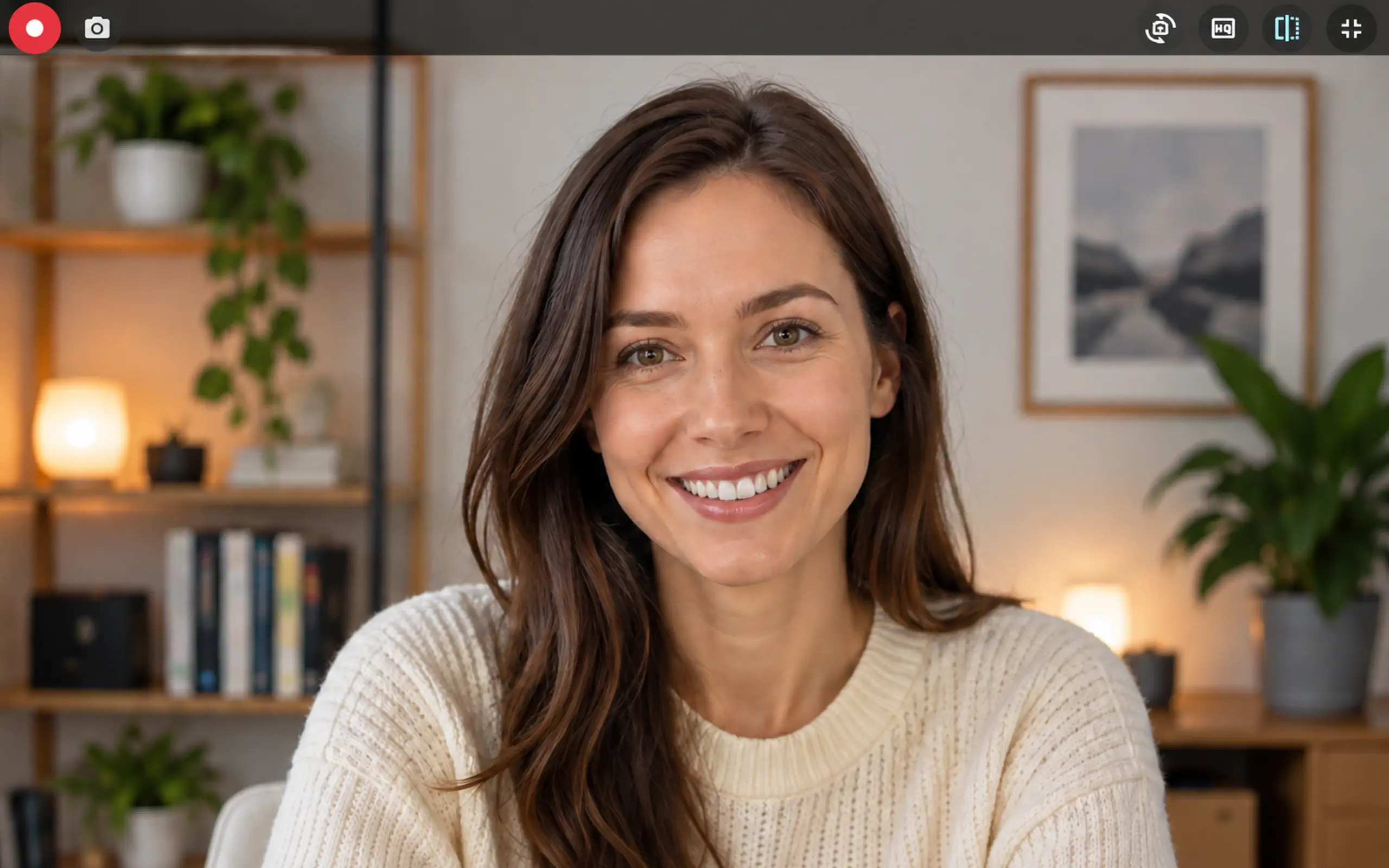
- Mirror and Full Screen: Mirror the live preview for natural self-framing or expand it to full screen when you want a larger camera monitor.
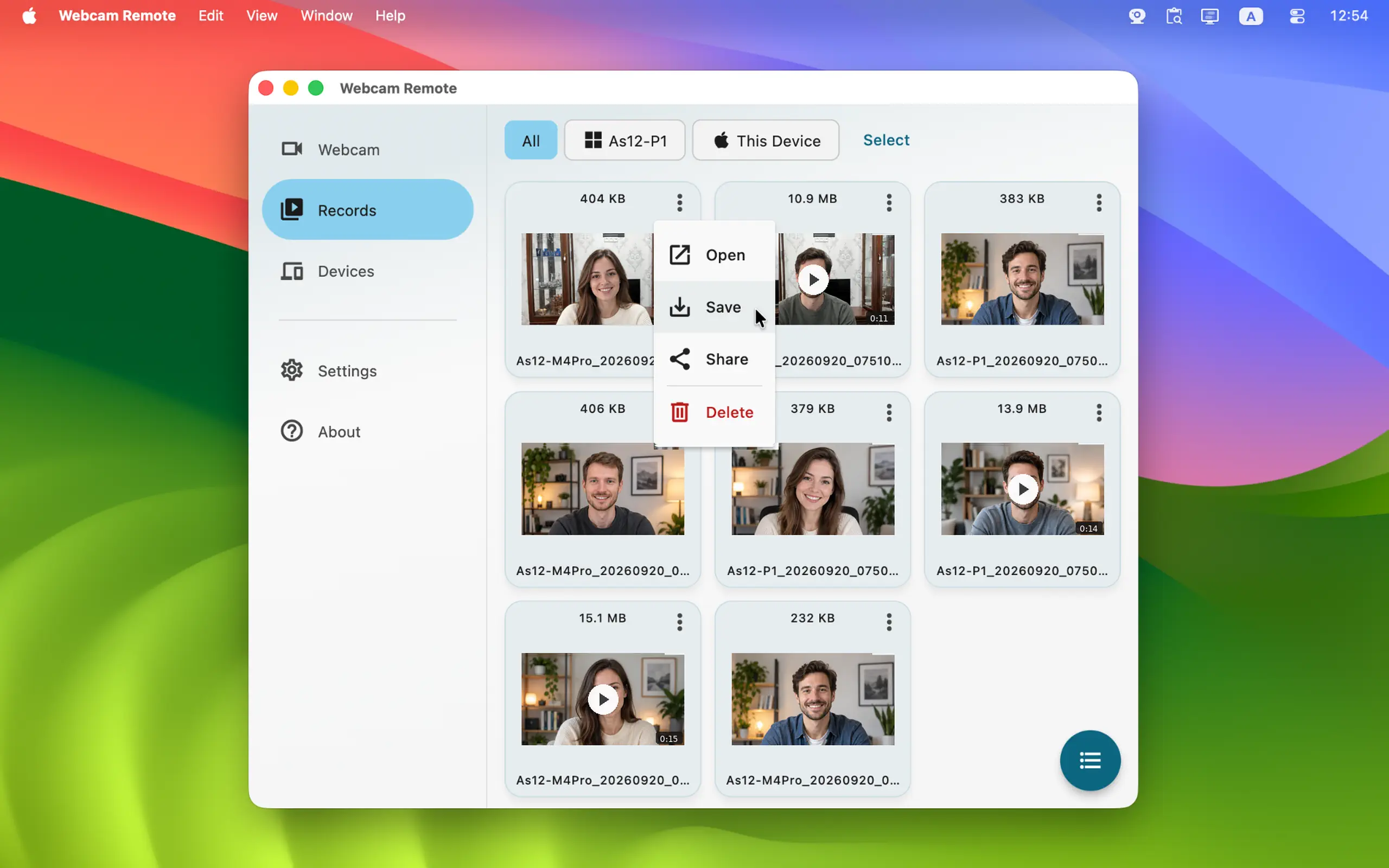
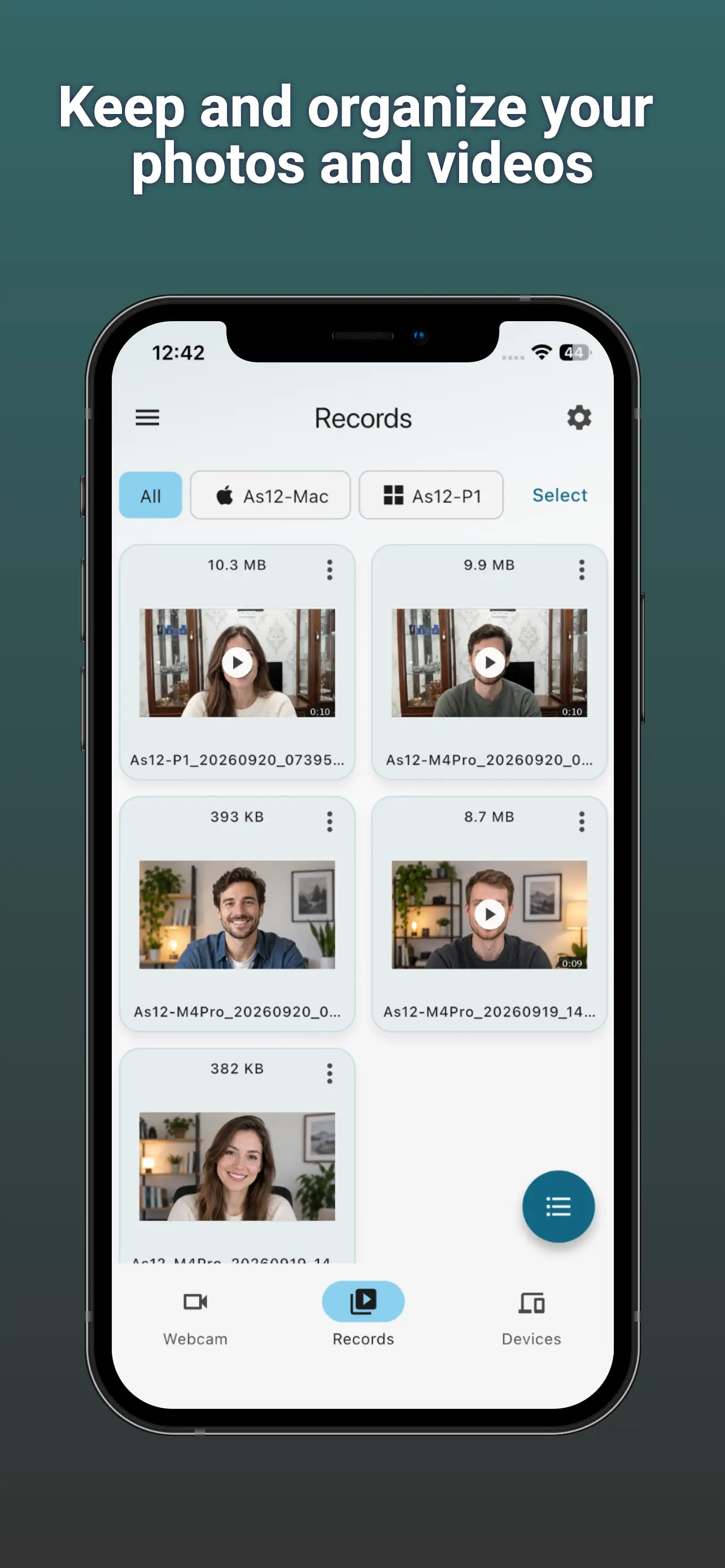
- Local Records Library: Finished photos, silent videos, and video posters appear in Records on the controlling device. Use list or grid view, filter by device or media type, and inspect capture details.
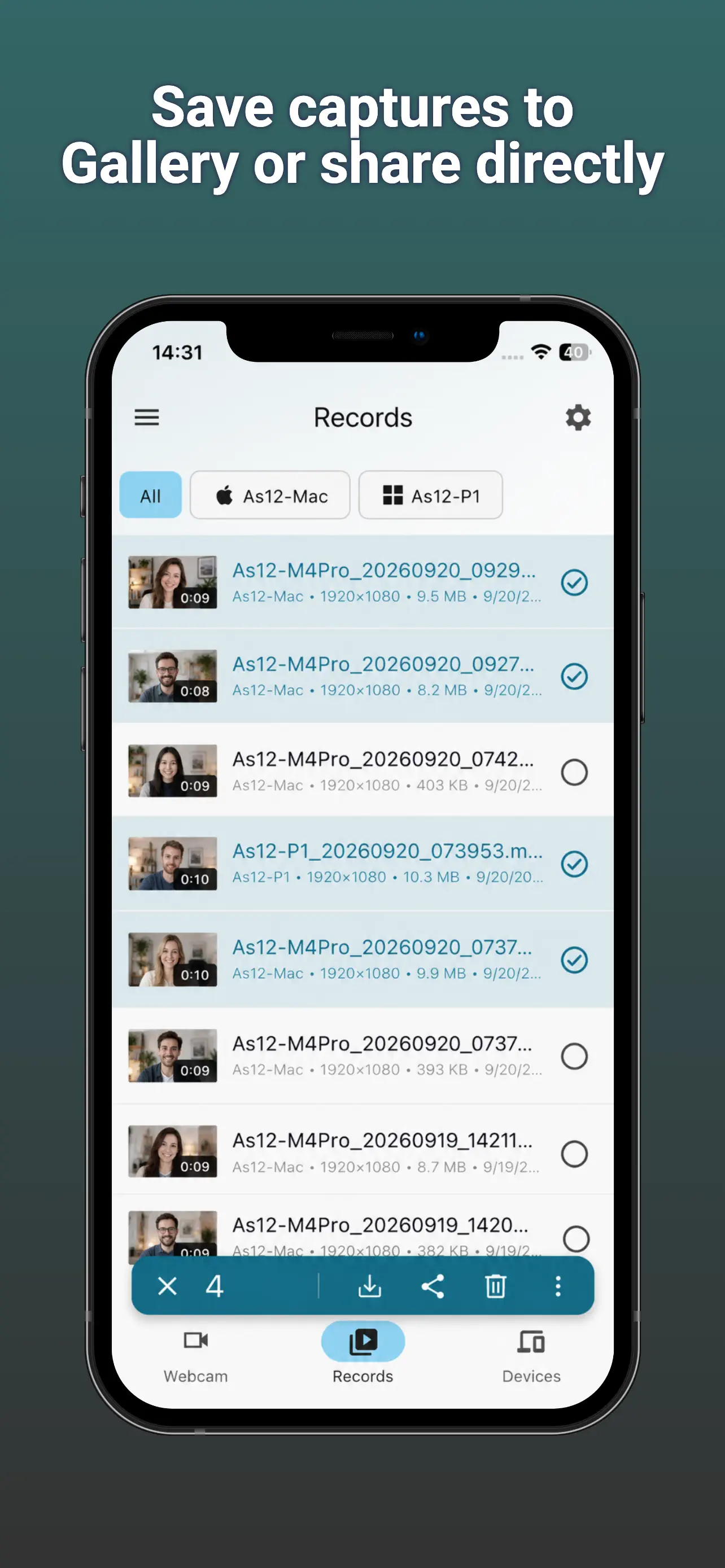
- Save, Share, Drag Out, or Delete: Save completed media to a folder or mobile gallery, share it through supported system apps, drag files from the desktop app, or delete captures you no longer need.
- Local Network Only: Webcam Remote is designed for devices on the same trusted LAN. No cloud account, public camera page, cloud storage, or internet video relay is required.
- Secure Pairing: Pairing must be approved before control is allowed. Certificate-pinned HTTPS protects signaling, commands, camera state, and checked file transfer; encrypted peer-to-peer transport protects live preview video.
- Capture-Computer Permissions: The Mac or Windows PC that owns the webcam separately decides whether each paired controller may view the live preview, take photos, record video, or select a webcam.
- Visible Camera Use: The capture computer shows when its webcam is being viewed or video is being recorded, and it can end the session, stop recording, revoke permission, or remove a pairing.
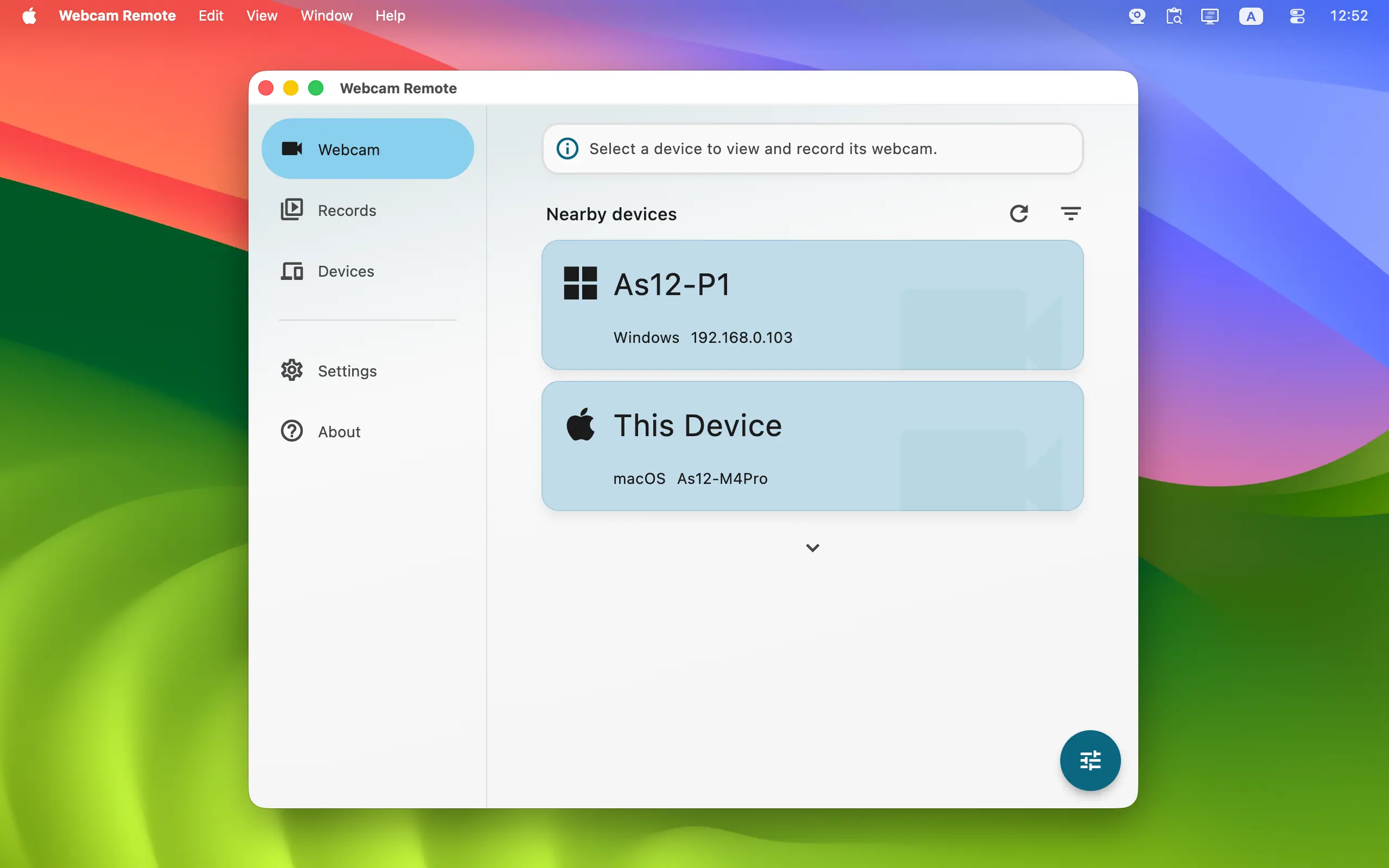
- Nearby Device Discovery: Find supported Mac and Windows computers on your network automatically. If discovery is blocked, add a device manually using its local IP address.
- Cross-Platform Controller: Use Android, iPhone, iPad, Mac, or Windows to control and store captures. Mac and Windows can also provide the webcam.
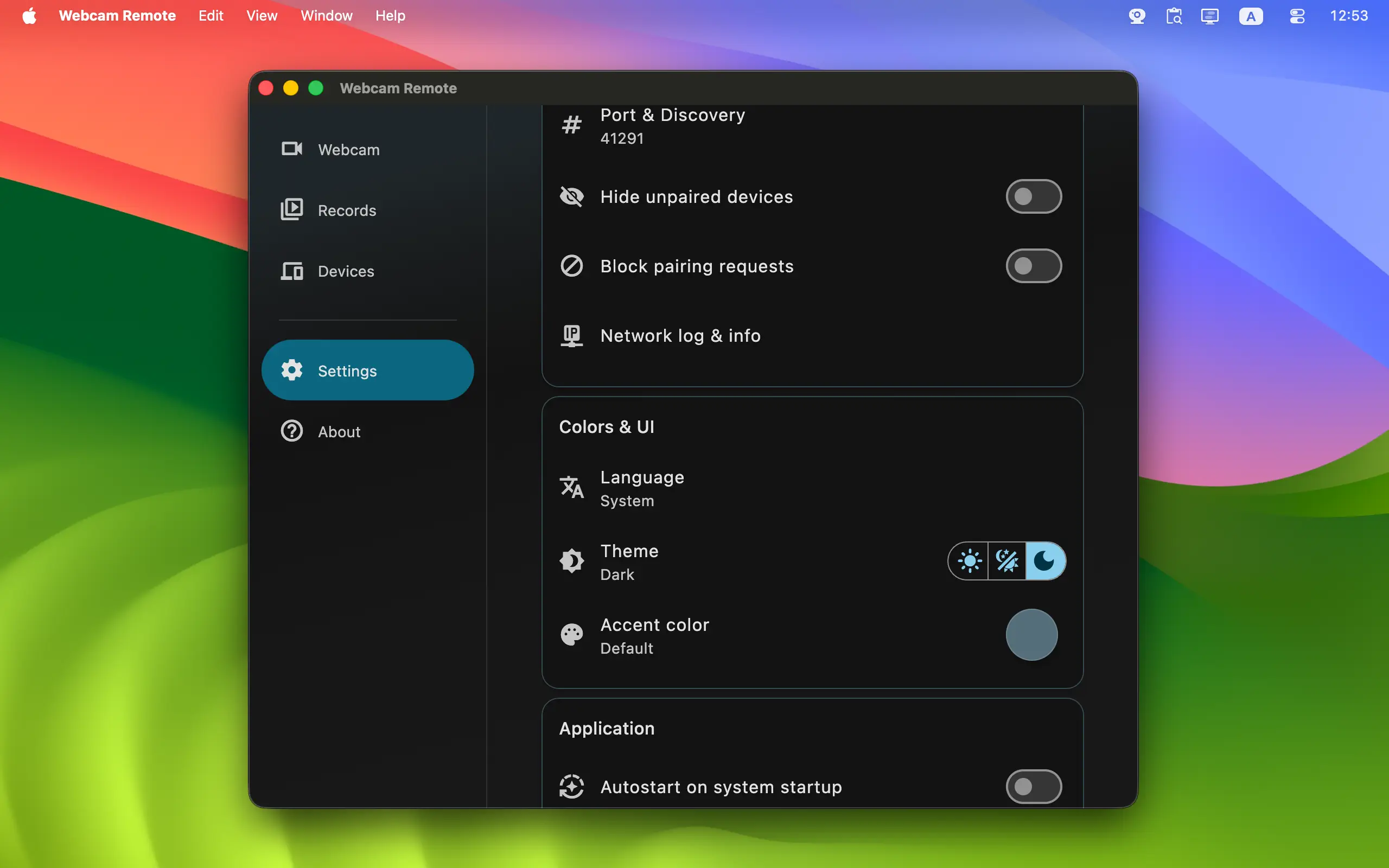
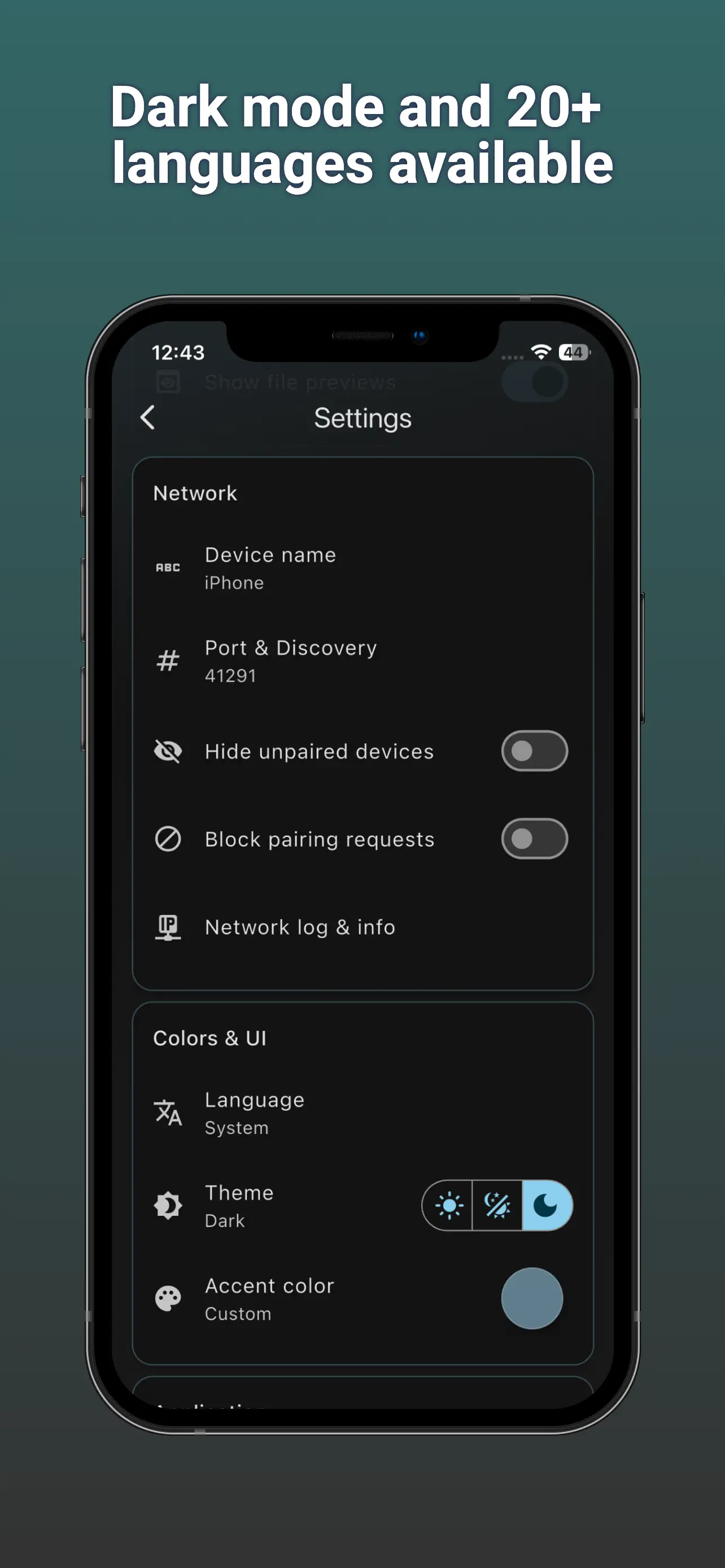
- Comfortable Everyday UI: Webcam, Records, and Devices tabs keep live control, captured media, and trusted-device management easy to find. Light and dark themes, accent colors, desktop tray behavior, and autostart help the app fit your setup.
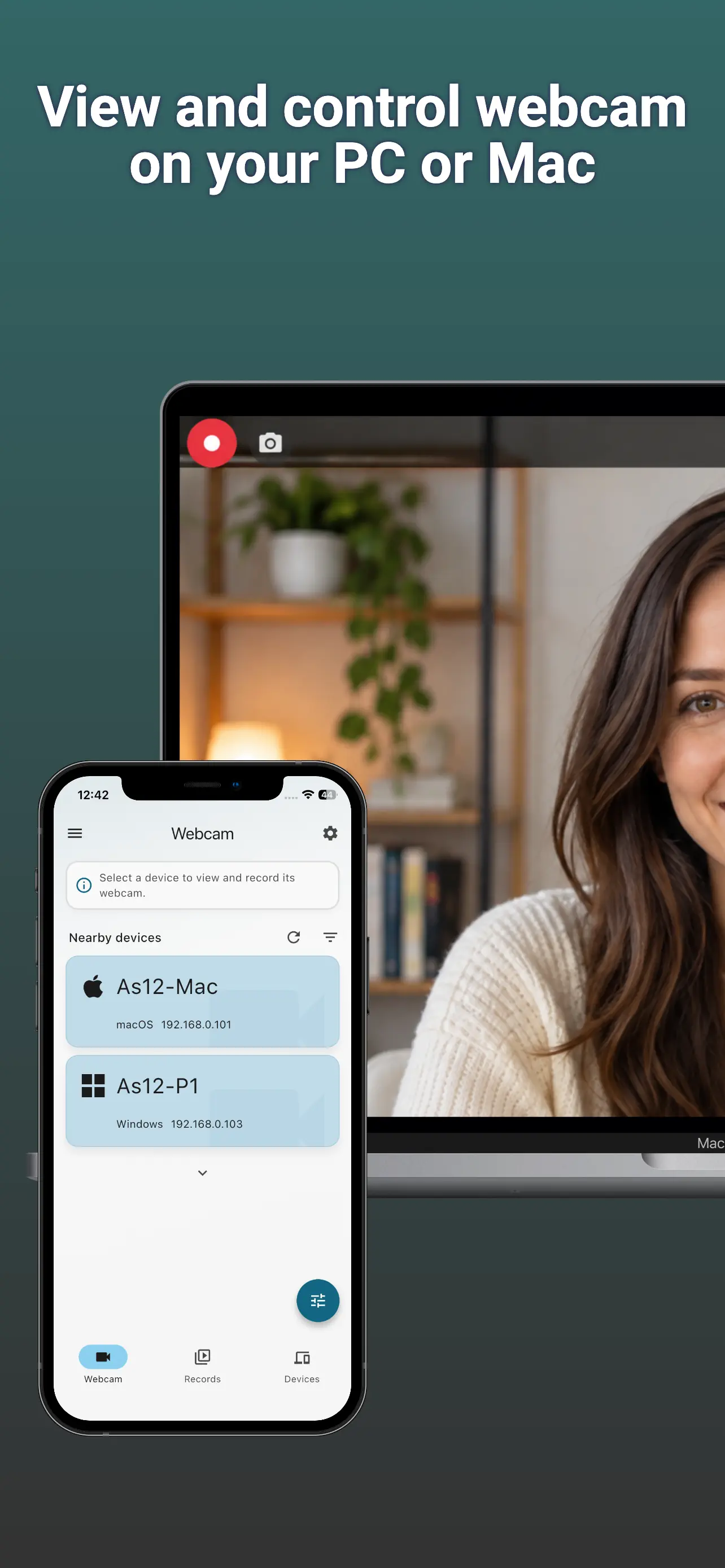
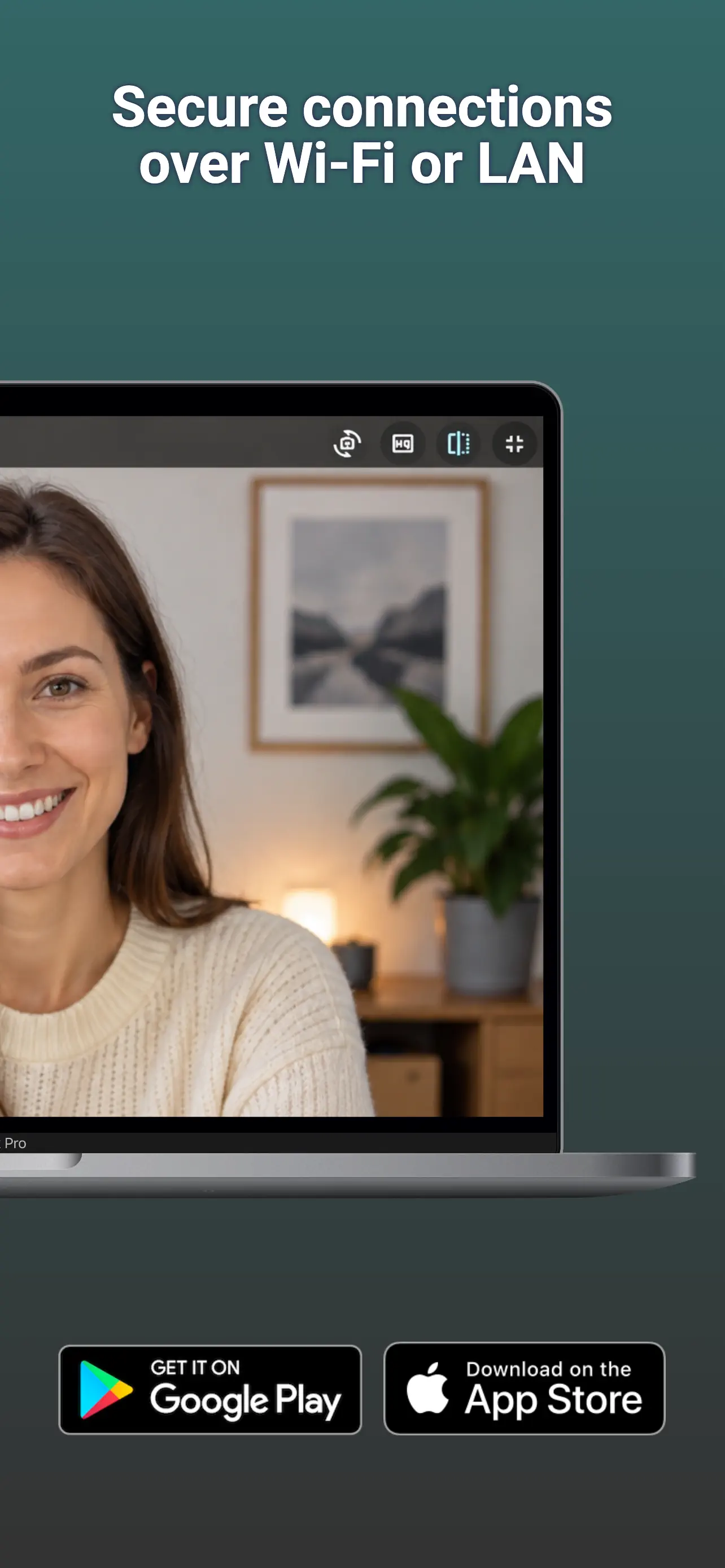
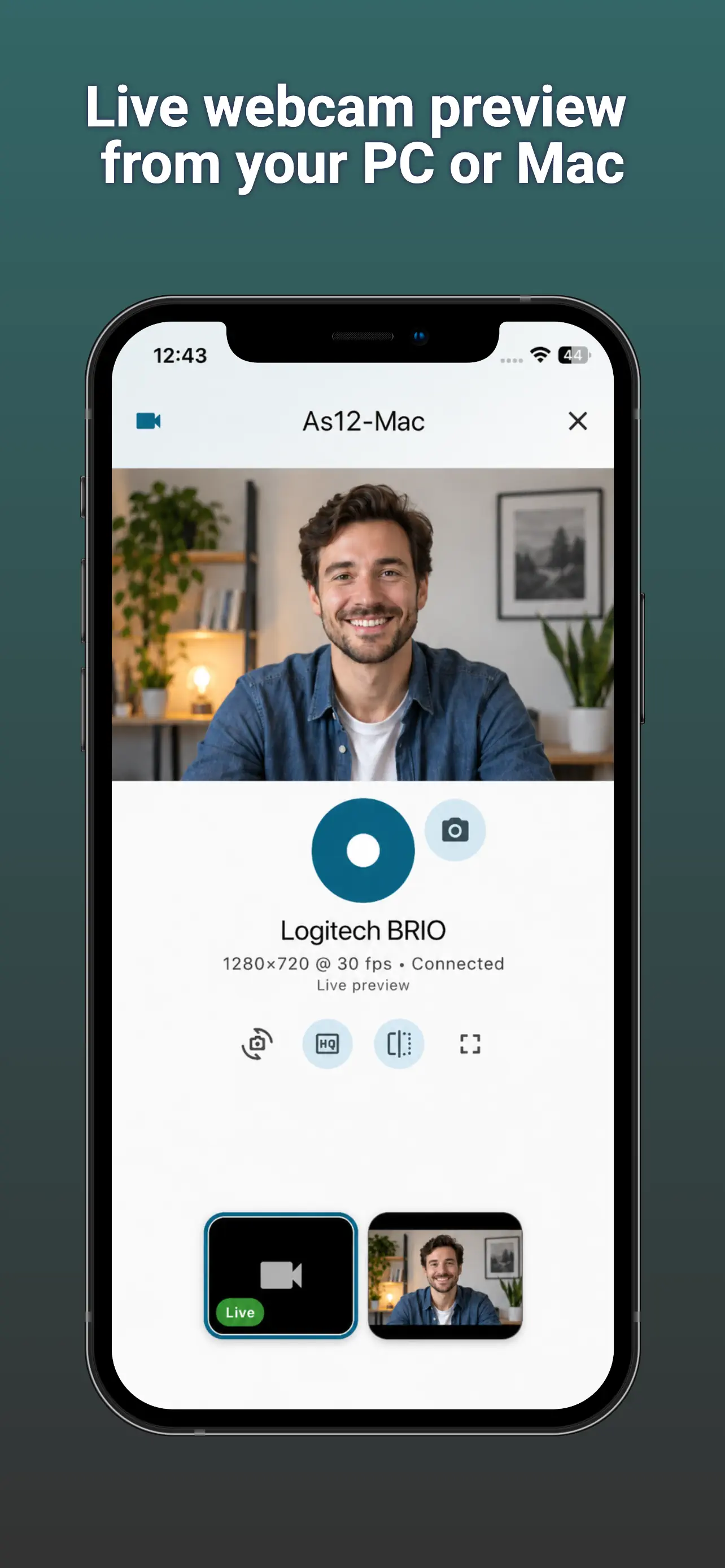
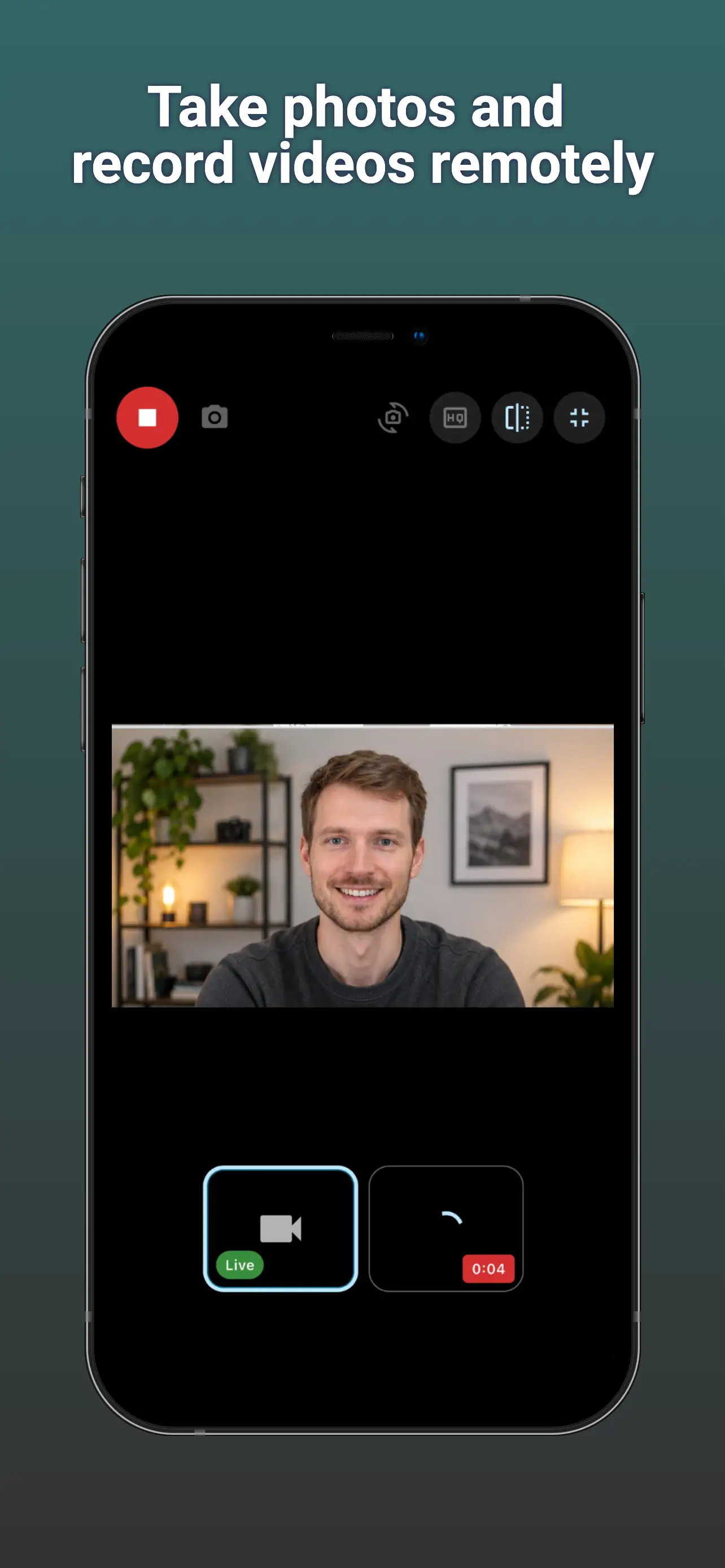
👆 Screenshots on Mobile — Click to Enlarge
User Interface Design
The UI of Webcam Remote is organized into three main tabs, each focused on a clear camera task:
- Webcam Tab: Find a nearby paired Mac or Windows computer, open its live camera, take a photo, start or stop video, switch webcams, change capture quality, mirror the preview, or enter full screen.
- Records Tab: Review transferred photos and videos in a list or grid. Filter media, view file details, retry an interrupted transfer where available, then save, share, drag out, or delete completed captures.
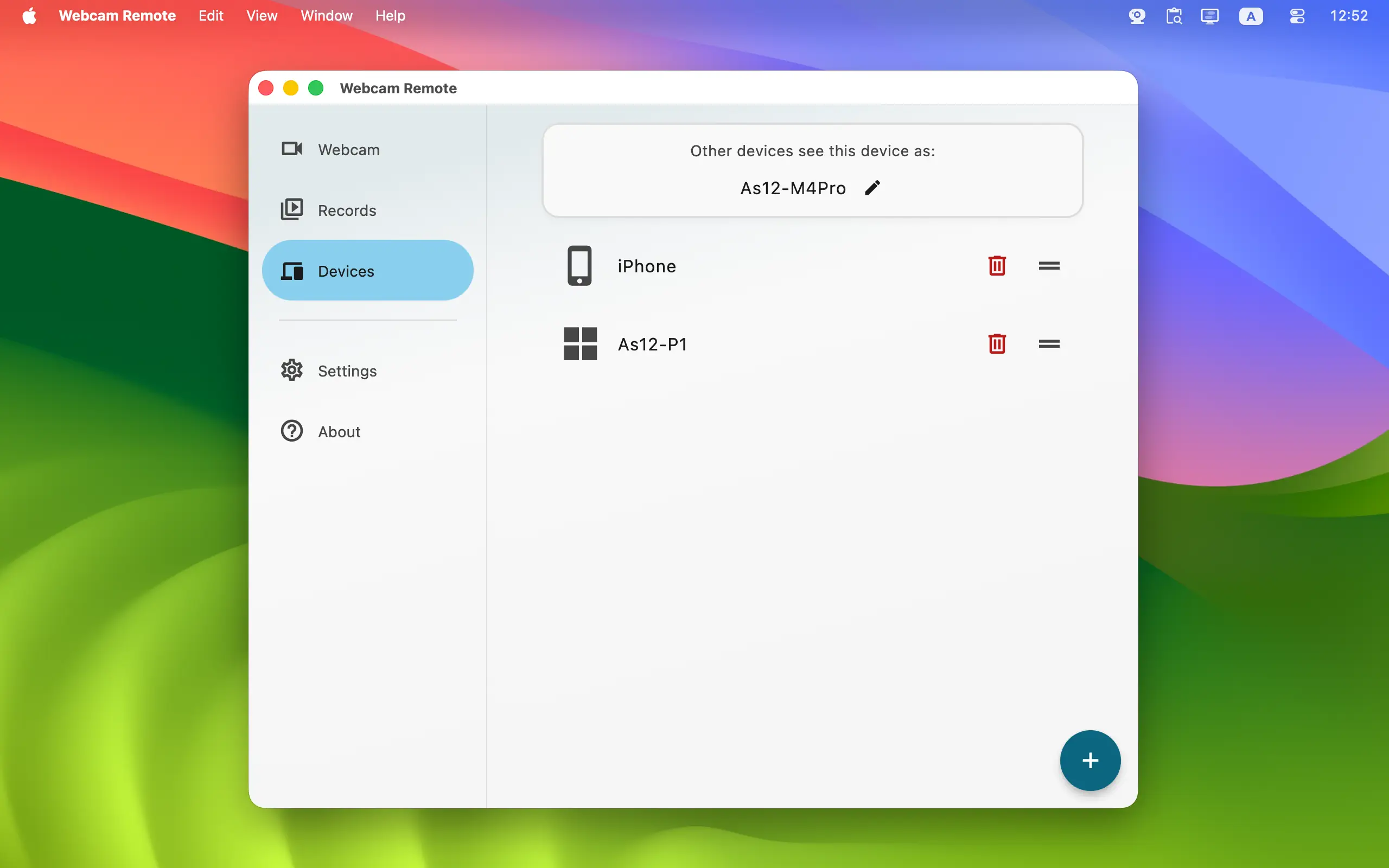
- Devices Tab: Manage trusted devices. Rename or hide a device, remove an old pairing, add a computer by local IP address, and—on the computer that owns the webcam—choose its camera permissions.
Webcam Remote is a practical local camera companion for group photography, tutorials, tabletop work, classroom demonstrations, hobby projects, pet check-ins around the home, and webcam testing. It keeps camera control in your hand without publishing your feed to a cloud camera service.
Use cameras responsibly. Preview or record only devices, people, and places you are authorized to access, and obtain consent where required. Webcam Remote is designed for visible, attended use and is not intended for covert or unattended surveillance.
Getting Started | What's New | Privacy Policy | Terms of Use
Home • Remote Tools • Webcam Remote