Files Remote - Browse Shared Folders on PC and Mac from Your Phone or Tablet
Files Remote gives your Android phone, iPhone, iPad, Mac, or Windows PC direct access to folders explicitly shared by a nearby Mac or Windows computer. Browse the folder tree, inspect file details, download what you need, and - when the host grants Write permission - create folders, upload files, rename items, or move them to Trash, all over your local network or

Files Remote is made for private, practical file access between devices you trust. Pick the exact folders a computer may expose instead of sharing an entire drive, approve each device before it connects, and decide whether that device receives Read only or Read & Write access.
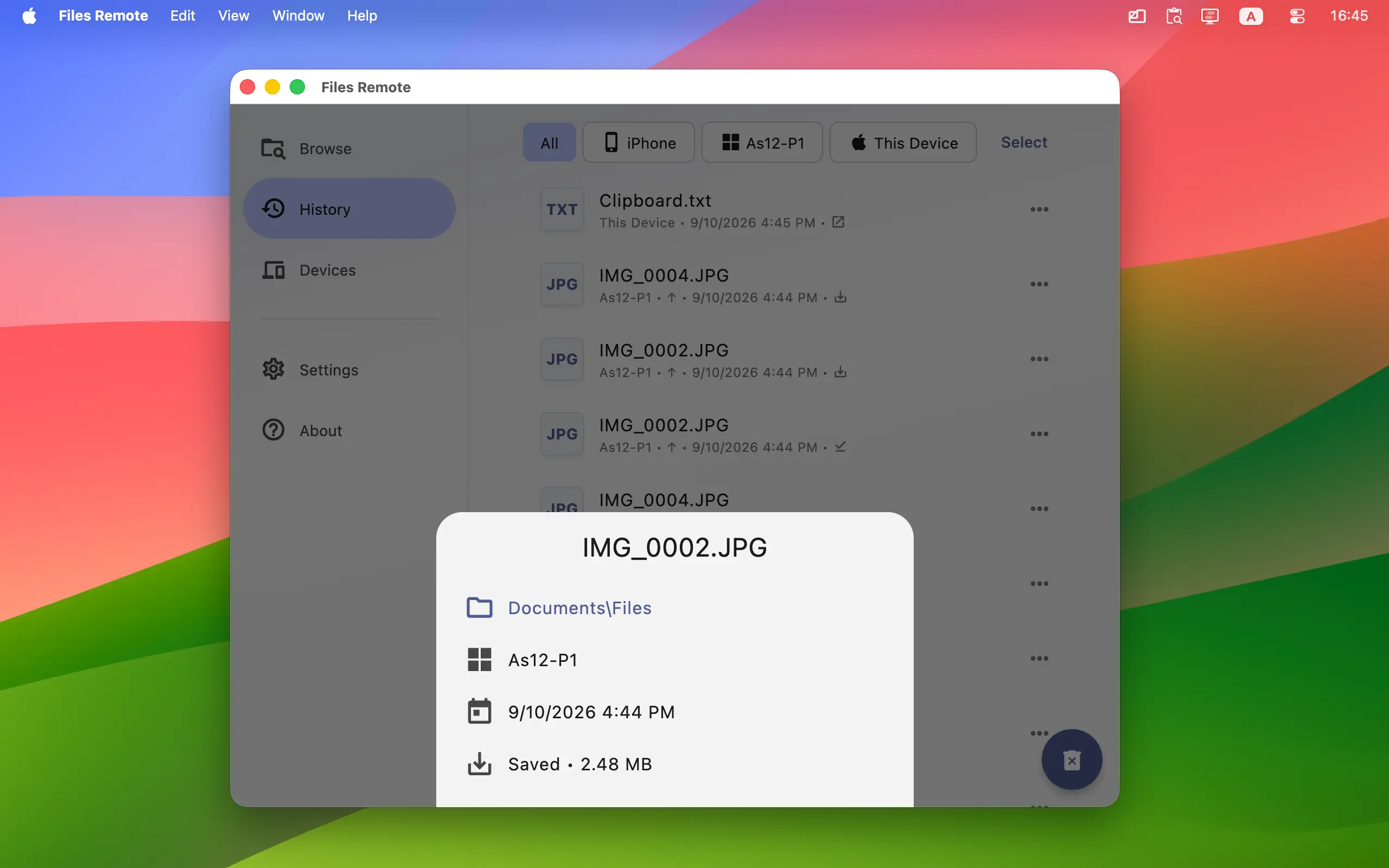
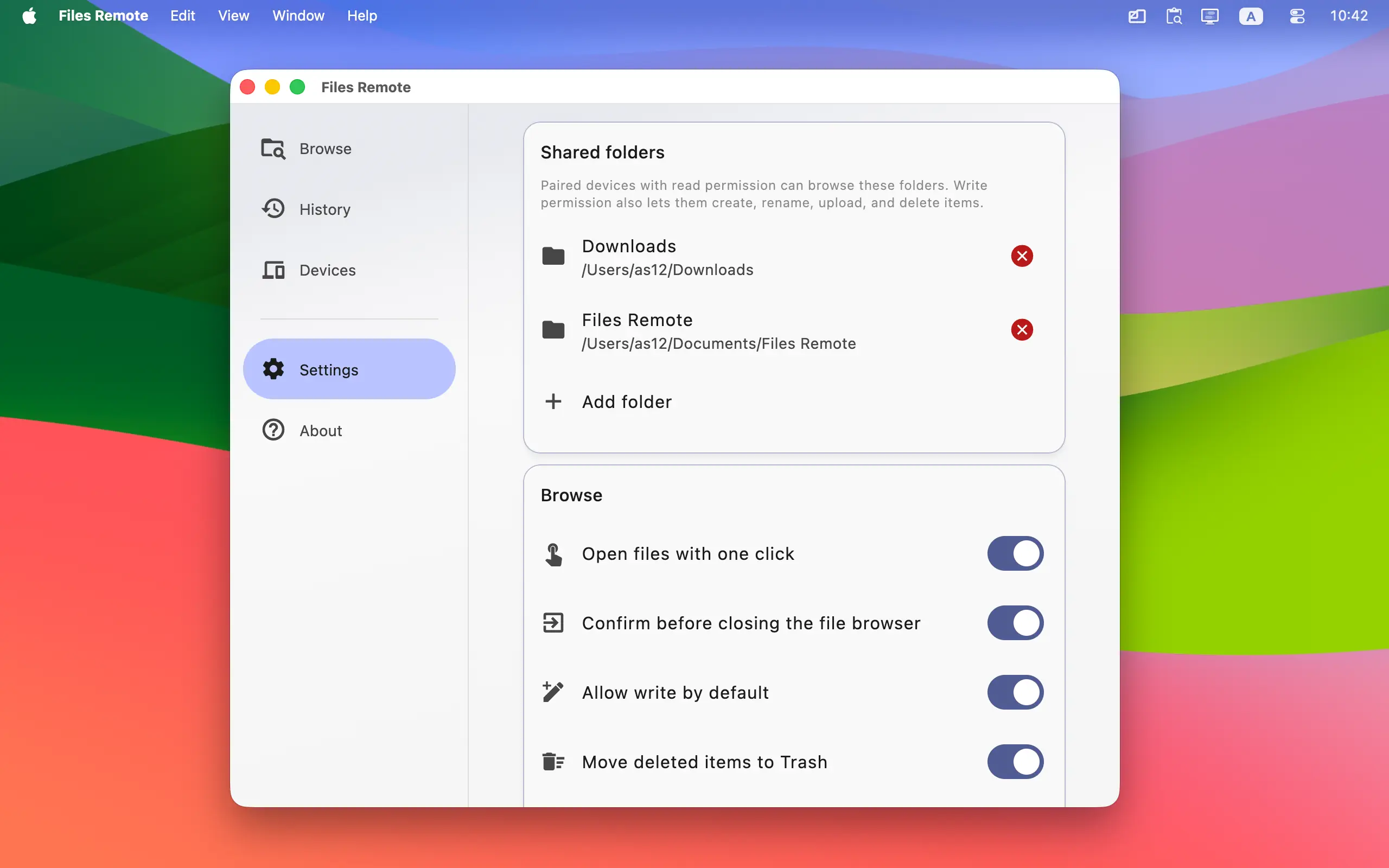
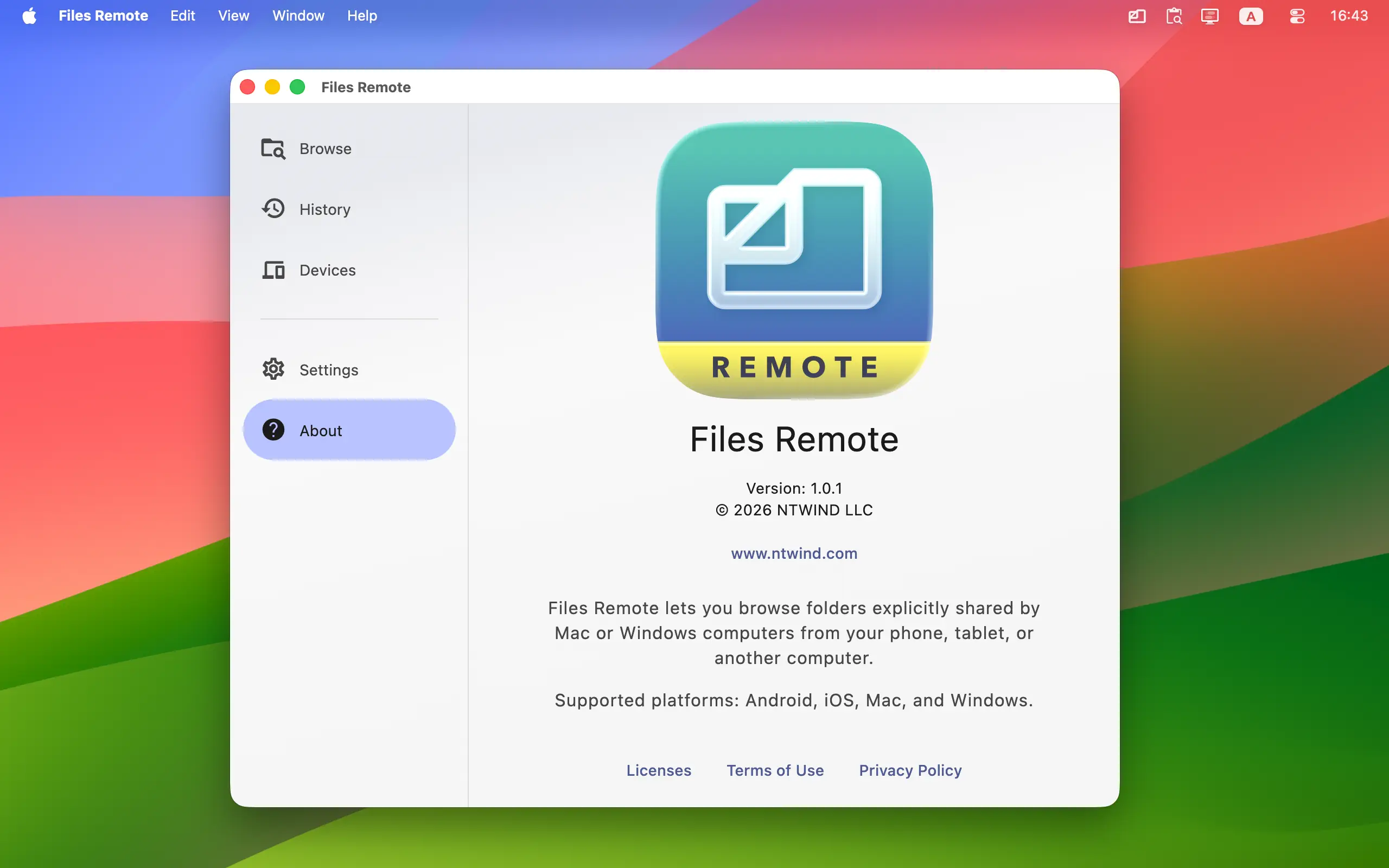
To start using Files Remote, install it on a Mac or Windows computer that holds the files and on the phone, tablet, Mac, or Windows computer you want to browse from. Keep the devices on the same local network. Version 1.0.1 was released on 17-Sep-2026, see what's new →


Languages: Arabic, Czech, German, Greek, English, Spanish, Finnish, French, Indonesian, Italian, Japanese, Korean, Dutch, Polish, Portuguese, Romanian, Russian, Swedish, Turkish, Ukrainian, Chinese Simplified, Chinese Traditional
ENJOY OUR FREE SOFTWARE - No ads, no subscriptions, completely free!
Key Features
- Browse from Any Supported Device: Use Android, iPhone, iPad, Mac, or Windows to browse folders shared by a Mac or Windows host. Desktop editions can also browse folders shared on This Device.
- Share Only the Folders You Choose: A desktop host exposes only roots you explicitly add in Files Remote. Shared roots use opaque identifiers, and folder navigation stays inside those approved boundaries.
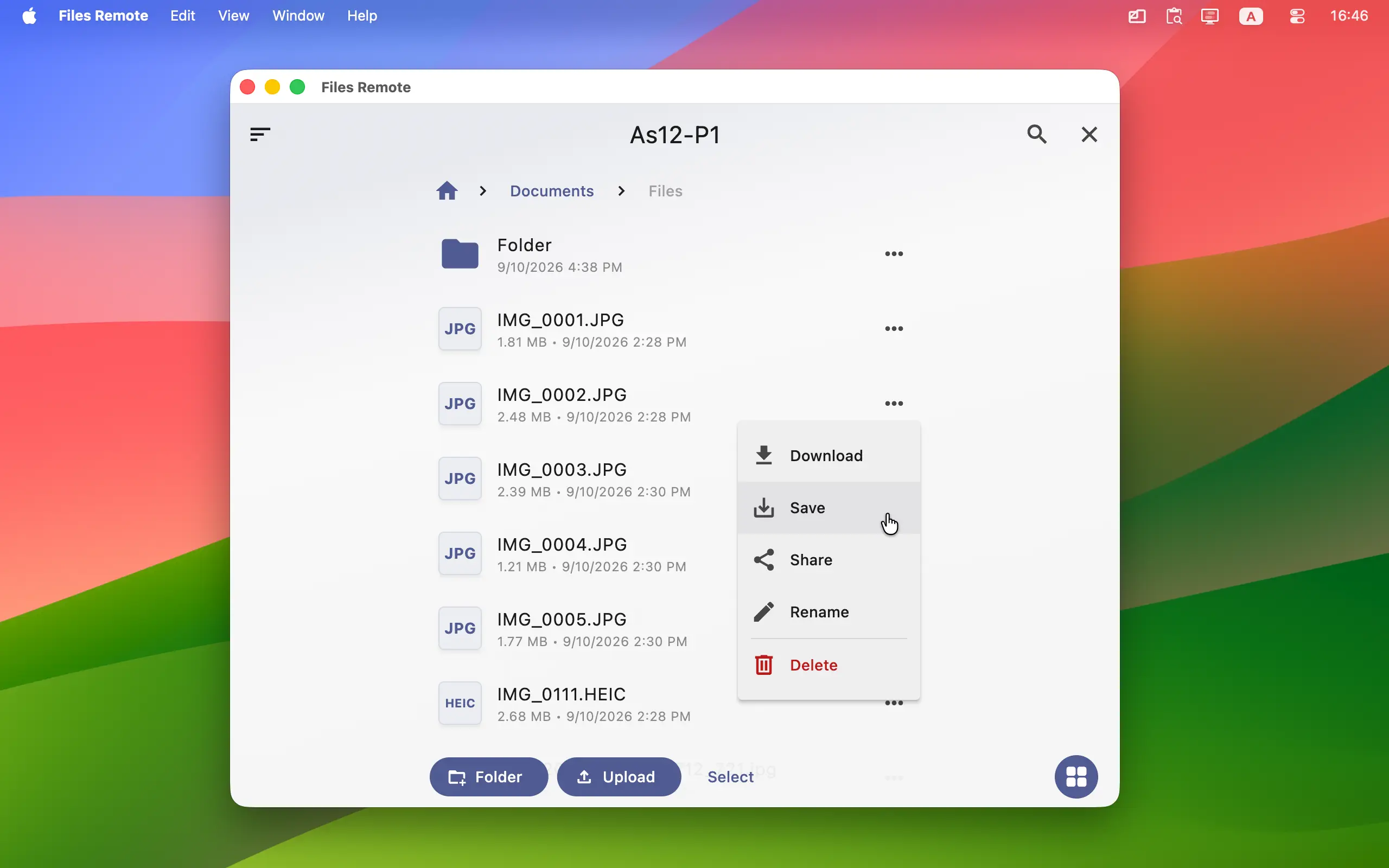
- Download and Save Files: Download files from a shared computer, then open, save, or share the received copy using the options available on your device. Android can save any file to Downloads, iPhone and iPad can use the Share sheet, and mobile devices can save supported images and videos to the gallery.
- Optional File Management: When the host grants Write permission, create folders, upload one or more files, rename files and folders, and delete items without sitting at the host computer.
- Safer Deletion Choices: Mac and Windows hosts can move deleted items to Trash or Recycle Bin. If that is unavailable, Files Remote asks before attempting a permanent deletion.
- Flexible Browsing: Switch between list and grid views, sort by name, date, size, or type, filter the displayed items, select multiple files, and choose whether hidden files are shown.
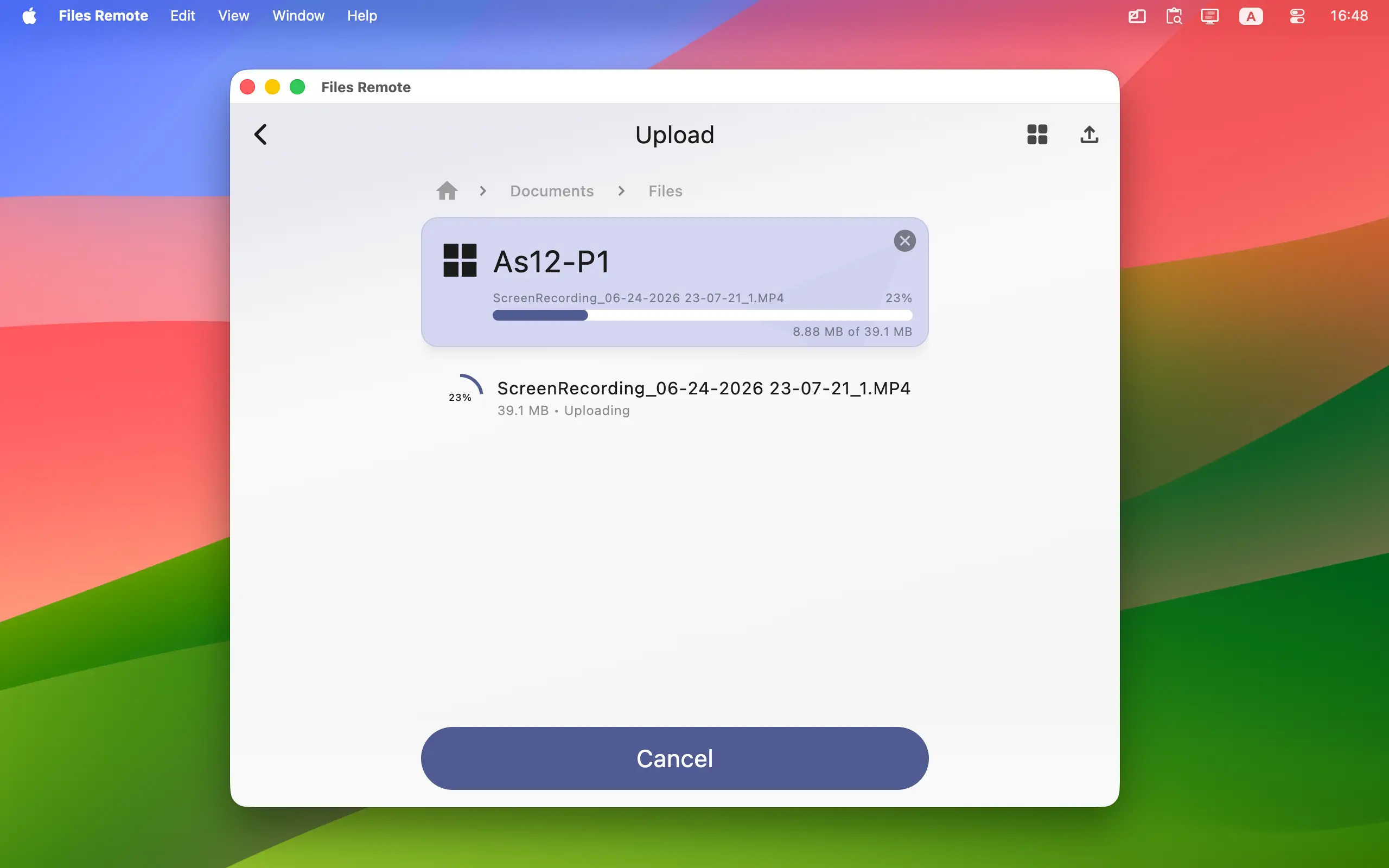
- Upload from Files or Photos: Select regular files on every supported reader. On mobile, add images or videos from the system library; on desktop, use the file picker or drag files into the Upload page.
- Transfer Progress and Recovery: Follow per-file and total progress, cancel active work, resolve name conflicts, keep both copies, replace an item where supported, and retry failed uploads.
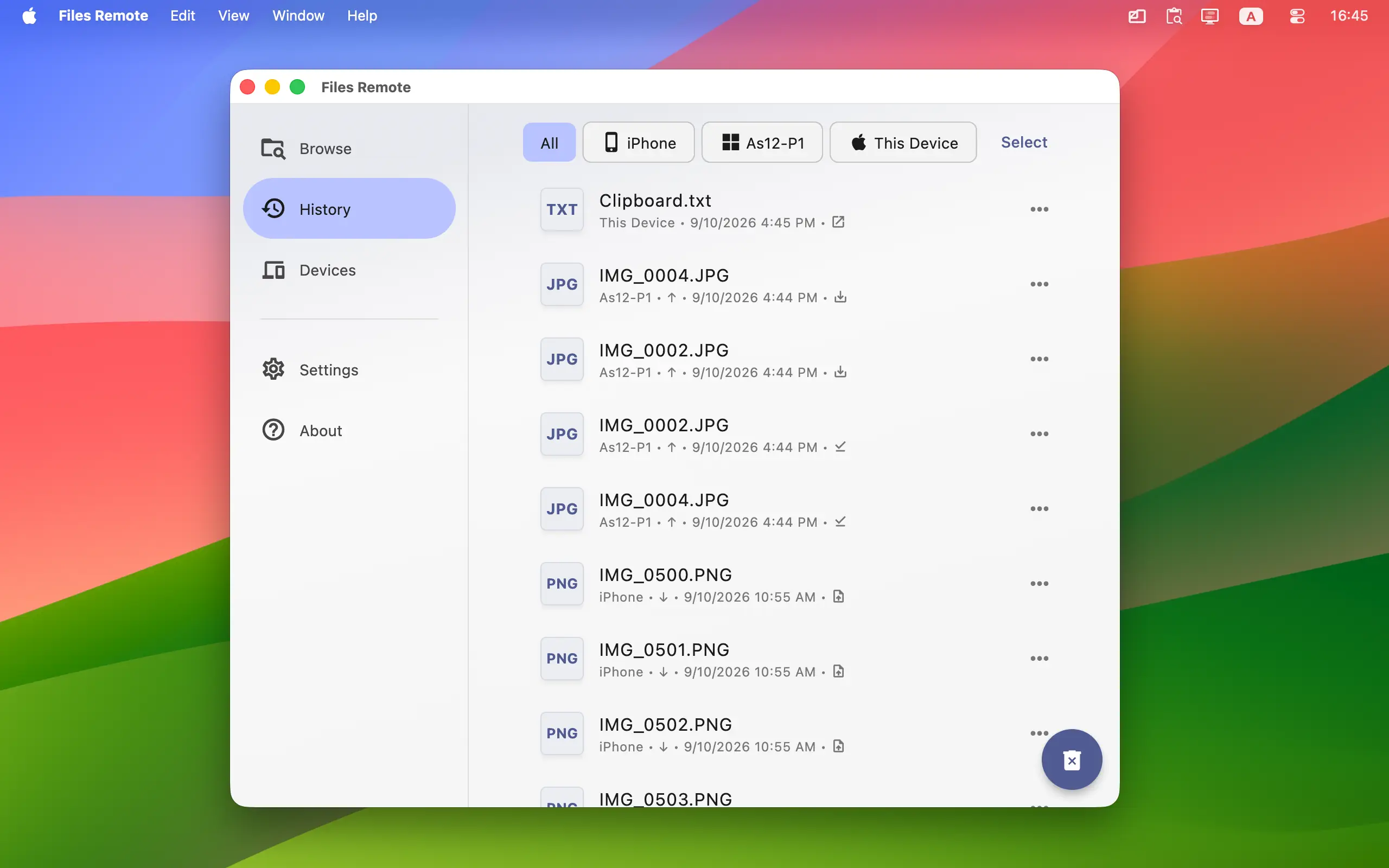
- Useful Local History: History can record downloads, saved files, uploads, new folders, renames, deletions, and locally opened files. Filter activity by device, inspect details, repeat supported actions, or clear old entries.
- Secure Pairing: Every new connection requires approval. Paired devices communicate through encrypted local requests with certificate pinning rather than a Files Remote cloud account.
- Receiver-Local Permissions: Each Mac or Windows host decides whether a paired device has Read only or Read & Write access. Permissions stay on the host and can be changed or revoked at any time.
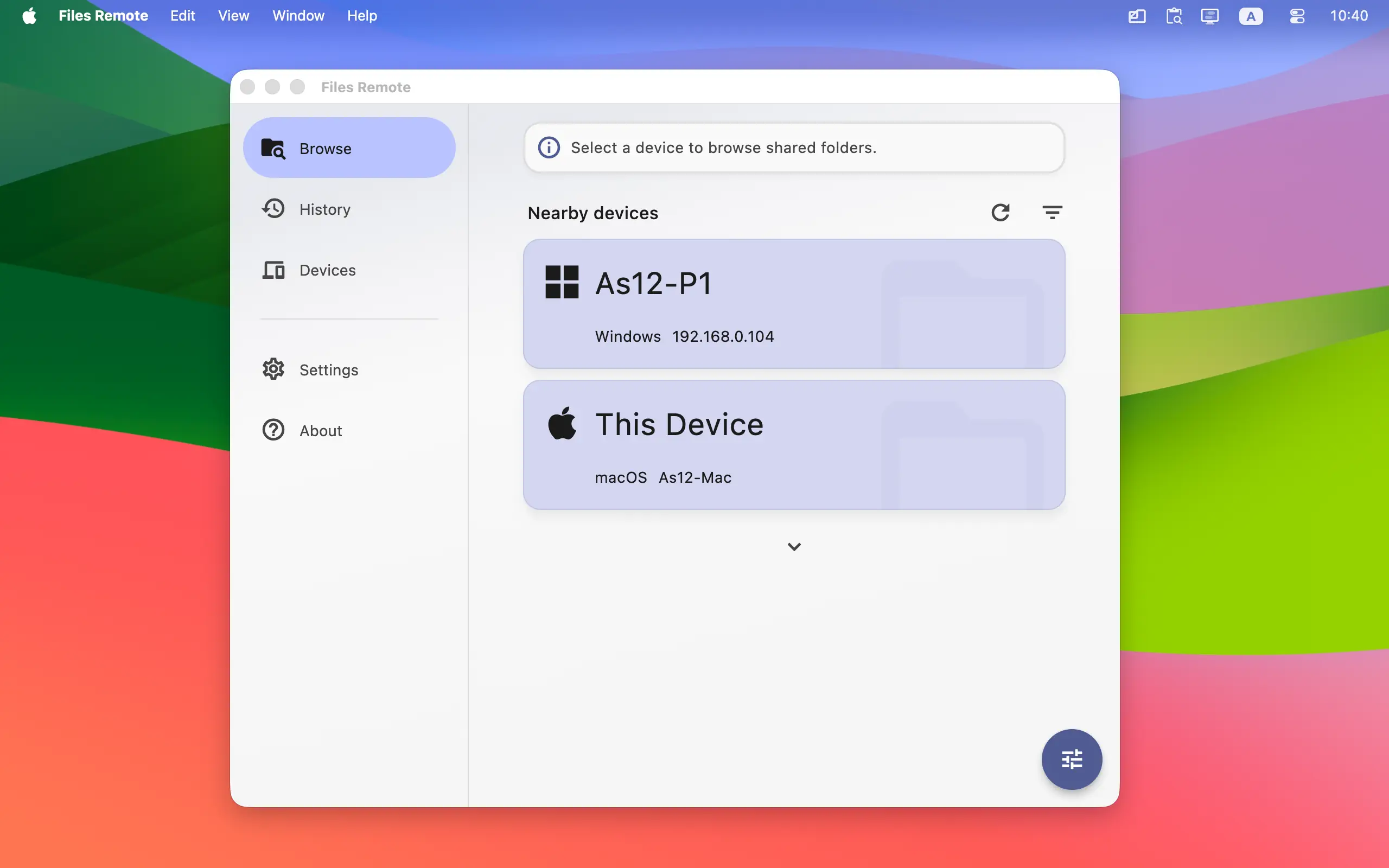
- Nearby Device Discovery: Files Remote finds supported computers on your LAN automatically. If discovery is unavailable, add a device manually using its local IP address.
- Comfortable Everyday UI: Light and dark themes, accent colors, device filters, hidden devices, desktop autostart, background tray behavior, and configurable History help the app fit your setup.
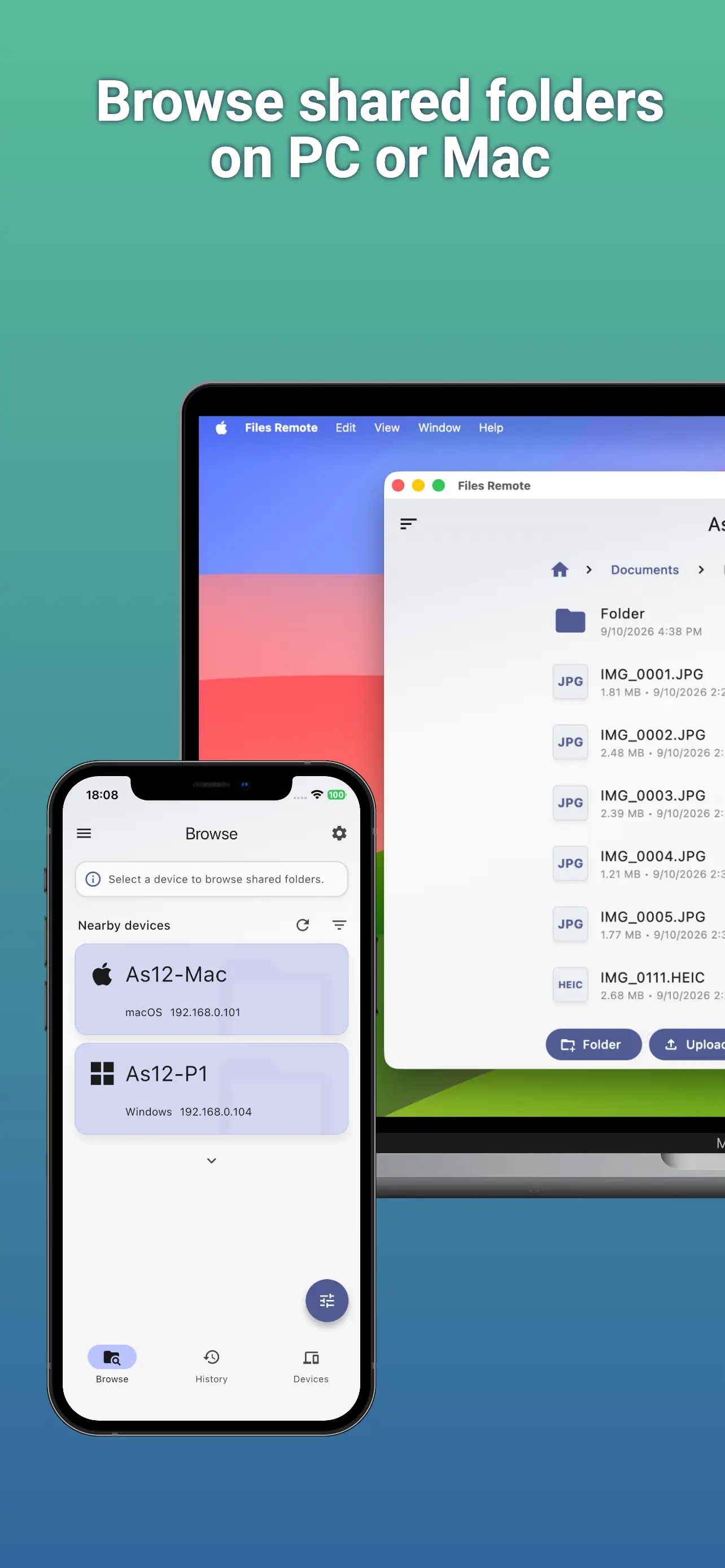
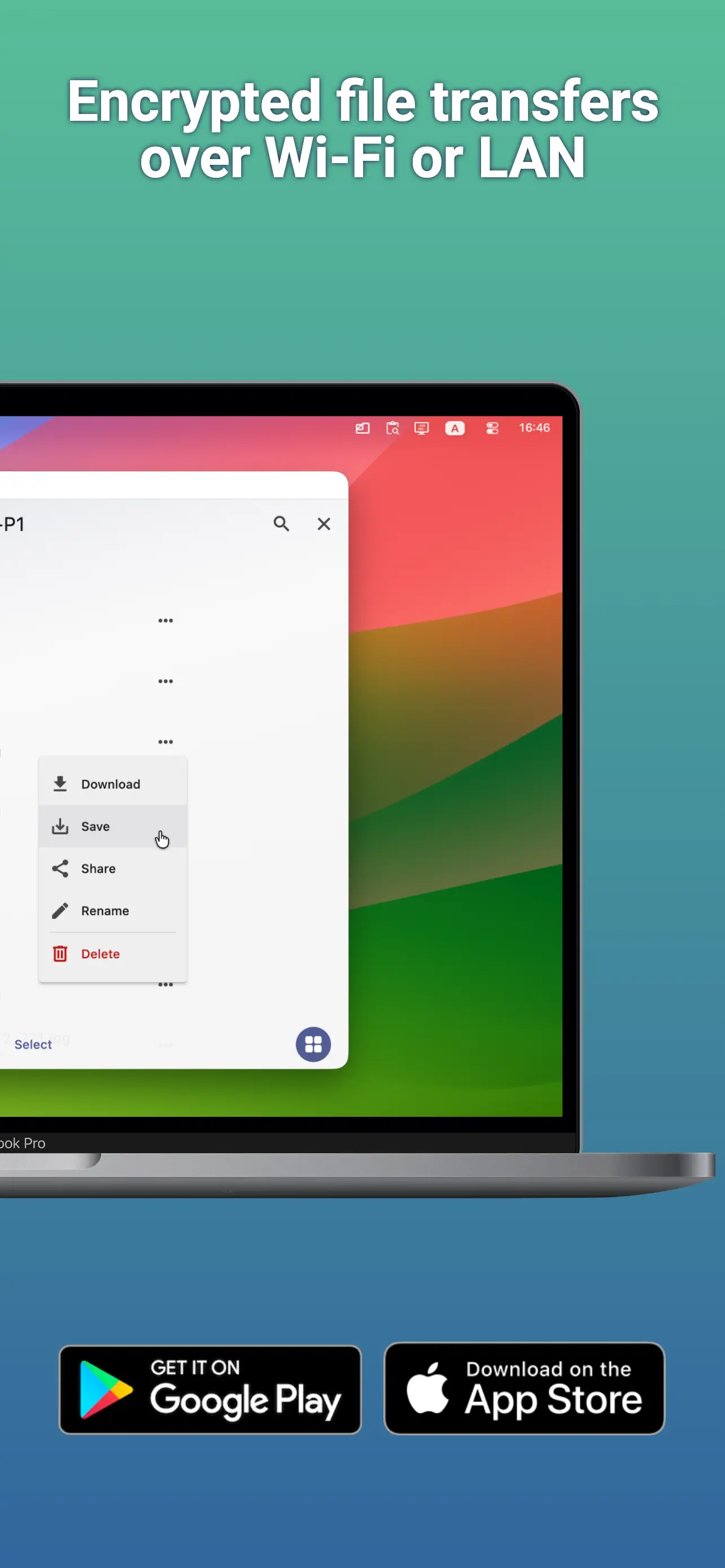
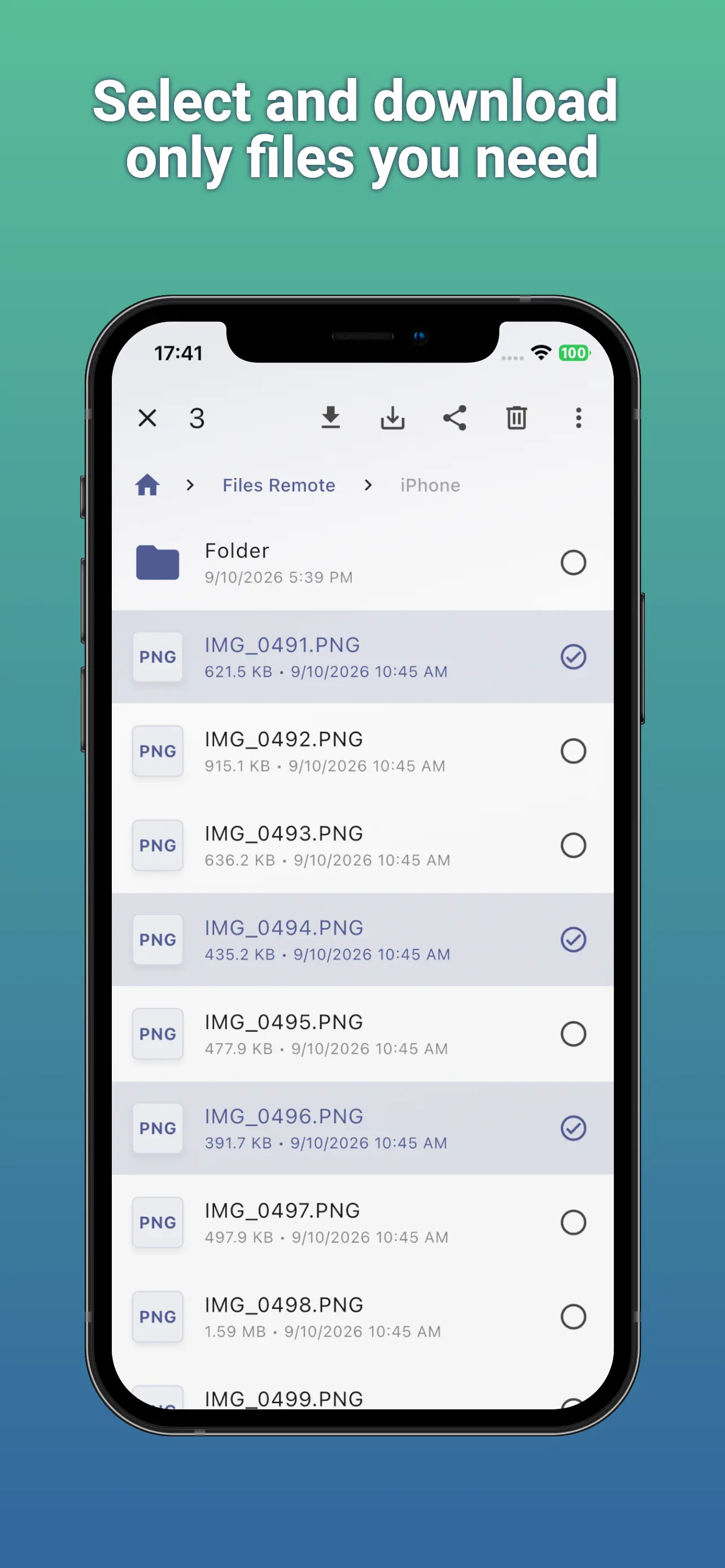
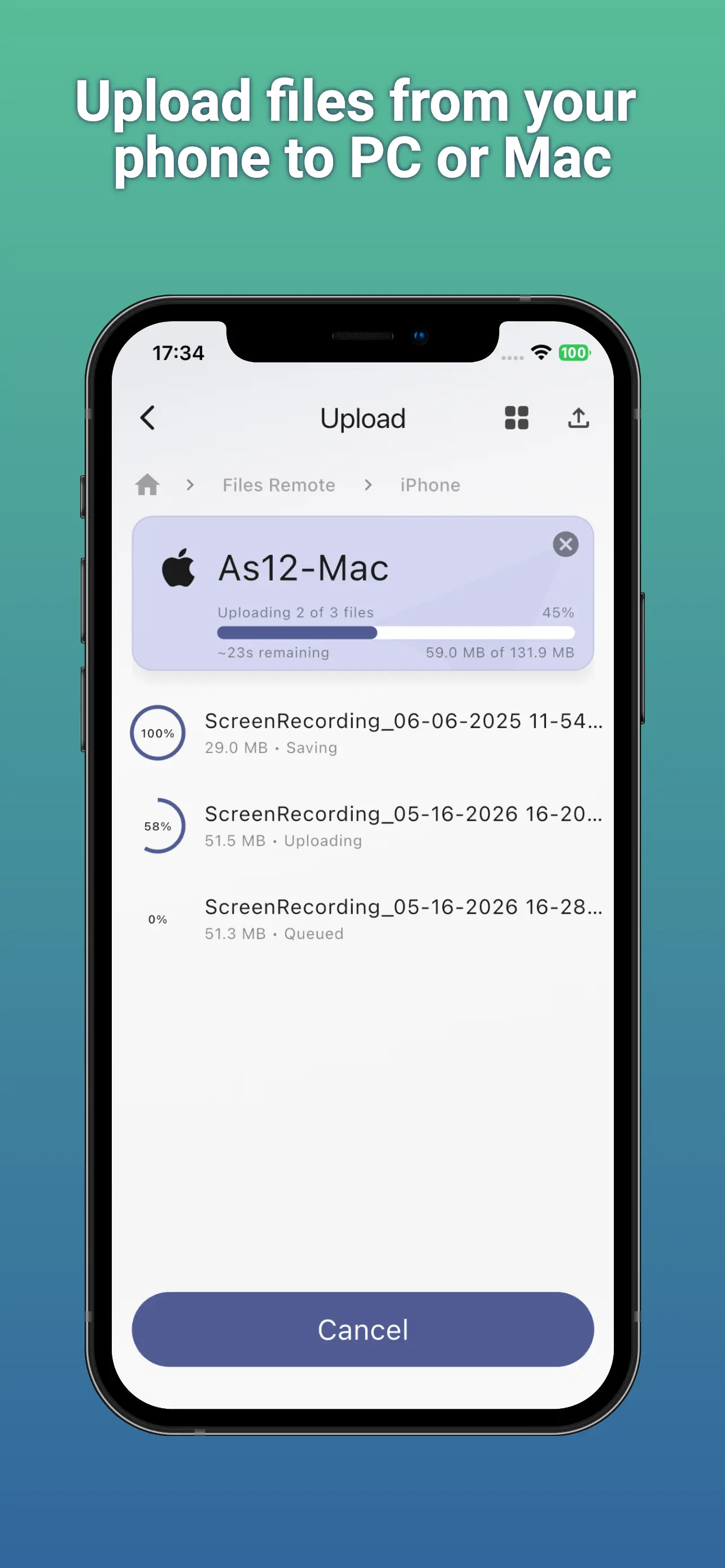
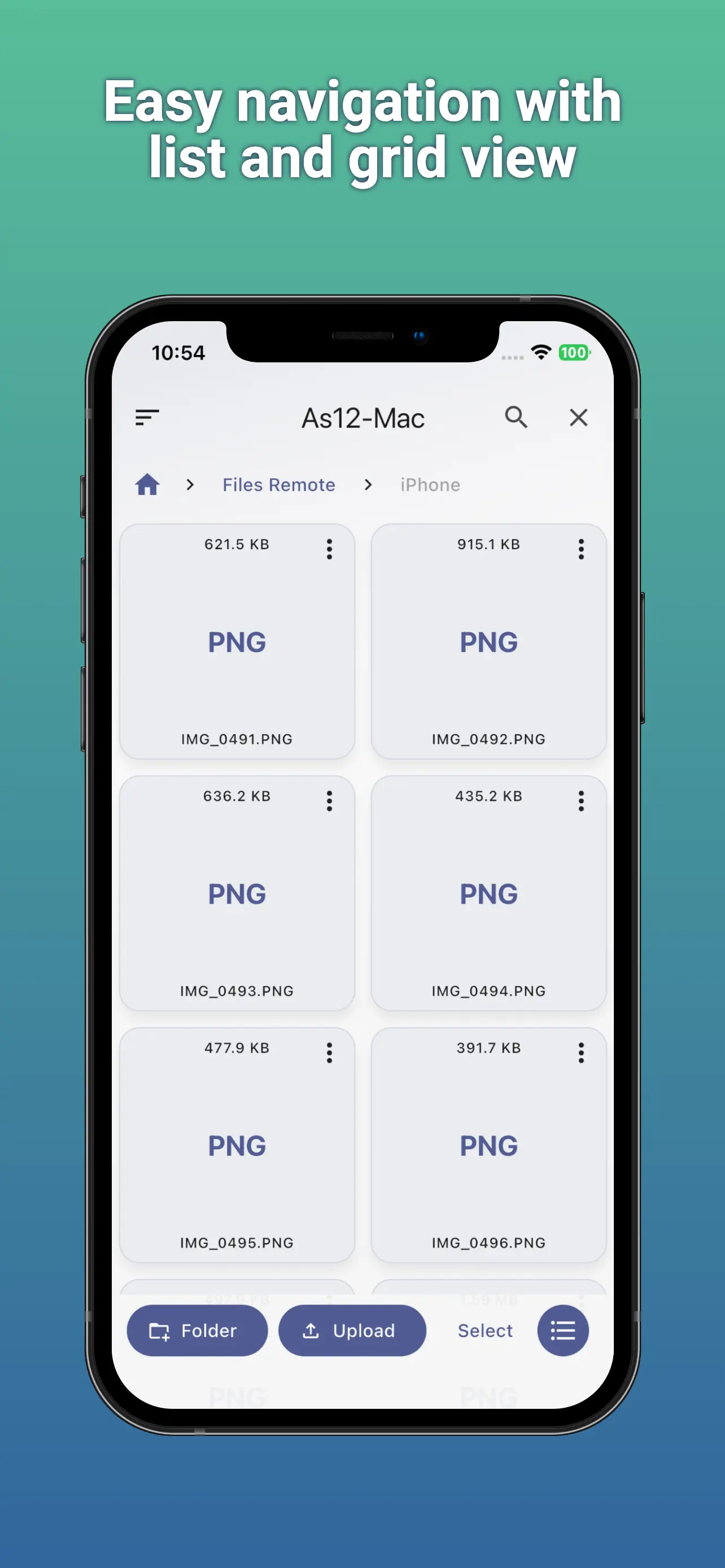
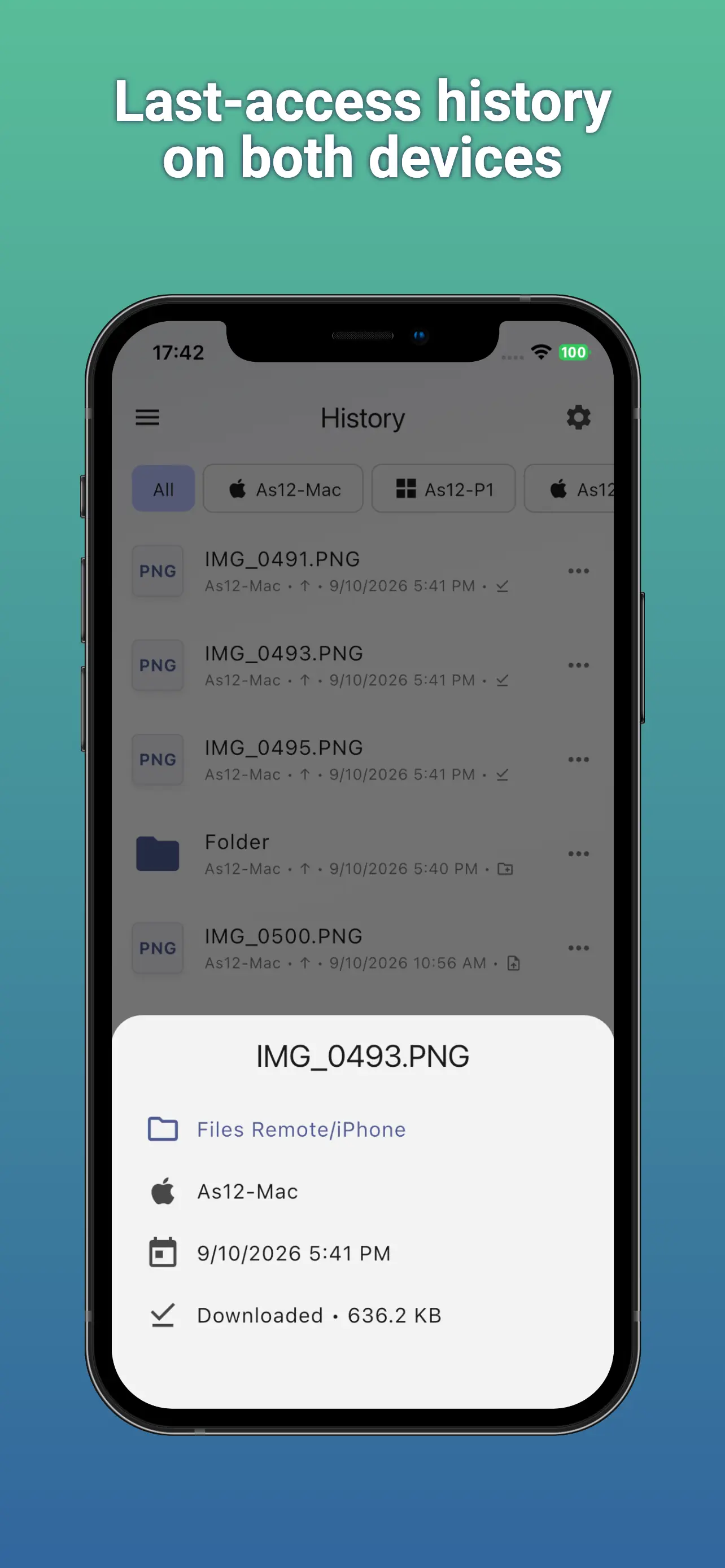
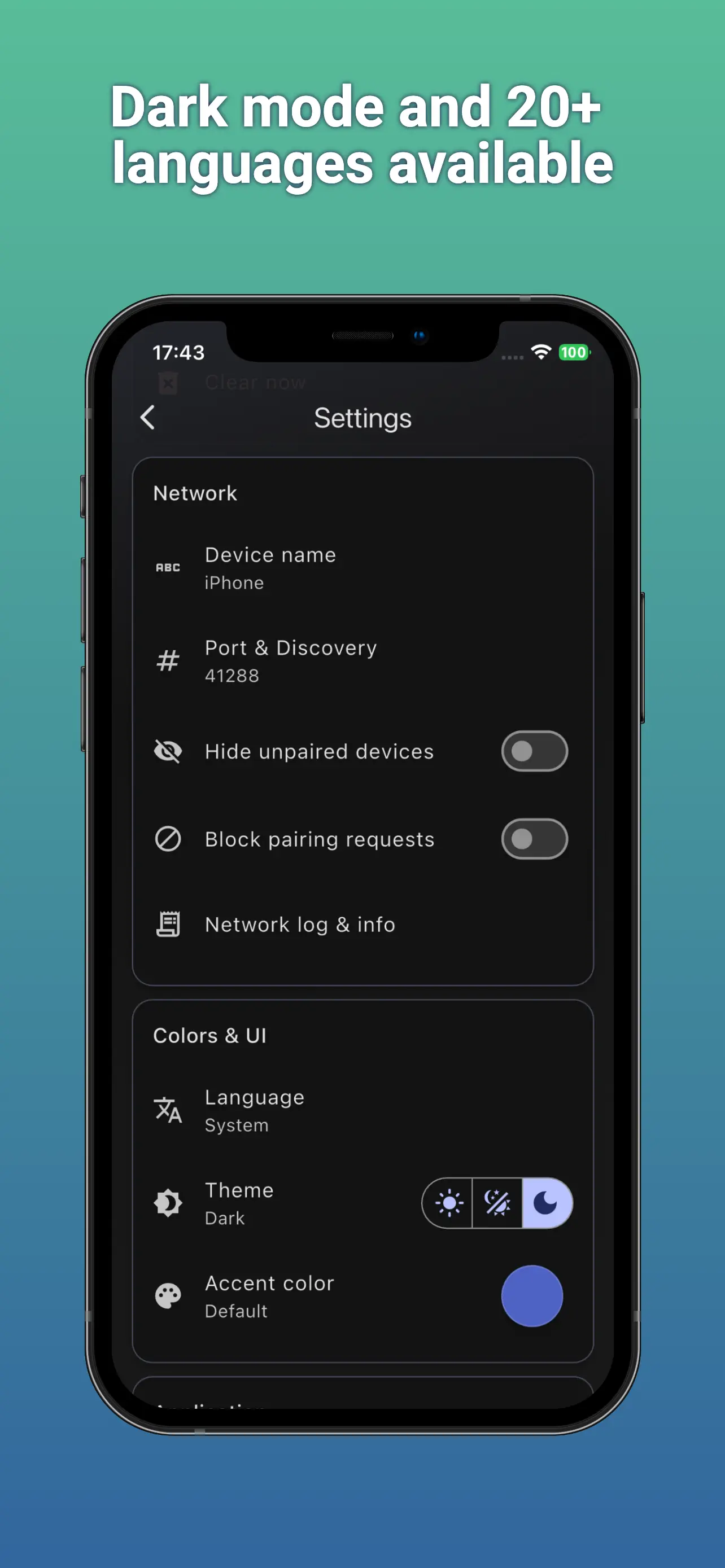
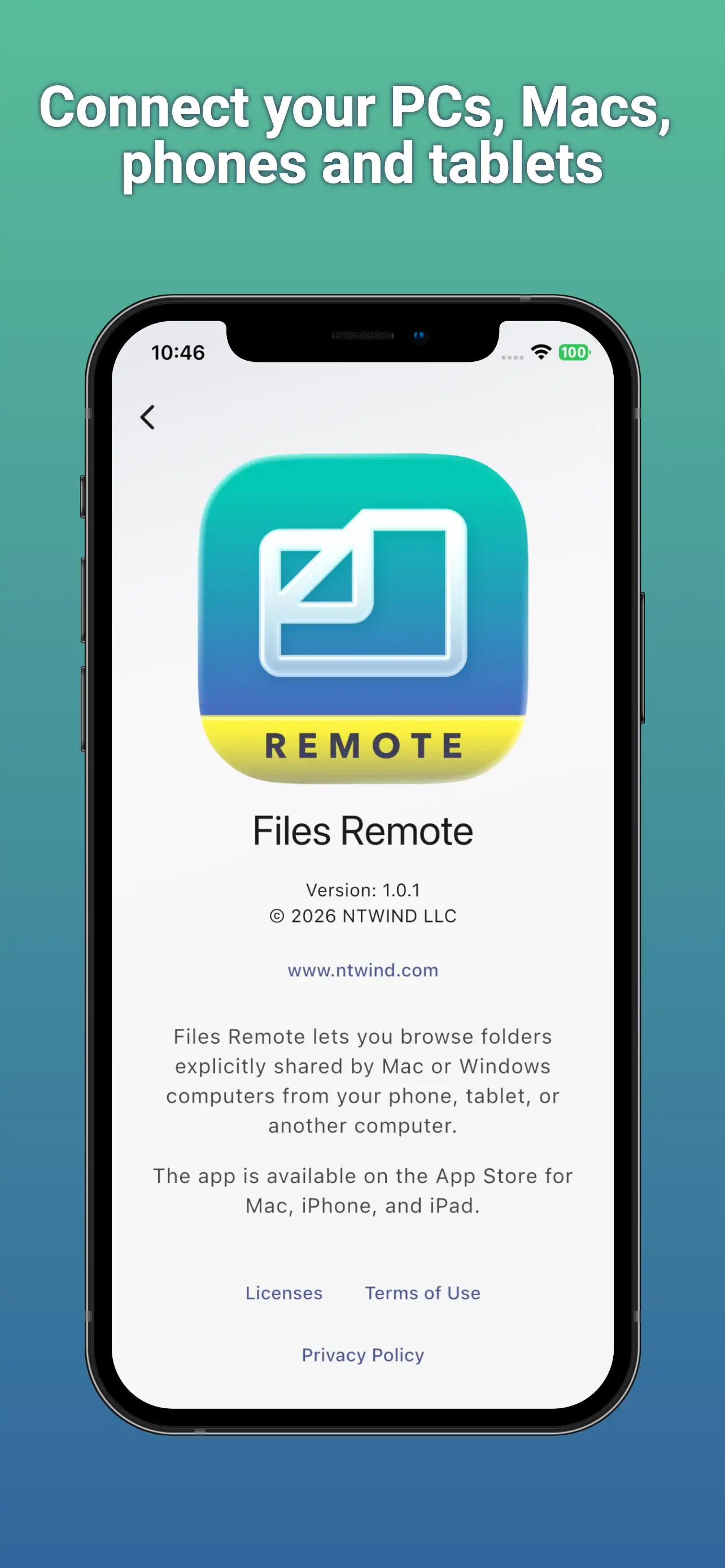
👆 Screenshots on Mobile — Click to Enlarge
User Interface Design
The UI of Files Remote is organized into three main tabs, each focused on one part of the workflow:
- Browse Tab: Find nearby Mac and Windows hosts, open an approved shared folder, navigate its contents, transfer files, and use allowed file-management actions.
- History Tab: Review completed activity, filter by device, inspect file and folder details, repeat supported actions, or clear entries you no longer need.
- Devices Tab: Manage trusted devices, rename or reorder them, choose Read only or Read & Write access on a host, hide devices, remove old pairings, or look up a computer by local IP address.
Files Remote is a practical companion for moving documents from a computer to a phone, sending phone photos to a desktop folder, collecting files during a meeting, checking project folders from the couch, or managing a trusted home or office computer without a cloud drive. It gives you direct local access while keeping each shared folder and paired device under your control.
Getting Started | What's New | Privacy Policy | Terms of Use
Home • Remote Tools • Files Remote