Visual Subst v6.0 - Customize Virtual Drive Icons
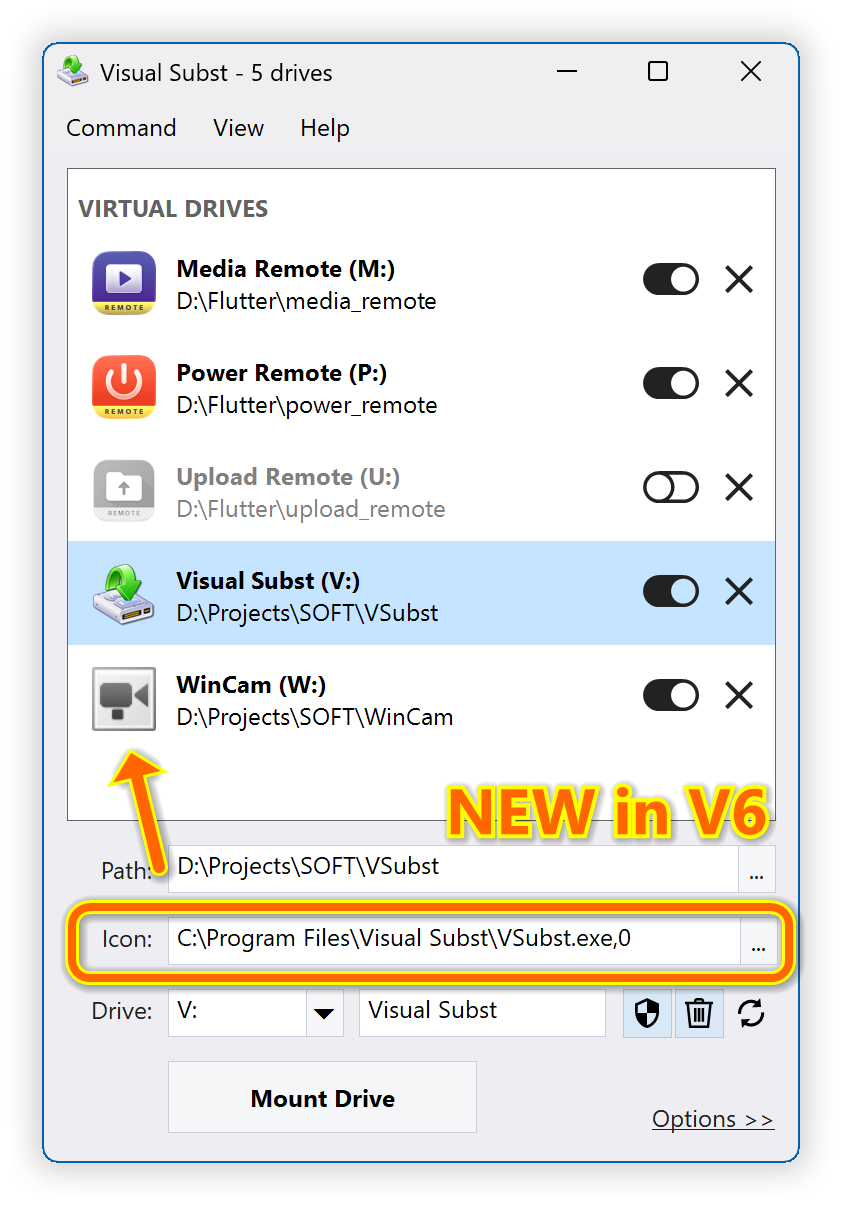
Visual Subst turns 20 this year, and this new major release celebrates the milestone. I spent time polishing the code that handles network drives, which now works asynchronously and much faster. The main feature in v6.0 though is the ability to customize icons for both virtual and network drives. As a use case, I often create virtual drives for the projects I'm working on:
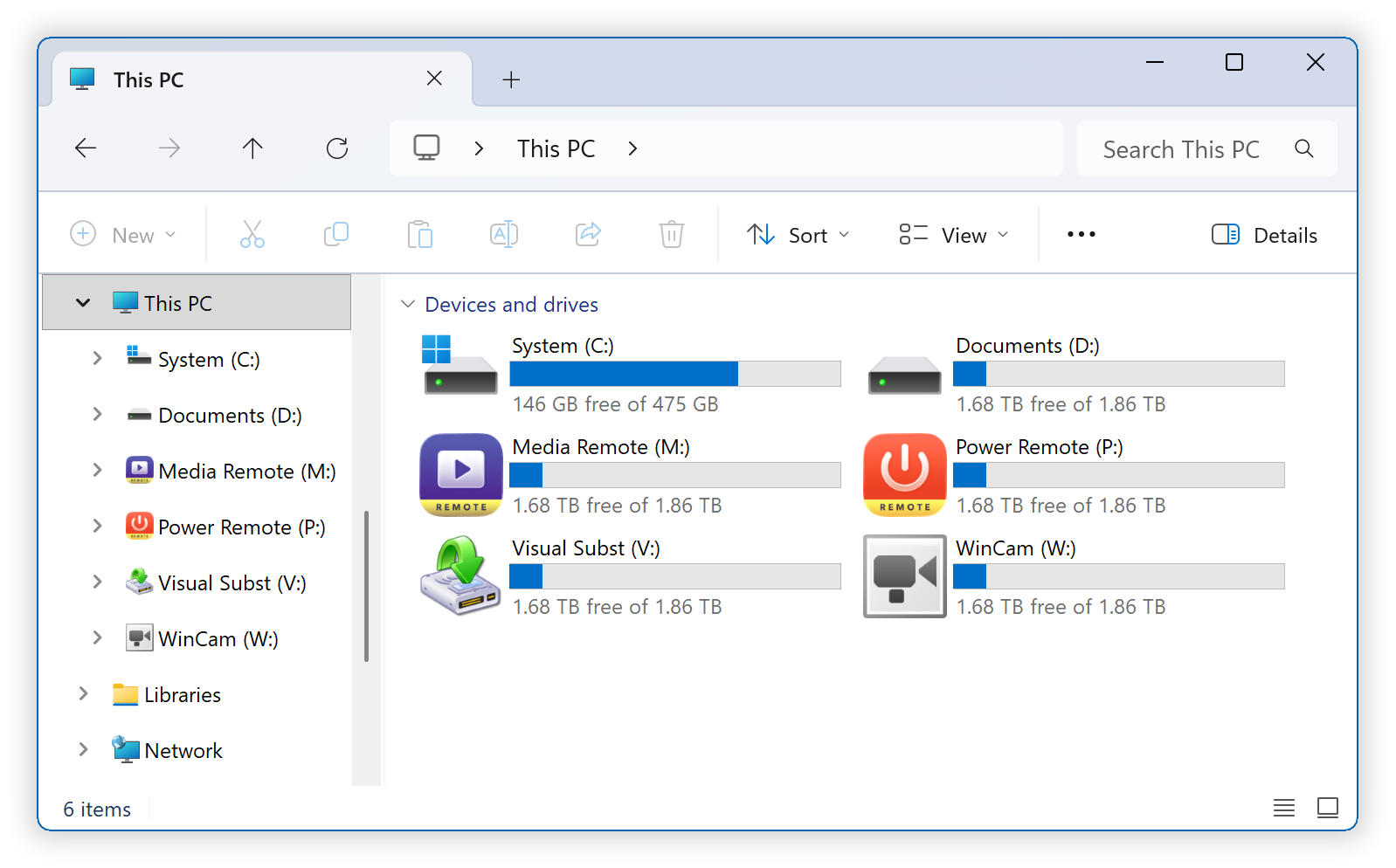
Custom drive icons are shown in Windows Explorer and other apps:
Changelog for Visual Subst v6.0 (July 1, 2026):
- Added custom icons for virtual and network drives
- Implemented asynchronous processing for network drives
- Renamed Auto-Update to Auto-Restore (useful for network drives)
- Added confirmation dialogs for drives with Auto-Restore
- Polished the UI and renamed some options for clarity
- Updated 32 language files with the new strings
- Various other performance and stability improvements
Download Visual Subst (32-bit and 64-bit)
Home • News • Visual Subst v6.0 - Customize Virtual Drive Icons