Print Remote v1.0.1 - Use Your Printer from Any Device
Print documents, photos, web pages, or notes from your phone or tablet using a printer connected to your PC or Mac. An older USB printer can work too, even without Wi-Fi, as long as it prints correctly from the receiving computer.
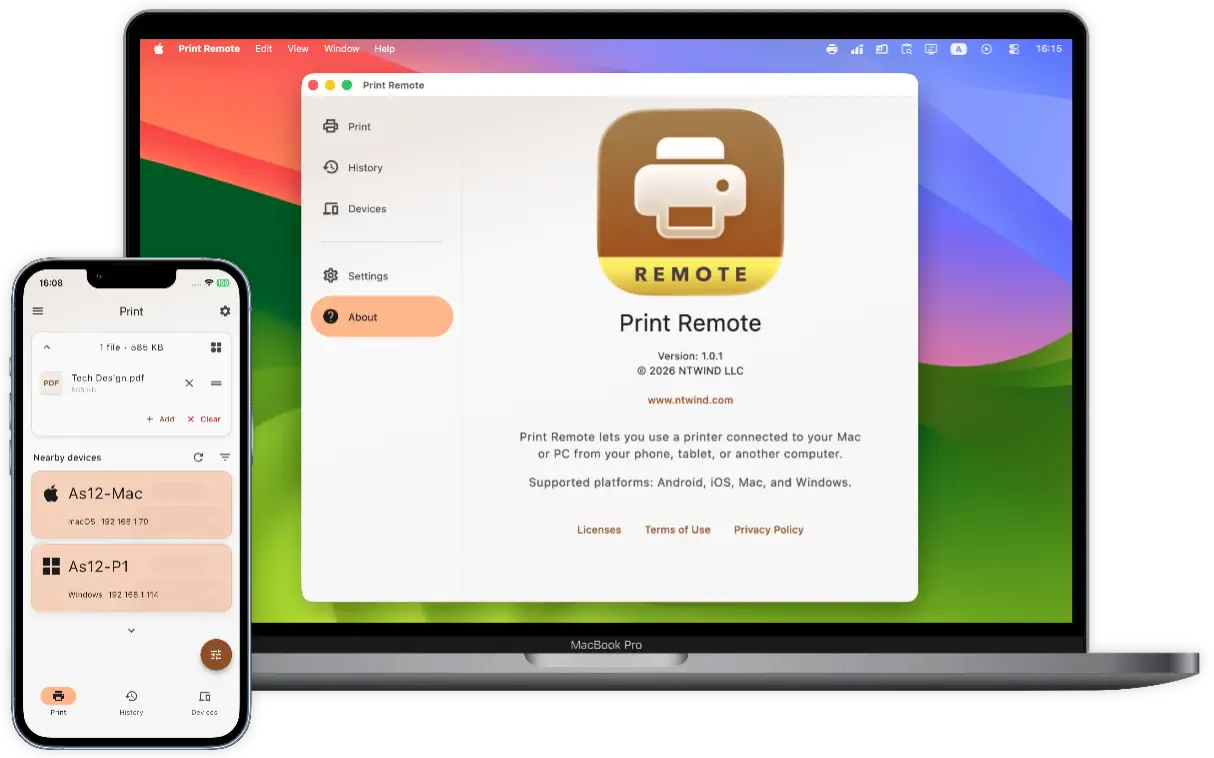
Install Print Remote on both devices, connect them to the same local network, and approve pairing. Pick a file or URL, then select the computer to prepare the pages. Preview the pages before you print. Choose just the ones you need, rearrange their order, and set the printer options supported by its driver. Then print or save the prepared PDF.

Android and iOS can only send print jobs; Mac and Windows can send and receive them. Your devices communicate over encrypted local network connections without any accounts or cloud uploads.
Print Remote for Windows, Mac, iOS and Android →
Home • News • Print Remote v1.0.1 - Use Your Printer from Any Device