Files Remote v1.0.1 - Browse Shared Folders on PC & Mac
I'm pleased to announce Files Remote, a new app that expands upon the file transfer capabilities of Upload Remote. Files Remote turns a nearby Mac or Windows computer into a private folder source for your phone, tablet, or another computer. Pick the exact folders to share, approve a trusted device, and open them over your local Wi-Fi.

Read-only access keeps a paired device focused on browsing and downloading. Read & Write access adds uploads, new folders, renaming, and deletion. You can change or revoke that permission on the host at any time. Transfers move directly between paired devices through encrypted local connections - no accounts to create, no cloud uploads, and no subscriptions.
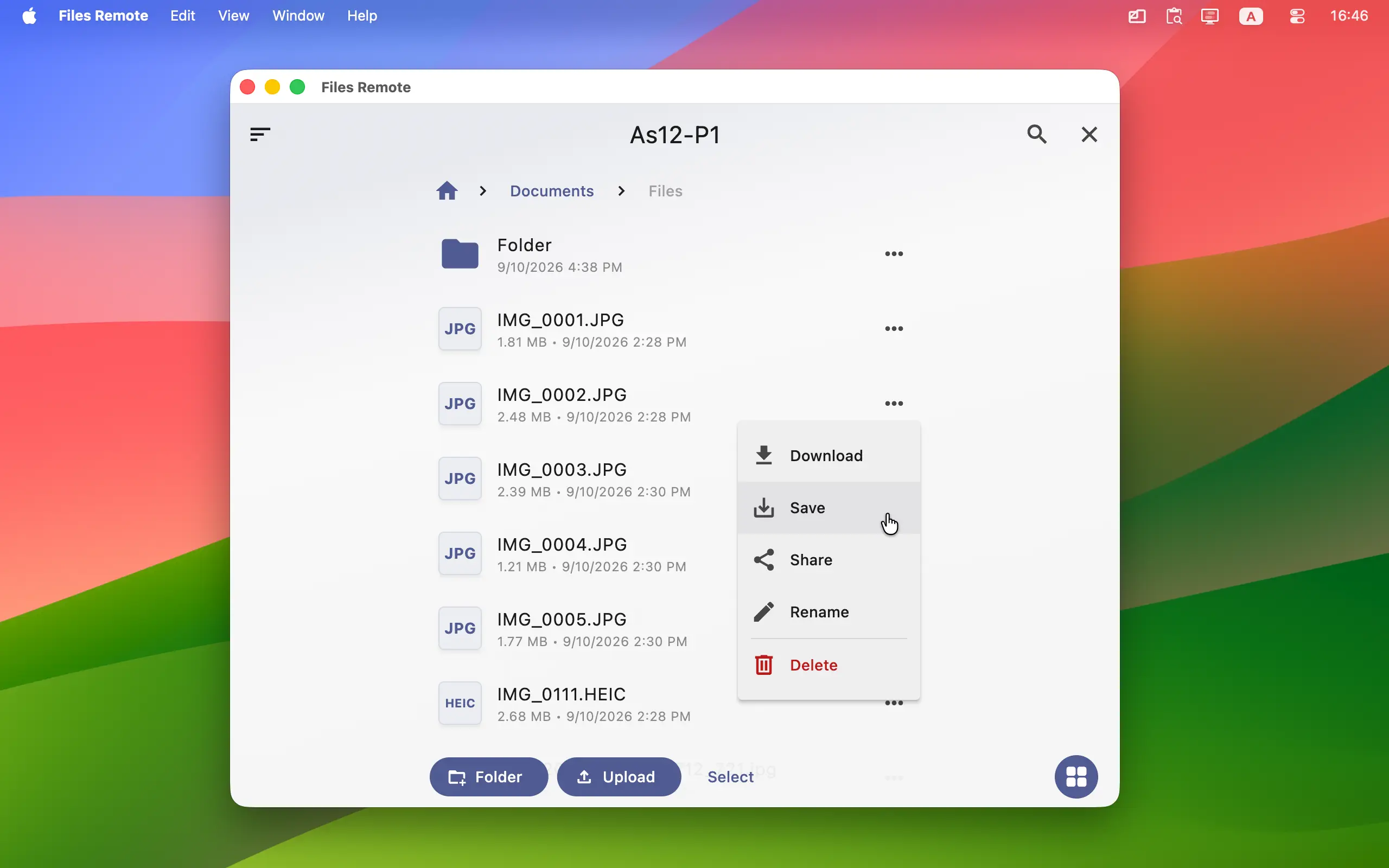
To start using Files Remote, install it on a Mac or Windows computer that holds the files and on the phone, tablet, Mac, or Windows computer you want to browse from. (Note: The iOS version is currently under Apple review and will be available as soon as it's approved.)
Files Remote for Windows, Mac, iOS and Android →
Home • News • Files Remote v1.0.1 - Browse Shared Folders on PC & Mac