Hello, and Welcome!
Our mission is to provide PC users with quality and easy-to-use tools to accomplish complex tasks and enhance their everyday computer experience. On this website, you’ll find the following products:
Alt-Tab Terminator - Modern Task Switcher with Search
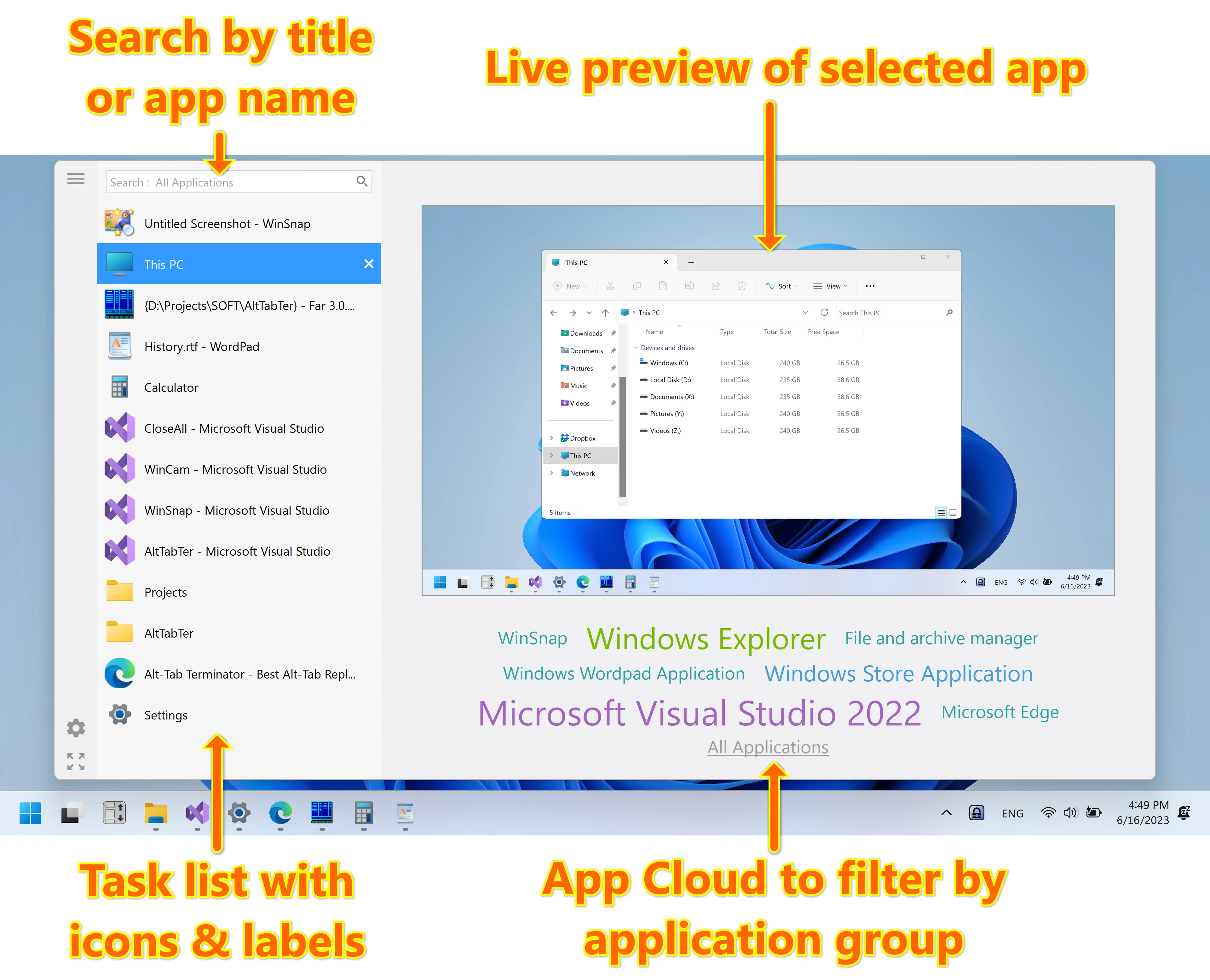
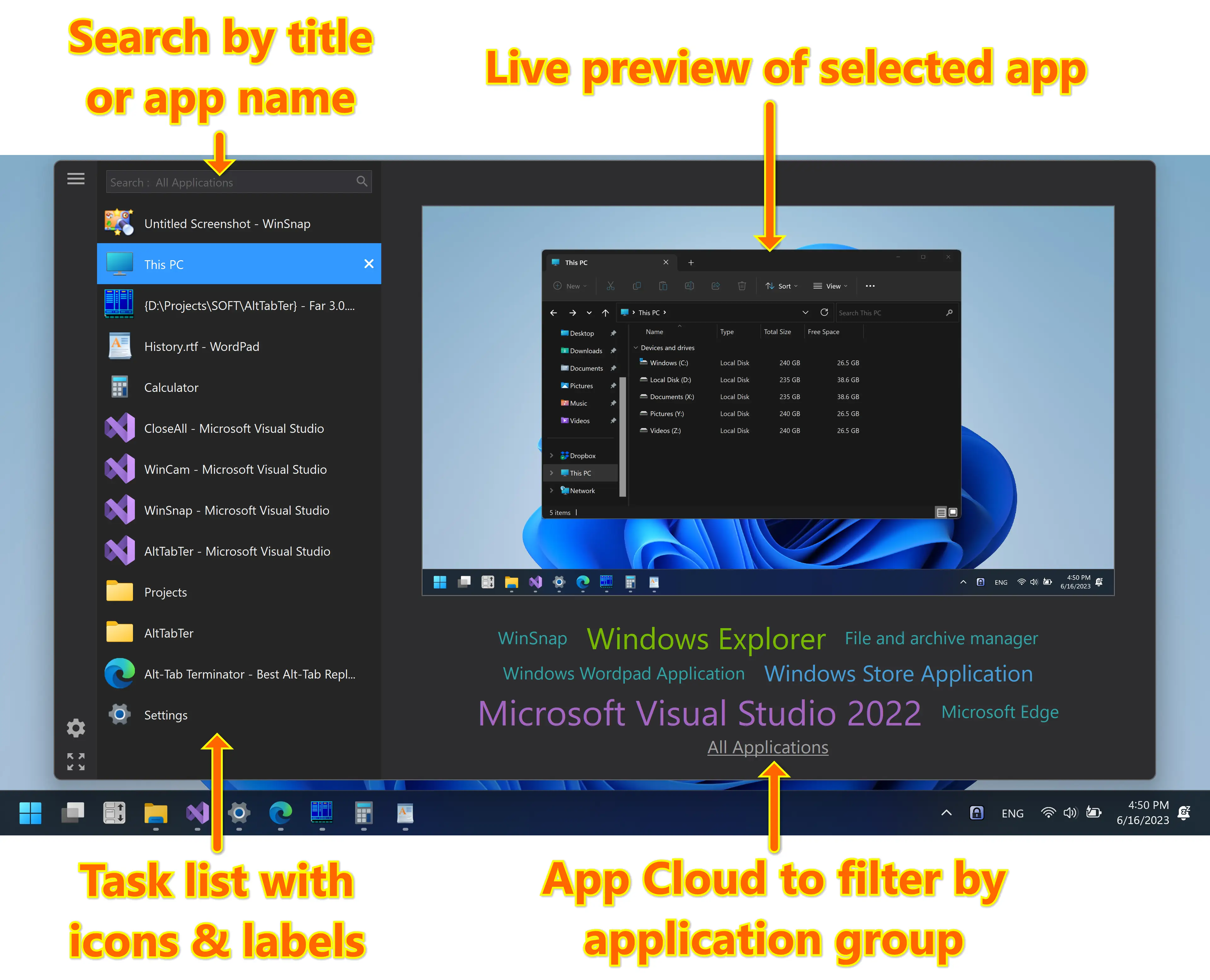
Alt-Tab Terminator replaces the default task switcher with a nice box that shows a list of all running tasks, live preview and app cloud. It allows you to search through the task list as you type and quickly navigate using the mouse and keyboard shortcuts. It's available in FREE and paid PRO versions.
Learn more about Alt-Tab Terminator →
Visual Subst - Mount Folders as Virtual Drives
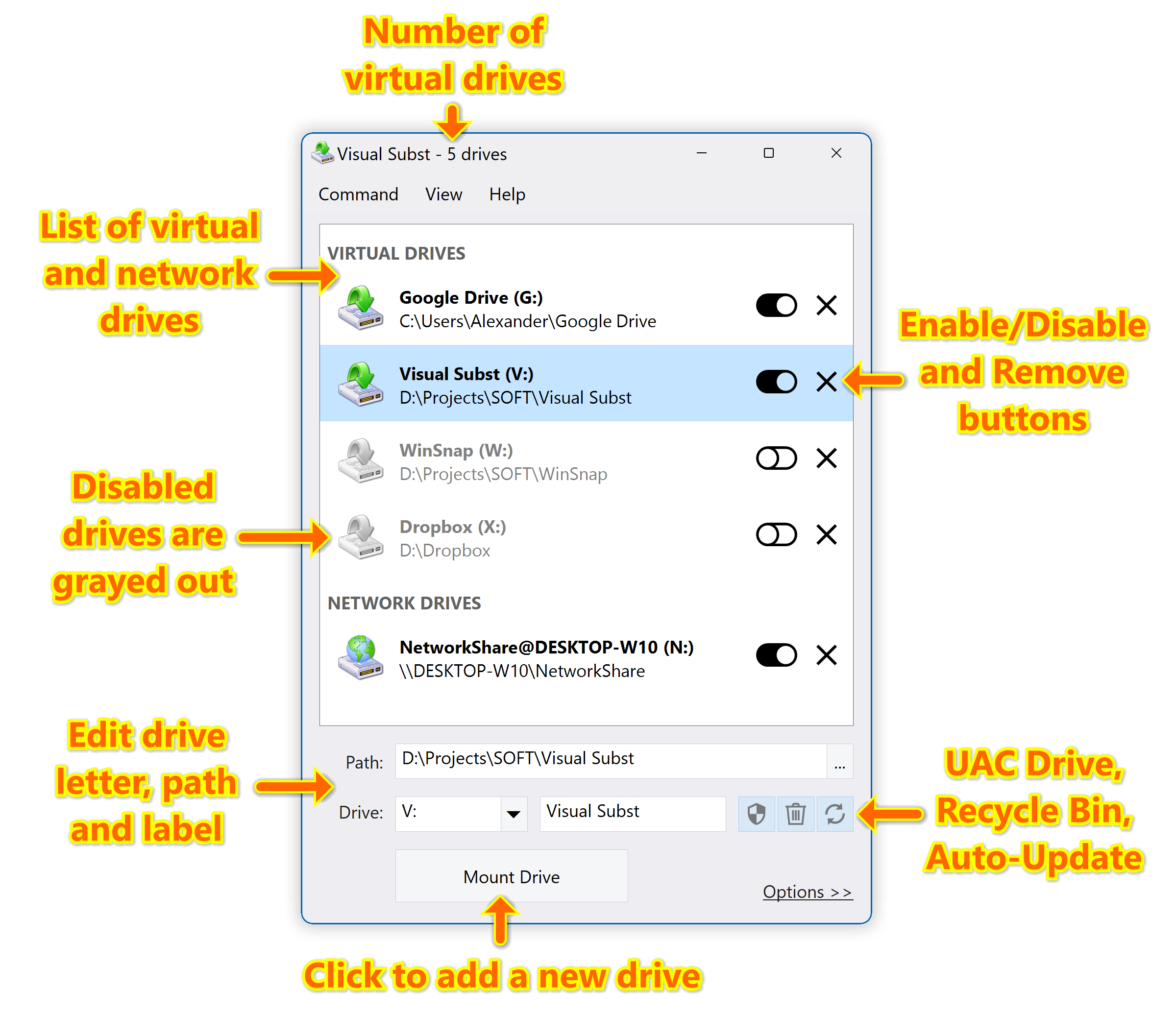
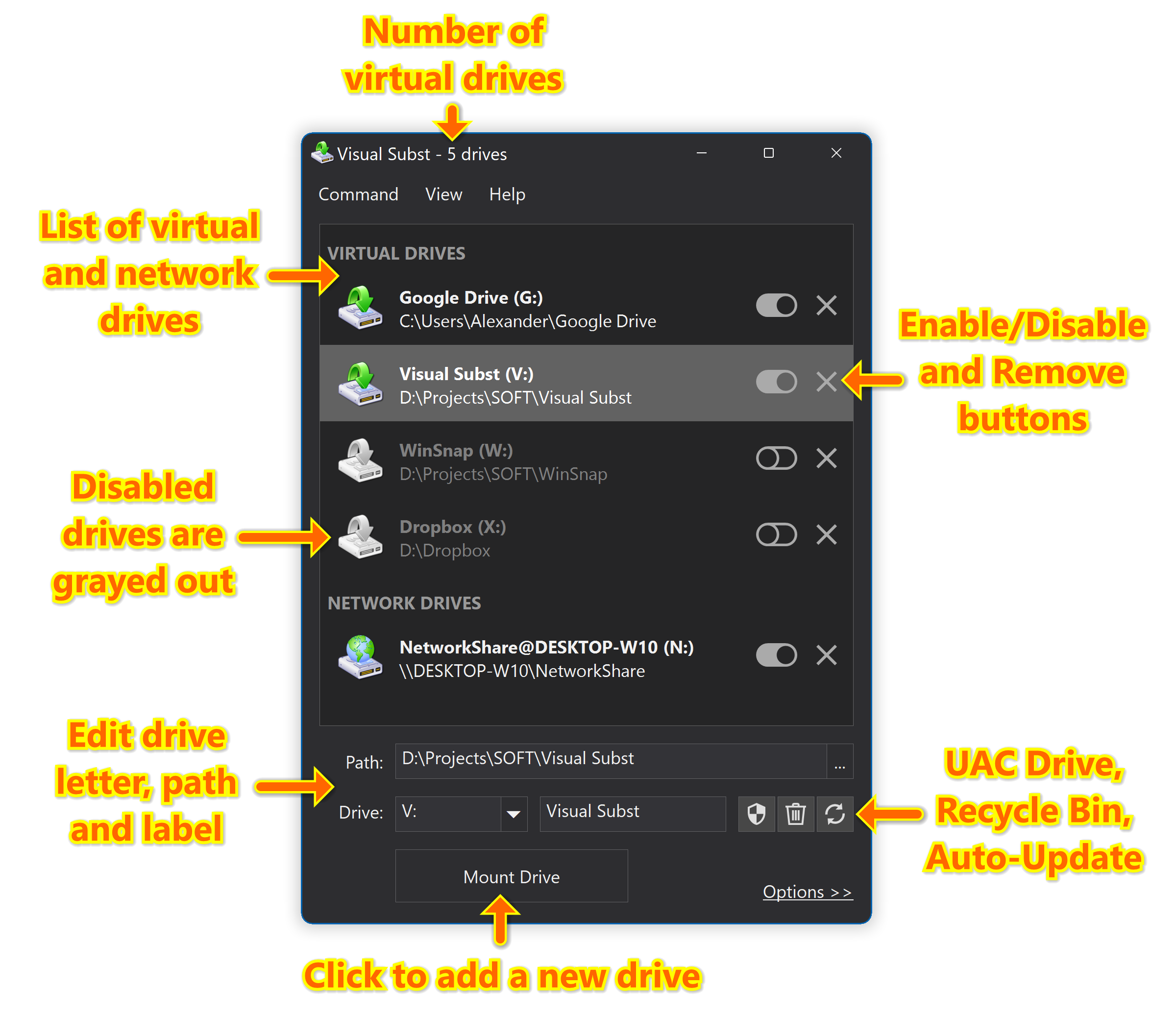
Visual Subst solves four main issues with the built-in 'SUBST' and ‘NET USE’ commands: it adds editable drive labels, creates UAC drives for elevated applications, manages Recycle Bin for deleted items and restores virtual drives after reboots. Manage virtual drives in a much more convenient way!
Learn more about Visual Subst →
WinSnap - Create Superior Screenshots
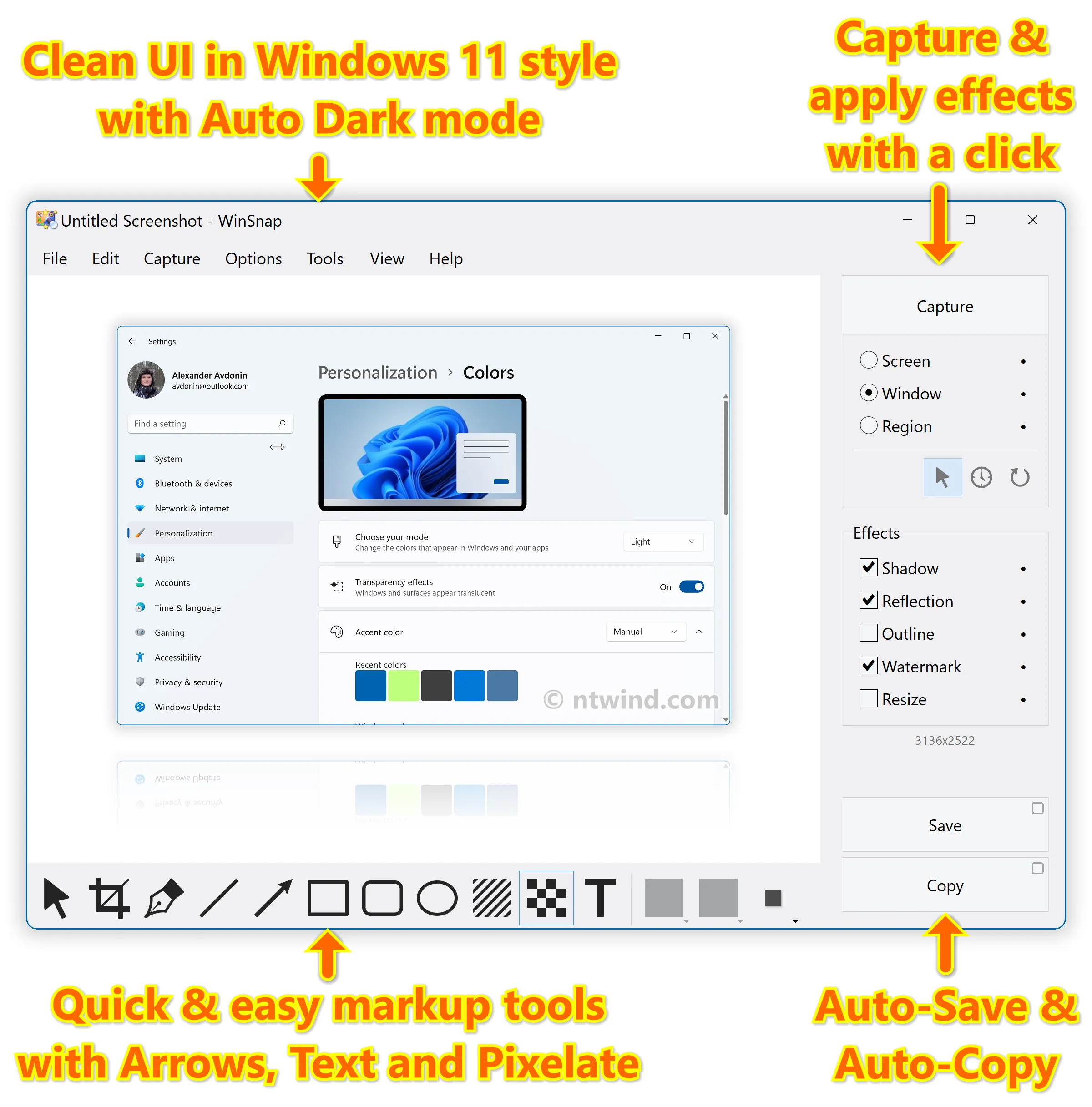
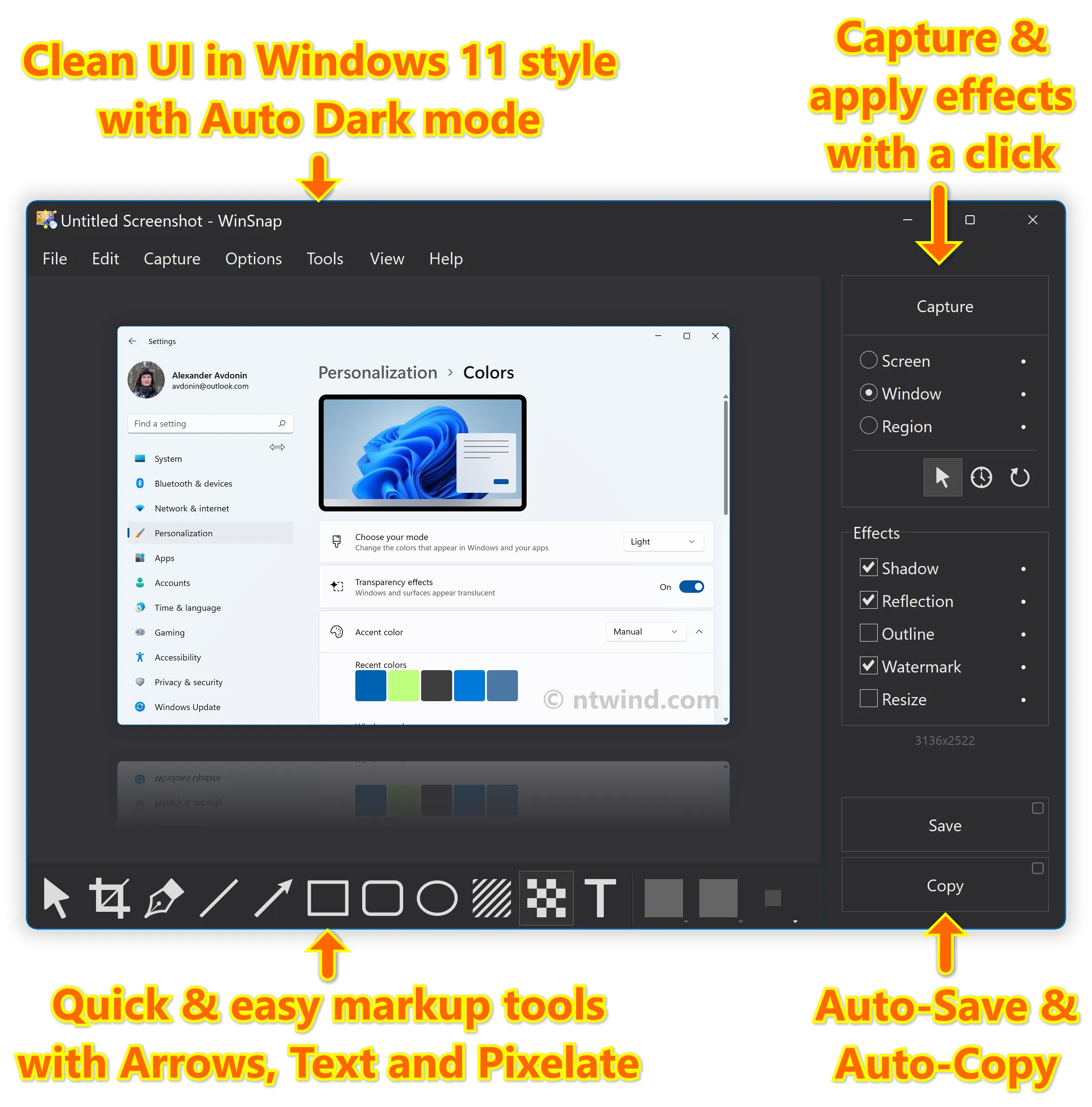
WinSnap easily captures windows of non-rectangular form with transparent backgrounds including Aero Glass and instantly enhances screenshots with professional-looking shadows, reflections, highlights, outlines, watermarks, color effects and annotations.
WinCam - Lightning-Fast Screen Recording
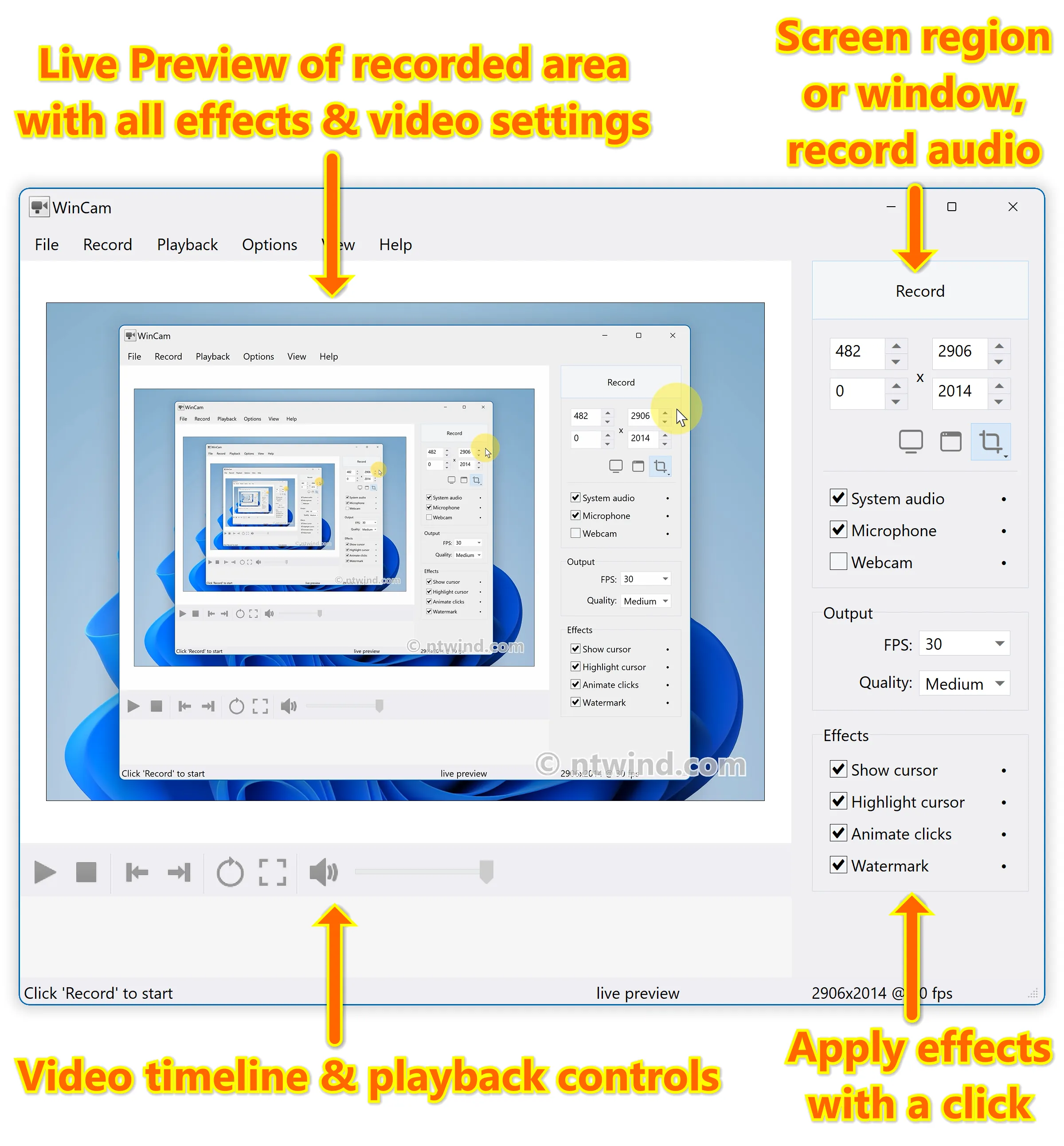
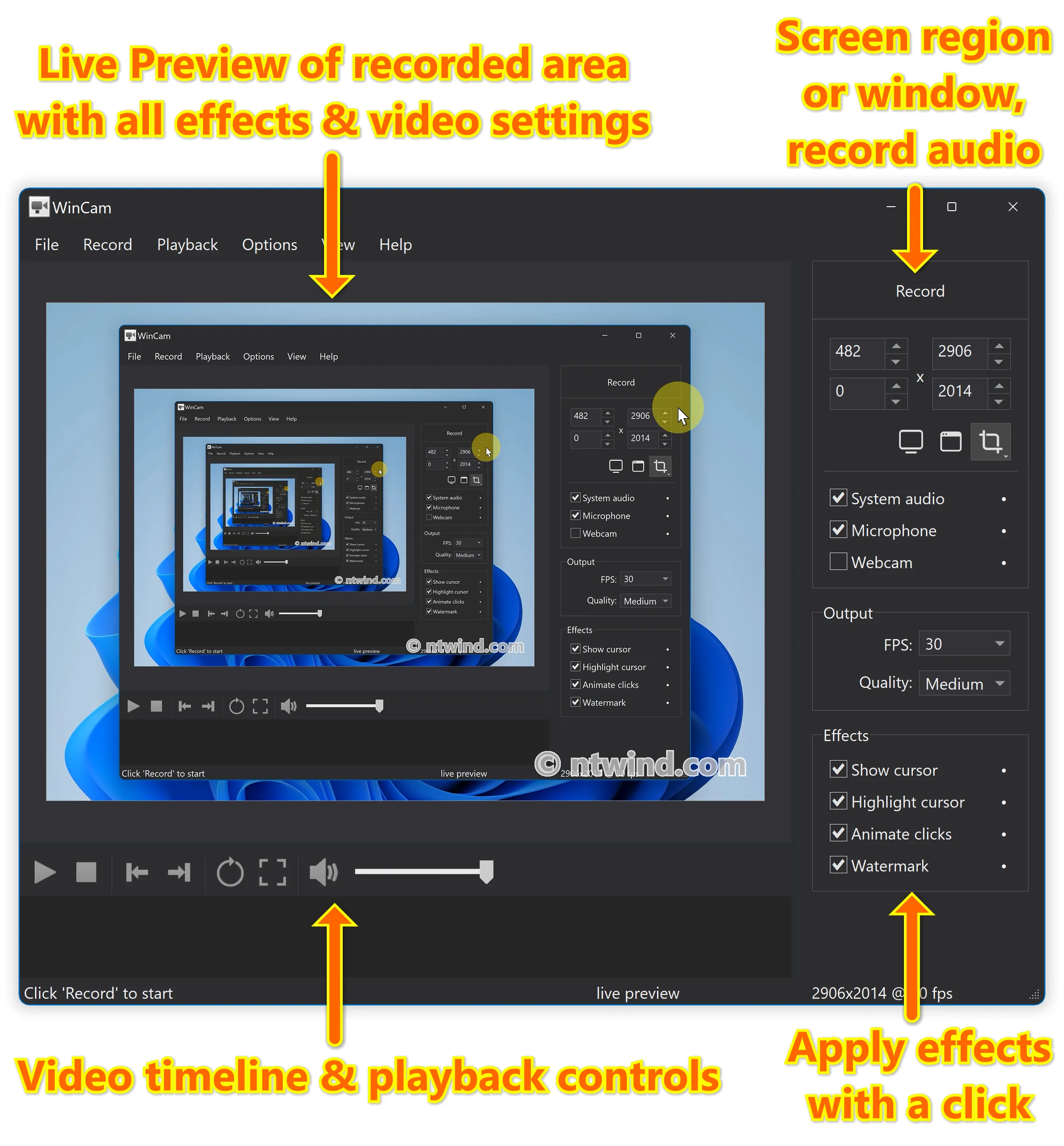
WinCam is a powerful and extremely easy-to-use screen recorder with live previews, post-processing effects and video editing capabilities. It can deal with a given application, a region or the entire screen – and record everything that goes on in there.
CloseAll - Close All Windows at Once
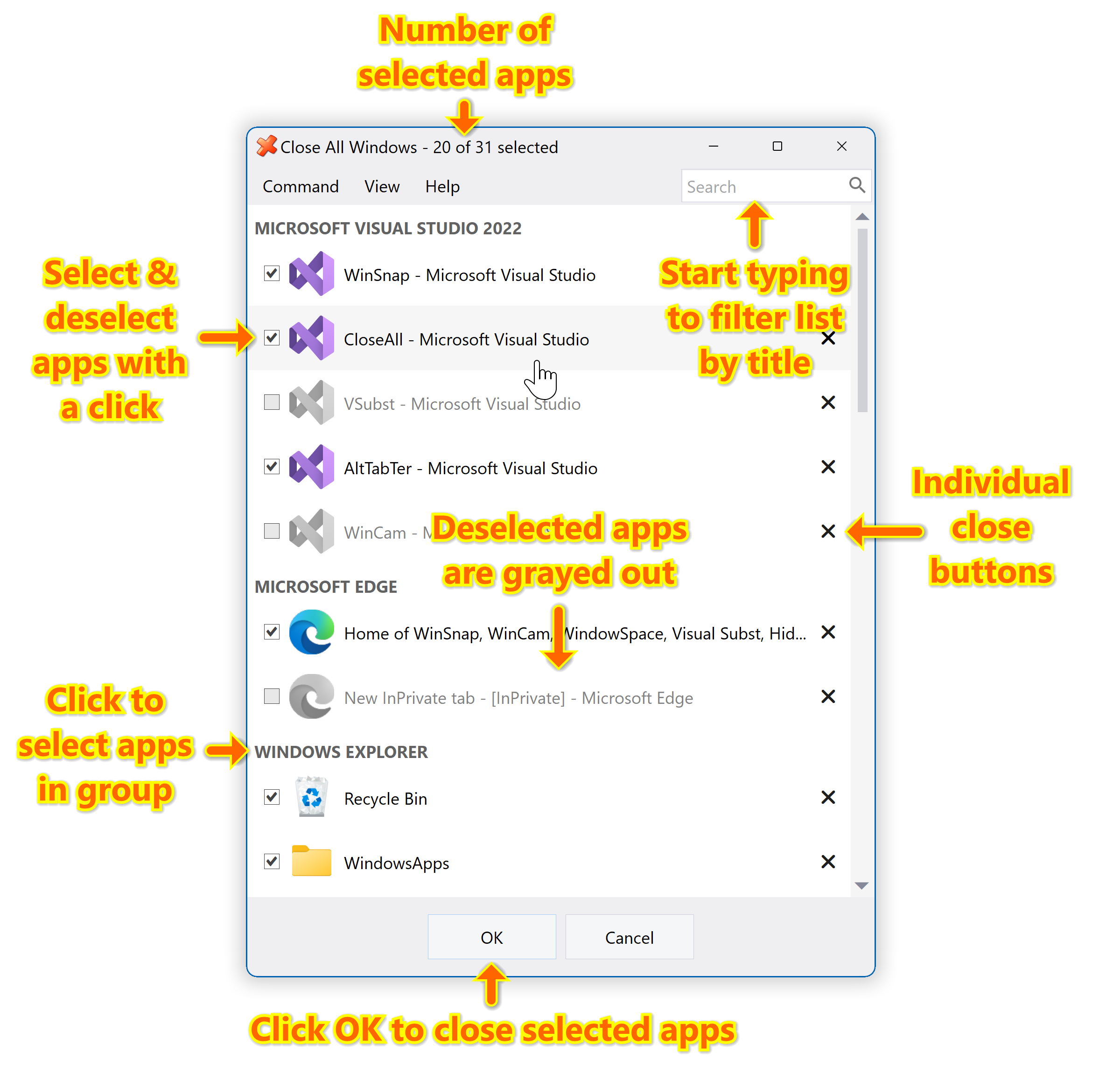
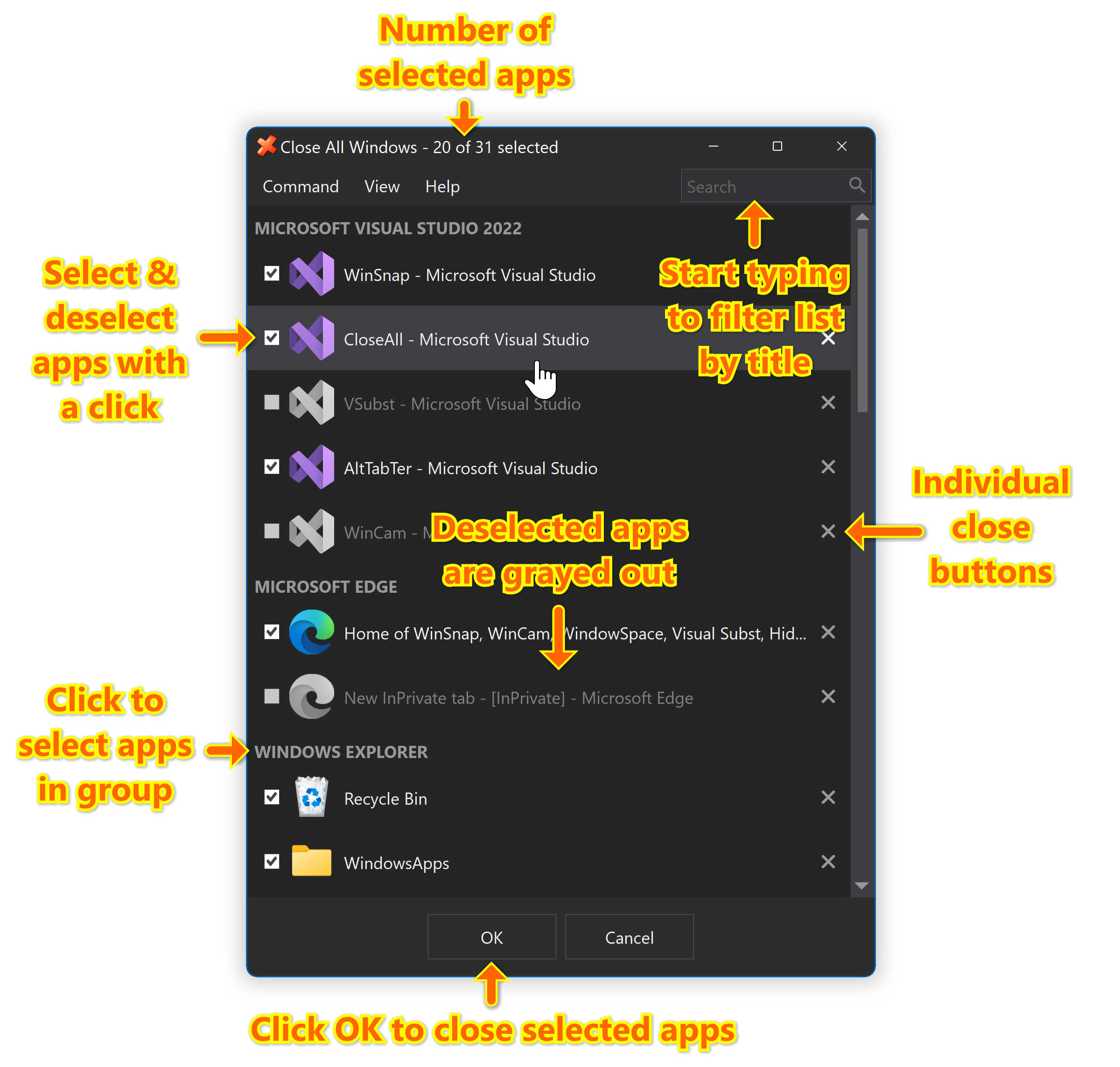
CloseAll allows you to close all running applications with just a single click. It doesn’t use any system resources and unloads right after completing its task. CloseAll simply flashes a ‘close’ signal to all open windows on the desktop and then ceases.
WindowSpace - Most Organized Workspace
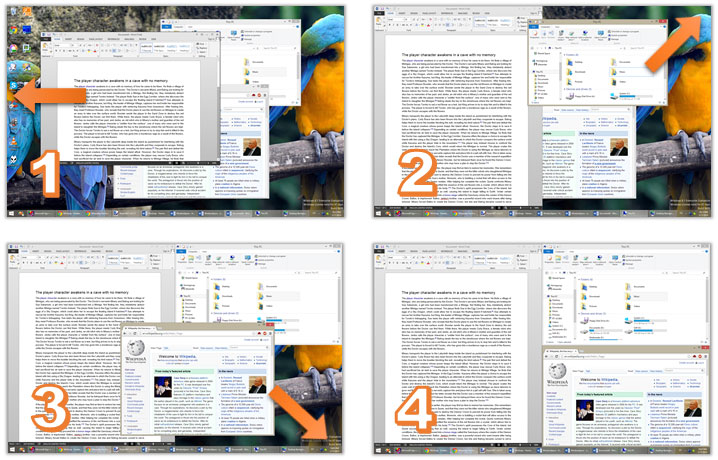
WindowSpace allows you to manipulate windows in many new amazing ways: snap windows to each other and to the screen edges, maximize them vertically or horizontally, pin on top of the other windows, hide from view, minimize to tray, and much more.
Learn more about WindowSpace →
Sticky Previews – Live Previews of Desktop Apps
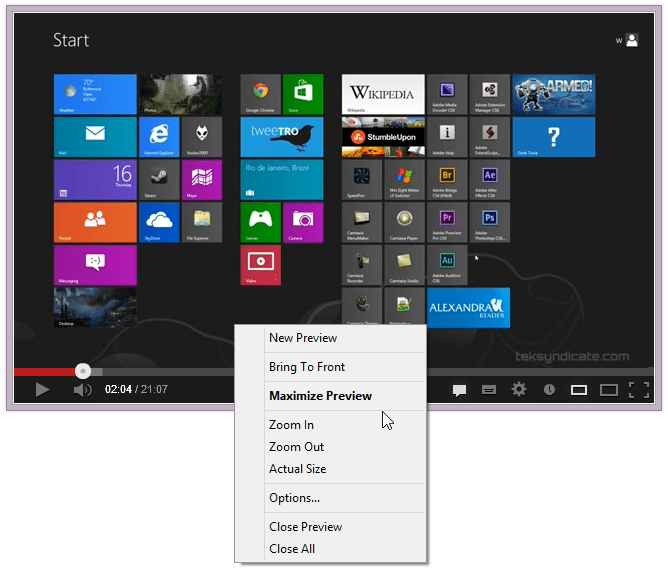
Sticky Previews is a lightweight productivity tool that lets you create live previews of any window or a screen region of your choice. It keeps previews above all other applications like a sticky-note thus allowing you to monitor any background window in real time.
Learn more about Sticky Previews →
Hidden Start - Bypass UAC & Hide Console Windows
Hidden Start is a small startup manager that allows console applications and batch files to be started without any window in the background. It can handle UAC privilege elevation and bypass UAC prompts, start multiple commands in the specified order, and much more.
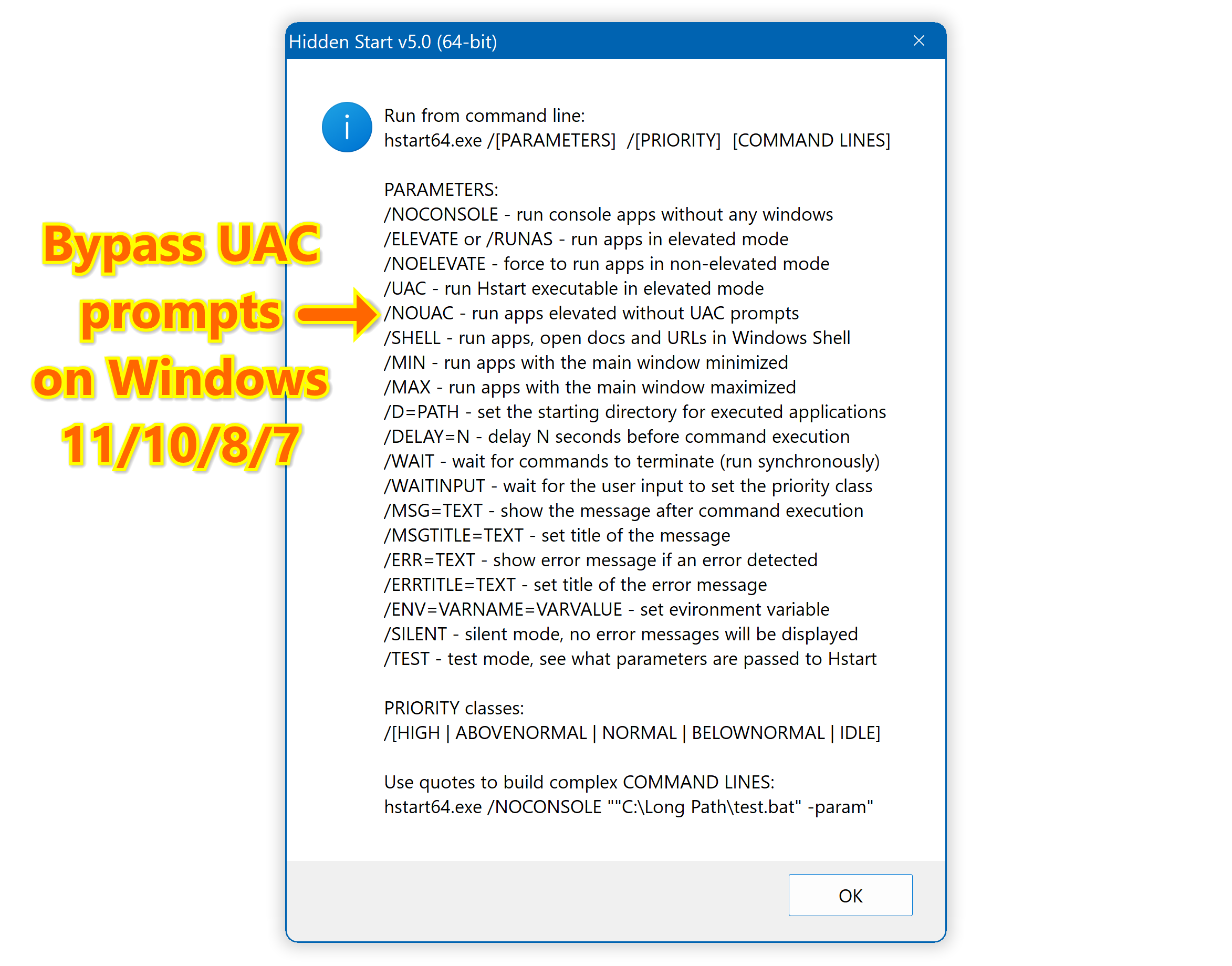
Learn more about Hidden Start →