Create Superior Screenshots, Add Notes and Apply Visual Effects with WinSnap
WinSnap is a fast and user-friendly utility for taking and editing screenshots. It easily captures windows with rounded corners and transparent backgrounds from Aero Glass on Windows 7 to Mica Material on Windows 11. Right after capture, WinSnap instantly enhances screenshots with professional-looking shadows, reflections, outlines, highlights, watermarks, arrows, shapes and text annotations.
WinSnap_6.3.5-setup.exe (3 MB)
Updated on 21-Oct-2026, see what's new →
$19.95 or less, lifetime license
FREE updates for life, NOT a subscription!
Or install automatically with WinGet: winget install -e --id ntwind.WinSnap
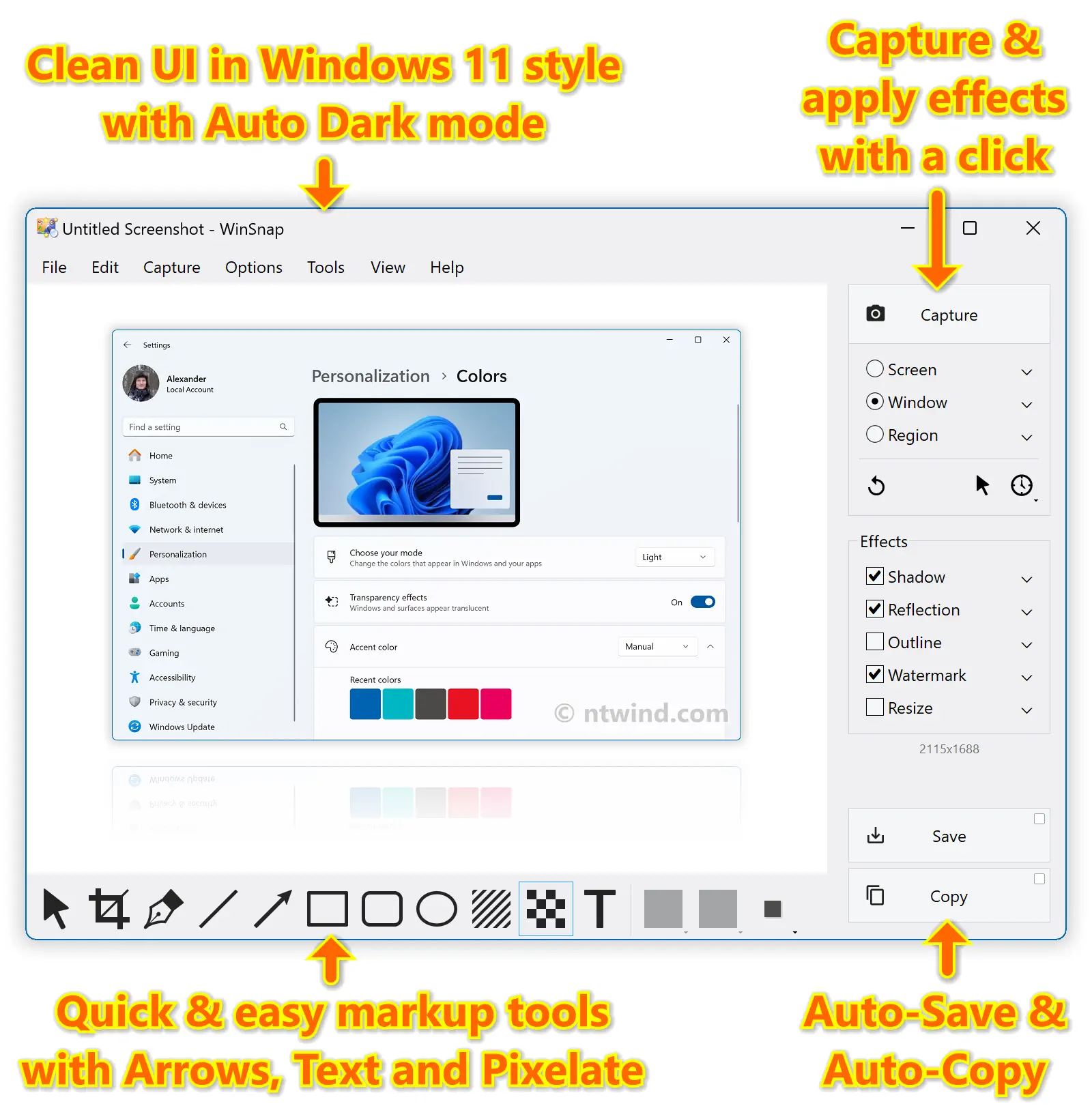
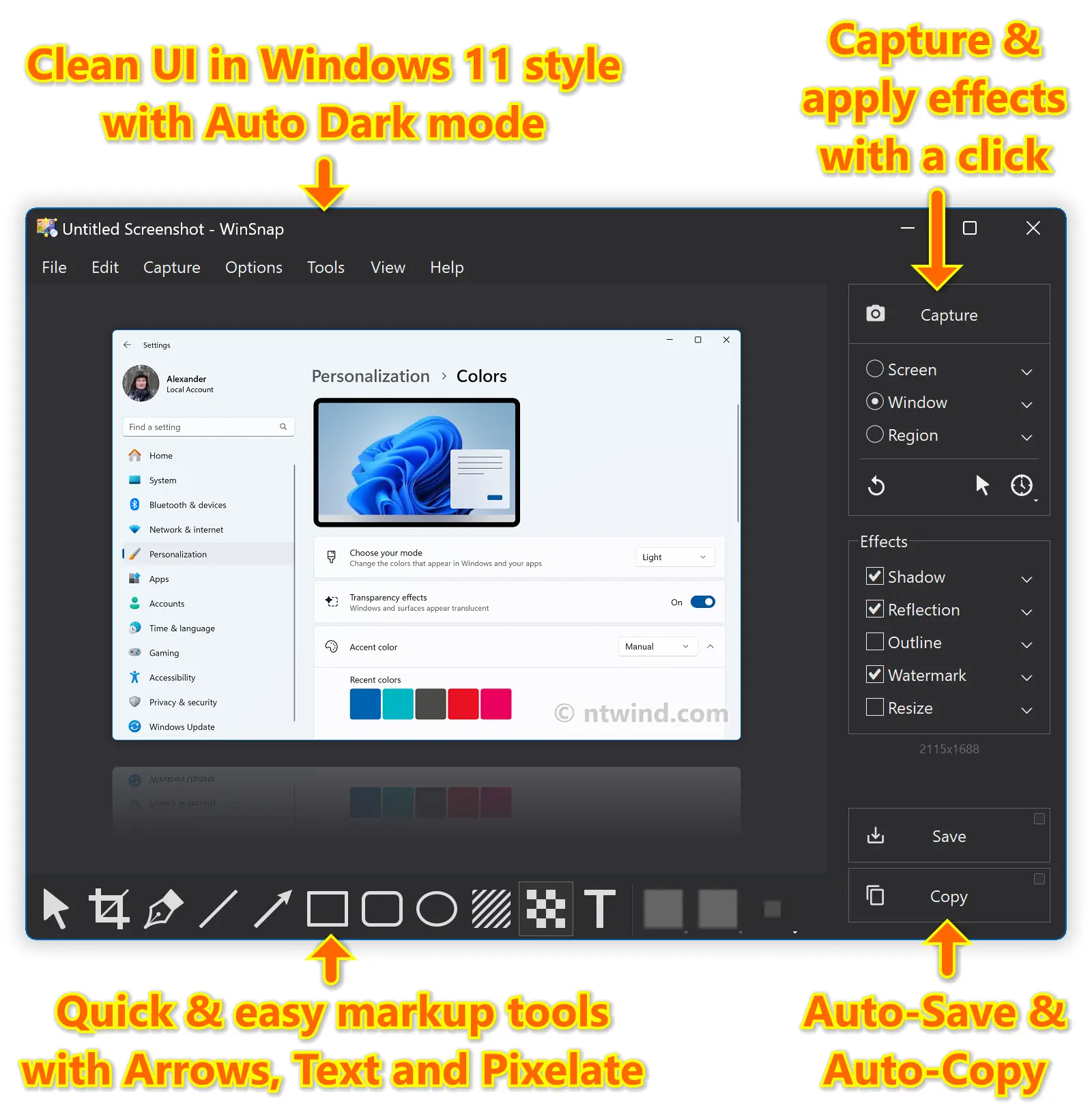
WinSnap 6 contains a number of innovative features that enable far superior screenshots and even easier working methods. Redesigned and updated user interface comes in Windows 11 style with Auto Dark mode and significantly improves the overall usability.
For recording videos, check out WinCam – 20% discount if bought together with WinSnap!
Effortless Screen Capture
WinSnap 1.0 was originally designed to capture windows with rounded corners on Windows XP, then Windows Vista came out with Aero Glass window styles and WinSnap 2.0 was updated to preserve titlebar transparency and native window shadows as well.
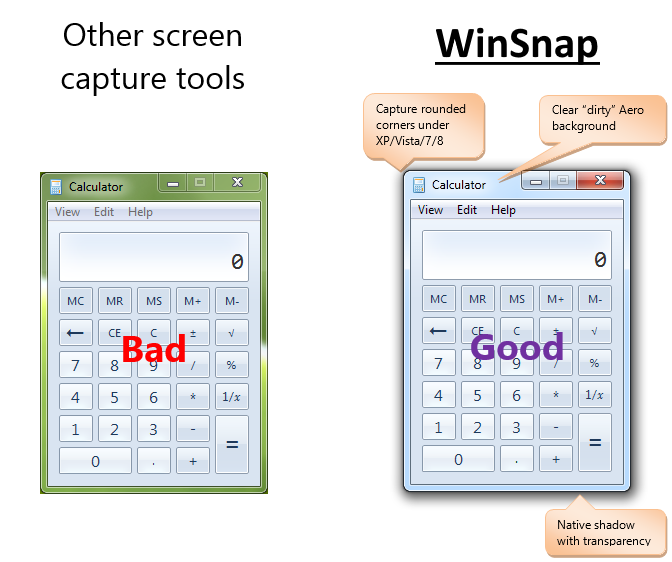
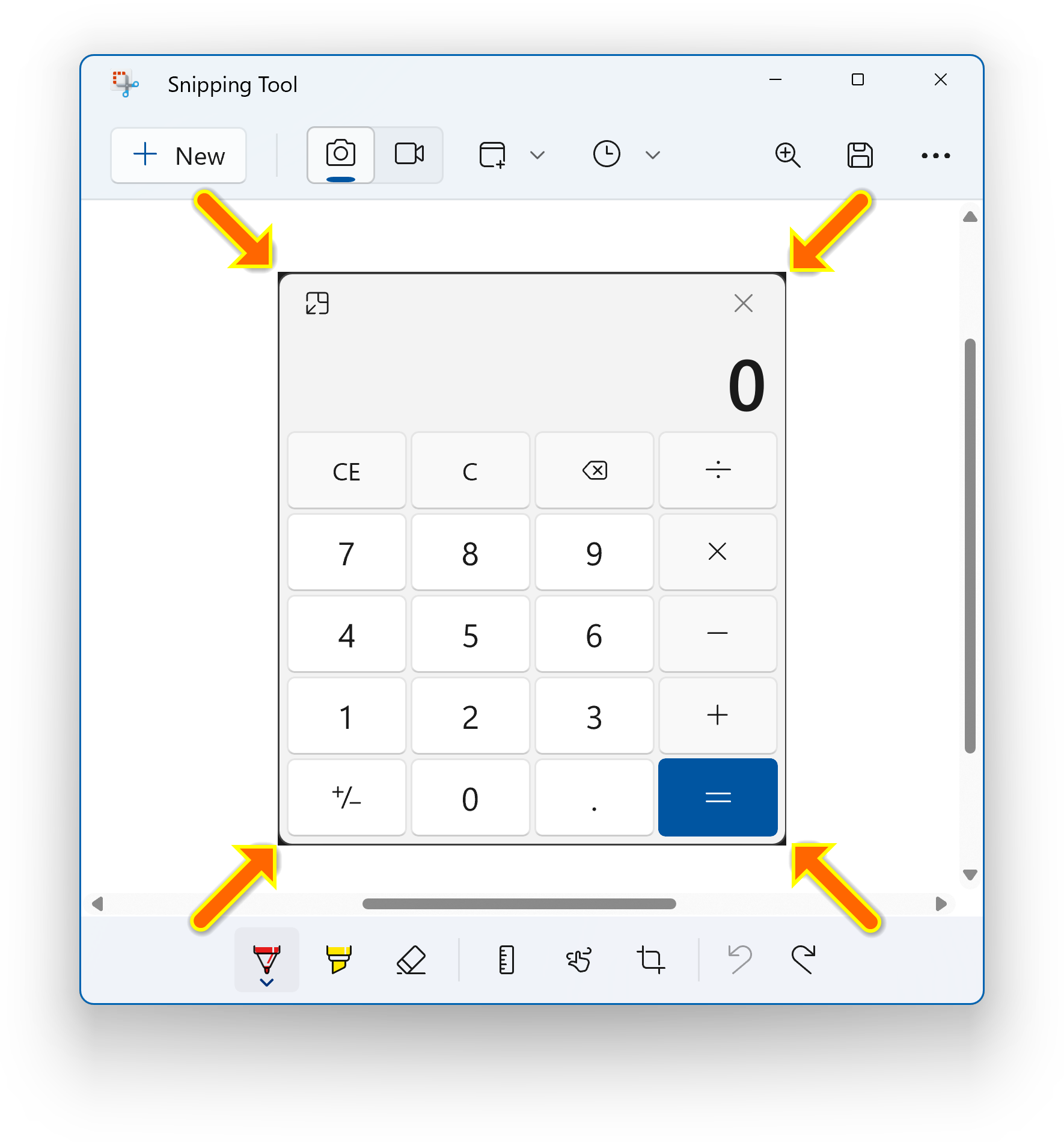
Nowadays, even the built-in Snipping Tool can’t compete with WinSnap in capturing window effects on Windows 11. On the screenshot below, the Calculator window is captured with Snipping Tool, then the Snipping Tool window itself is captured with WinSnap. Compare the rounded corners and shadow:
To enable advanced options use the “dot” menu next to the Window capture mode:
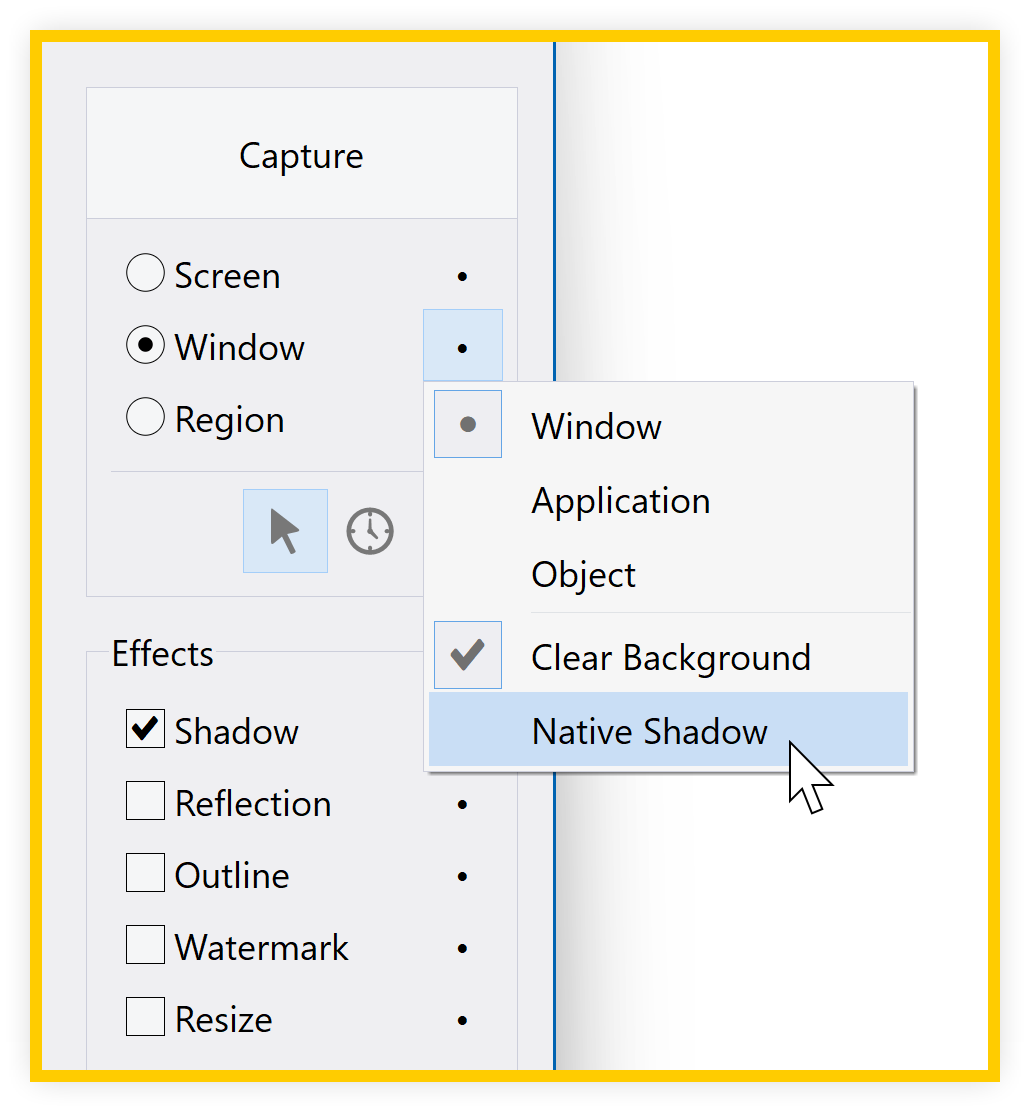
Two other capture modes allow you to capture the whole screen or a portion of the screen. For the Region mode, you can enable the “Fixed Size” option to quickly capture regions of the same size.
Quick & Easy Markup and Annotations
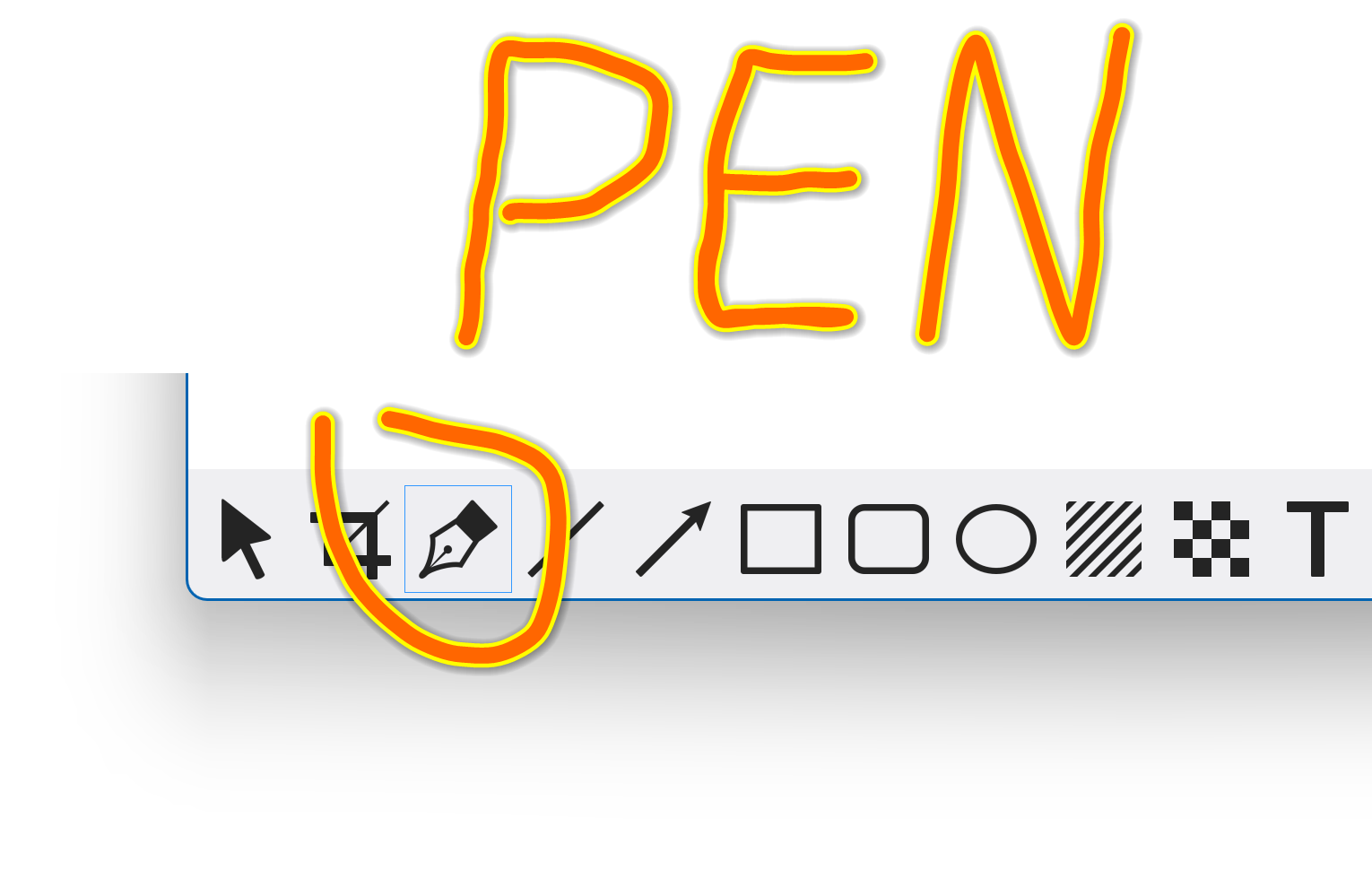
With WinSnap, you don’t even need to consider a full-fledged image editor. It provides sufficient image editing capabilities for the most frequent use cases: adding arrows, lines, shapes and text comments. Pen tool draws a smooth spline curve:
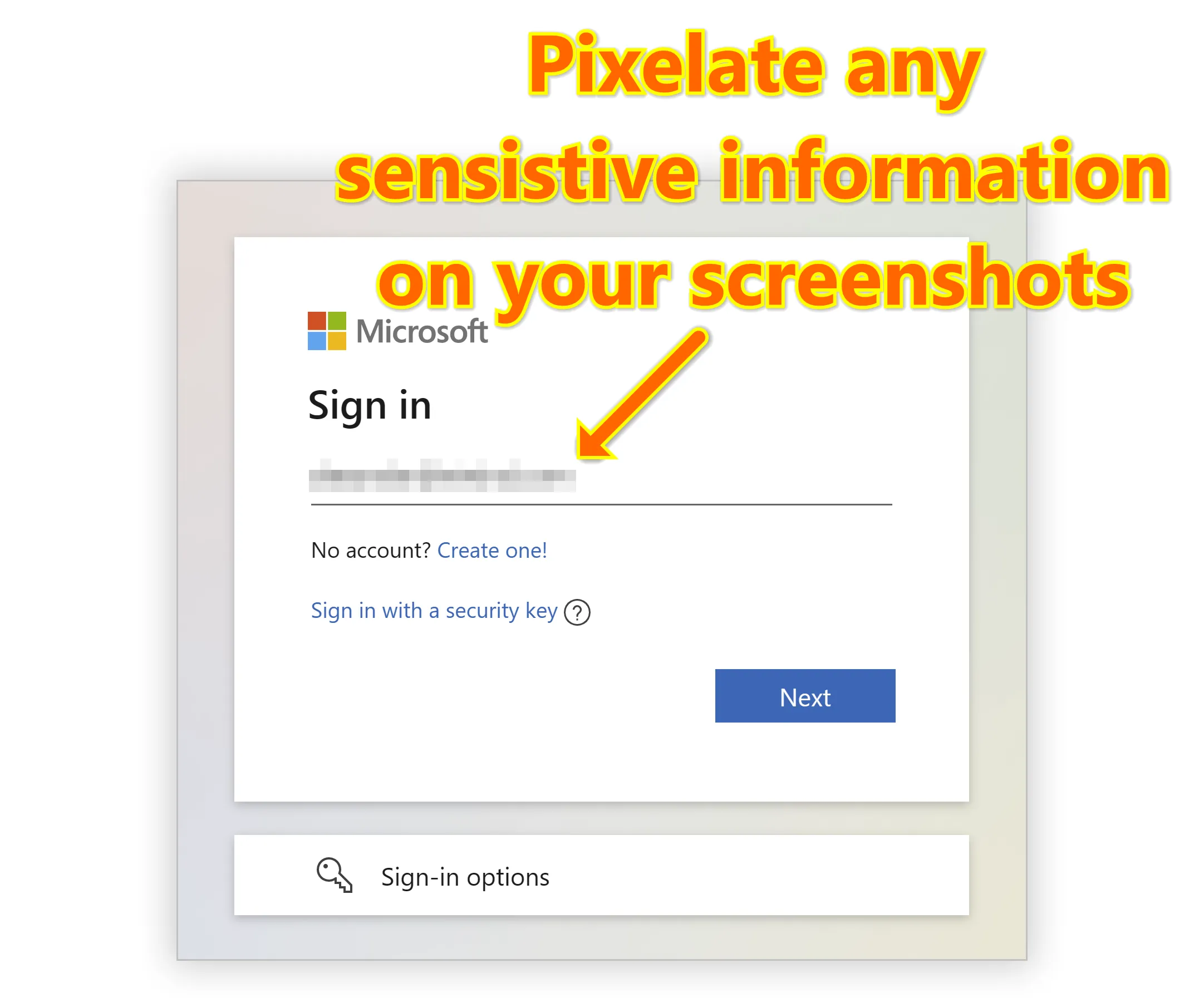
Pixelate tool can be used to quickly remove sensitive information from screenshots:
Highlight tool draws multicolor highlights:
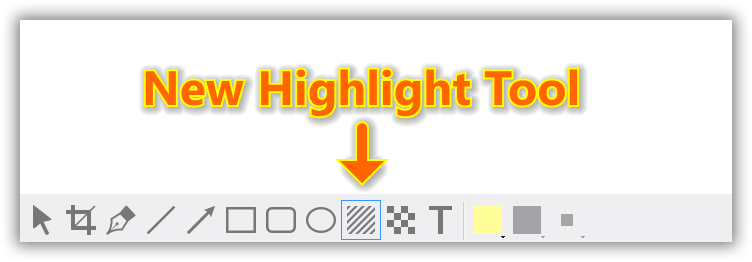
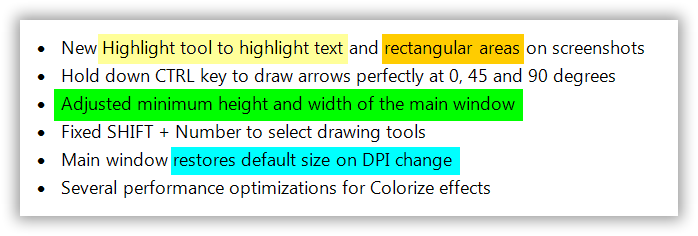
Now you can easily highlight text and rectangular areas on your screenshots:
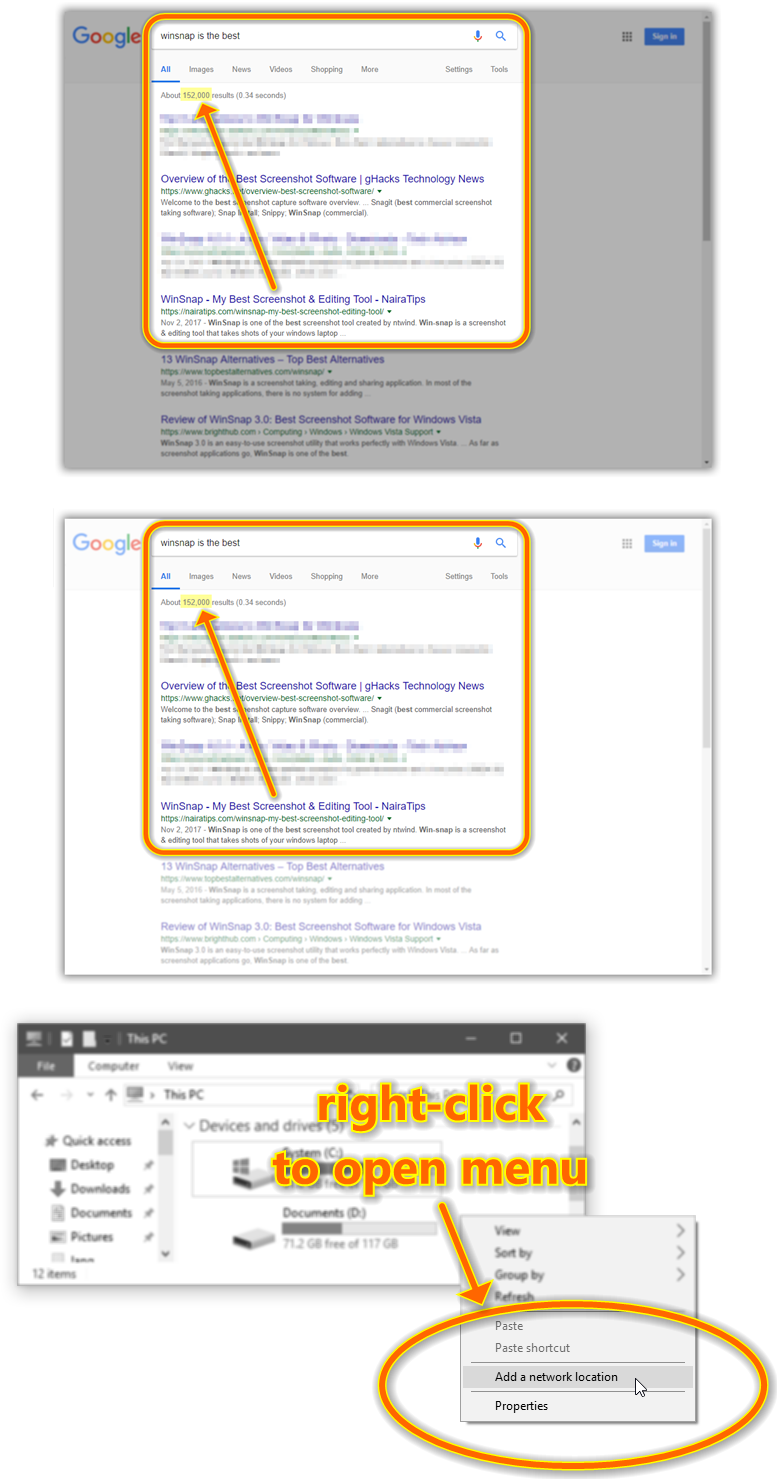
You can also highlight certain area on the screenshot using colorize and blur effects:
WinSnap captures screenshots in a much more sophisticated way than other tools, applies customizable effects with no effort and allows you to add comments with just a couple of clicks.
Built-in Presets for Your Convenience
You can switch between native and custom shadow effects after capture. WinSnap automatically removes native Aero shadow and adds shadow effect of your choice (color, size, direction, opacity).
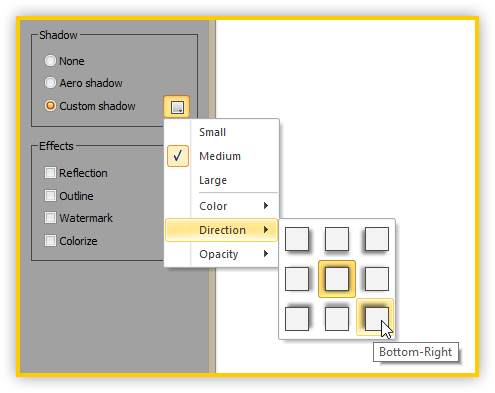
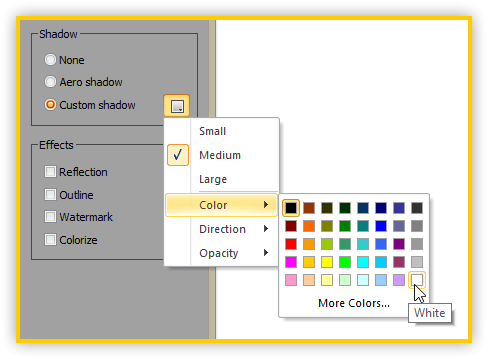
Built-in presets for shadow and other effects allow even faster editing and customization.
Support for PNG Transparency and Alpha-Channel
All screenshots created with WinSnap can be saved with transparency. Empty area between windows, popup menus and other objects is filled with transparent background, while shadows and reflections are semi-transparent.
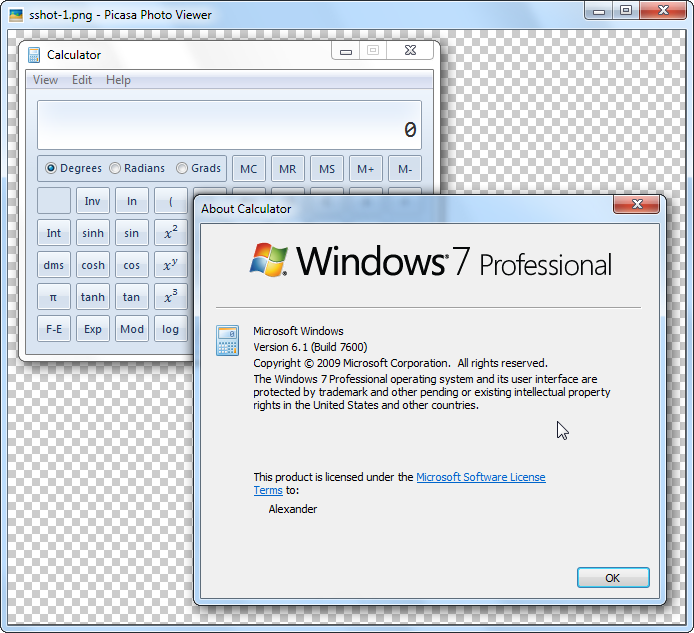
If you have Microsoft Office installed, you can also copy images with transparency to clipboard from WinSnap and paste them directly into a Word document, PowerPoint presentation, Outlook email or OneNote.
Capture Multiple Objects and Regions
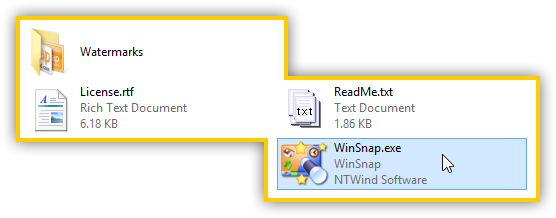
With WinSnap, you can simultaneously capture multiple objects (e.g. windows, dialogs, popup menus, buttons and other UI elements) and screen regions. Hold down the CTRL key to select multiple objects in the Object capture mode.
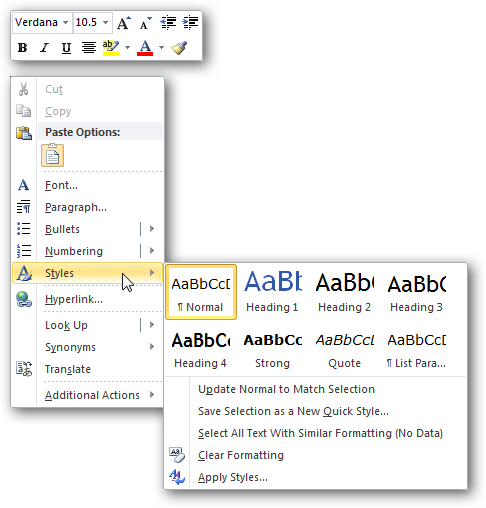
You can do the same in the Region capture mode to select multiple screen regions:
WinSnap is an easy-to-use and powerful tool for taking screenshots. Try it – you’ll love it!
WinSnap_6.3.5-setup.exe (3 MB)
Updated on 21-Oct-2026, see what's new →
$19.95 or less, lifetime license
FREE updates for life, NOT a subscription!
WinSnap supports all versions of Windows from Windows 7 to Windows 11. It handles titlebar transparency and window shadows on all supported OS. Native 64-bit version is included in the setup package and installed automatically.
|
Never miss when a new version comes out! Subscribe to updates → |

|
Home • Windows • WinSnap