WinSnap v3.5.2 - Delayed Capture & Countdown Timer
Finally, after a long delay, I've released a new version of WinSnap. This release contains several new features that will allow you to take even better screenshots.
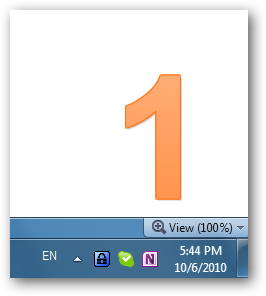
Improved Delayed Capture
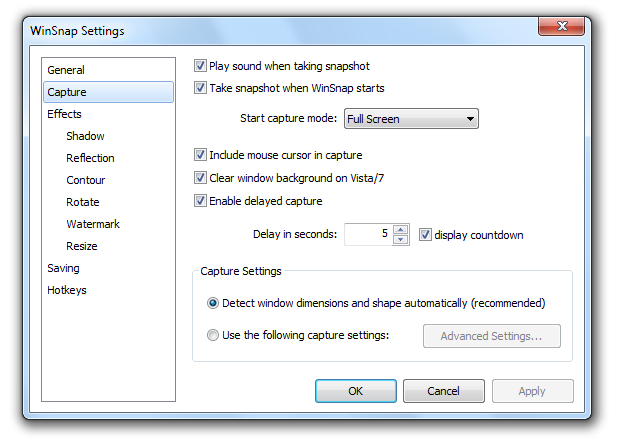
I've totally reworked the delayed capture feature after receiving the users feedback on the previous version of WinSnap. There are 2 main improvements:
- added a simple countdown timer (you can turn it on/off)
- added ability to customize the delay (Settings, Capture tab)
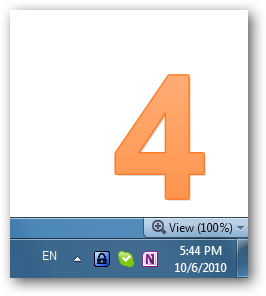
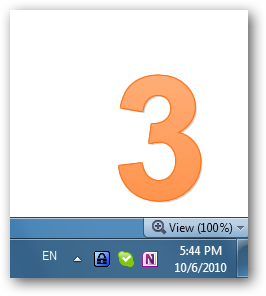
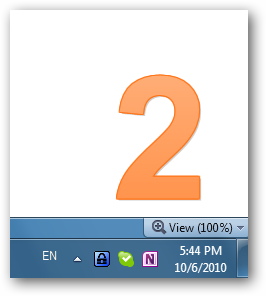
Here is how the countdown looks like:
|
|
|
|
Large Icon for Windows Vista/7
WinSnap now contains a 256x256 icon for better compatibility with Windows 7 and Vista:
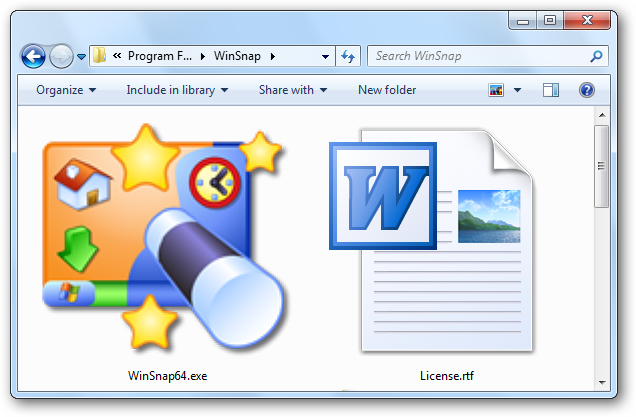
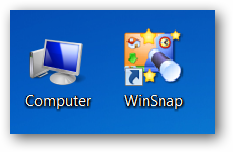
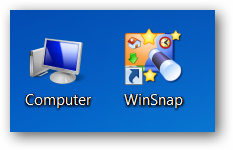
I don't even think that anyone uses the "large icon" view in Windows Explorer. From the practical side, 256x256 icons are used by the system to generate smaller icons in high DPI mode. Just compare the two screenshots below.
|
|
| Old versions in high DPI mode | WinSnap v3.5.2 in high DPI mode |
Capture Native Aero Shadows - Removed
This feature has been removed from version 3.x because it requires some significant changes in the UI. It should be introduced in WinSnap 4.0 by the end of this year. I'll share a detailed roadmap for WinSnap 4.0 soon!
Changelog for WinSnap v3.5.2:
- Delayed capture feature was greatly improved
- Added ability to adjust timeout for delayed capture (Settings, Capture tab)
- Added a countdown timer feature for delayed capture (Settings, Capture tab)
- Added 256x256 icon for Windows Vista/7 to the EXE resources
- Some options in the Settings dialog were renamed/rearranged
- Various stability and performance improvements