All times are UTC


Post new topic Reply to topic  [ 139 posts ]  Go to page 1, 2, 3, 4, 5 ... 10  Next
Author Message
 Post subject: VistaSwitcher 1.0 Beta\Preview Version
PostPosted: Sep 10, 2009 11:08 am 
Site Admin

Joined: Apr 07, 2005 12:35 am
Posts: 1163
Hello everyone,

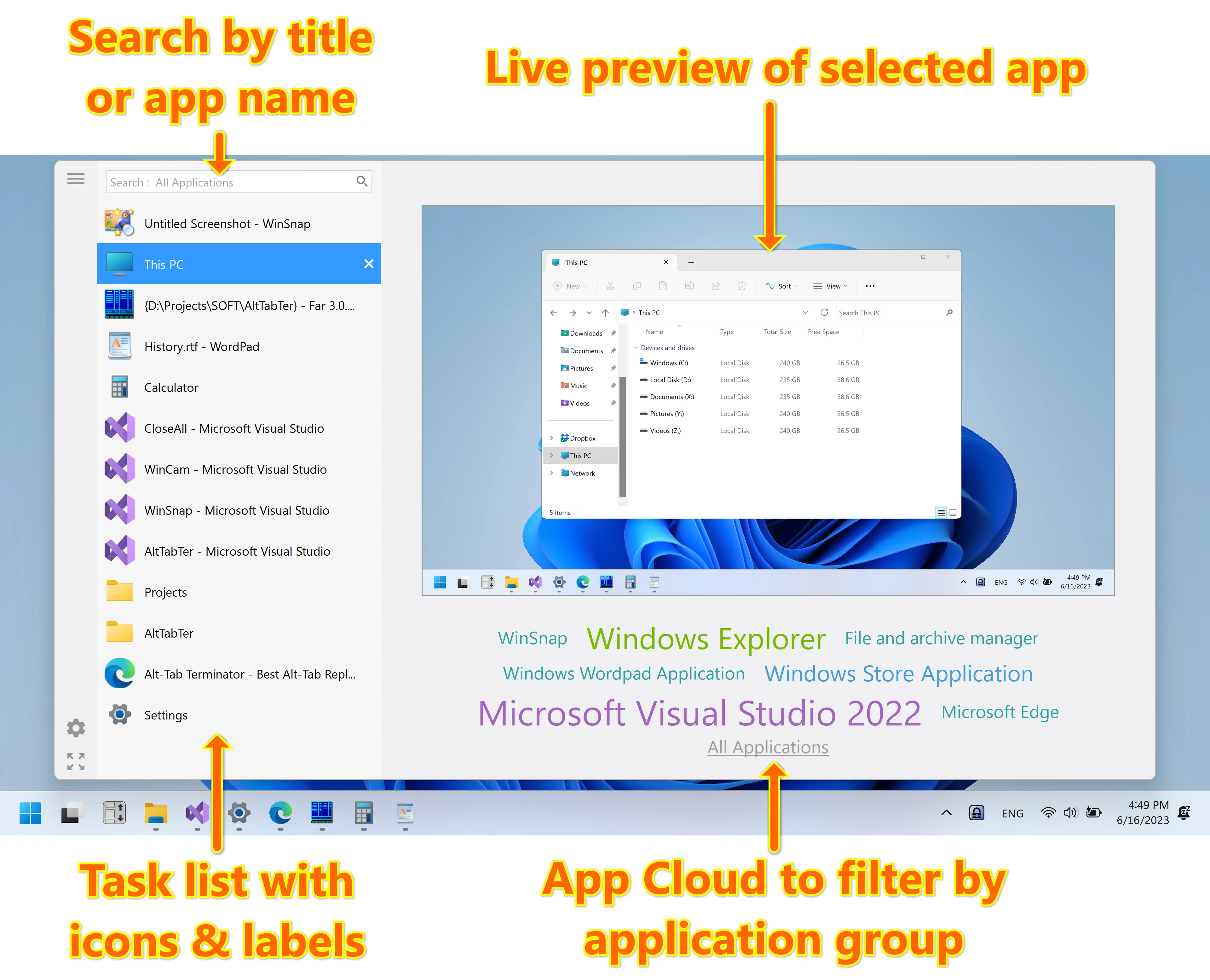
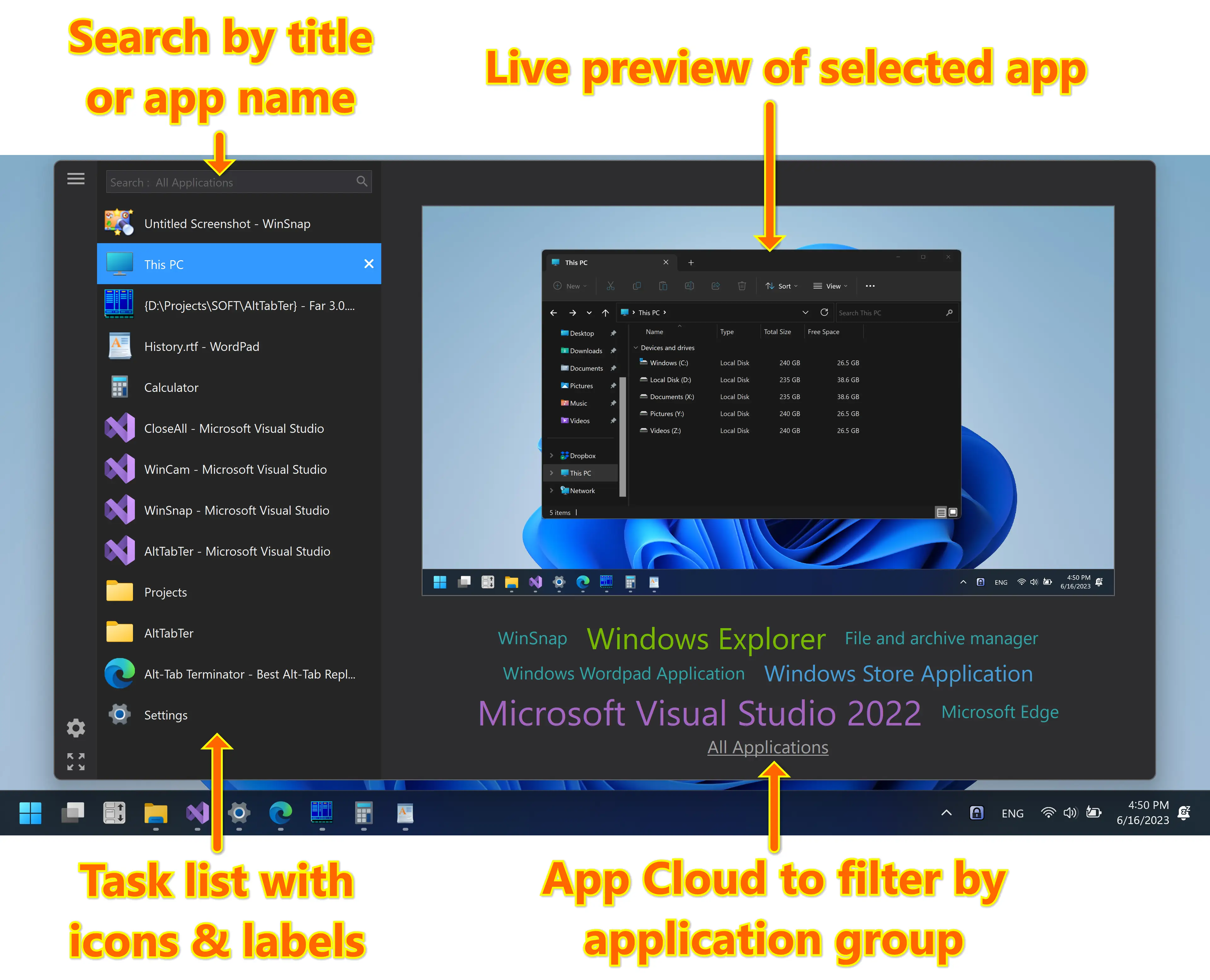
VistaSwitcher replaces the default Windows Alt-Tab dialog with a nice box that shows a list of all running tasks with their names and preview snapshots and enables the user to take actions on them using the mouse and keyboard shortcuts (Learn more)

>> VistaSwitcher screenshot <<

Please take a look at the following articles about VistaSwitcher and its vast capabilities.

Updated articles:

- VistaSwitcher - The Brand New Alt-Tab Task Switcher
- Switch Between Windows Of The Same Application
- Manage Windows With VistaSwitcher
- Alt-Tab For Multiple Monitors

General product pages:

- VistaSwitcher Homepage + Screenshots
- Keyboard Shortcuts
- Frequently Asked Questions
- How To Contribute


Quote:
Changelog for VistaSwitcher v1.0.8 beta:
- Fixed an issue with losing focus when switching between MSN/WLM windows
- Several improvements on the window switching algorithm
- Some other minor bugfixes and improvements

Quote:
Changelog for VistaSwitcher v1.0.7 beta:
- Added support of non-English keyboard layouts (for Alt+Backtick and other)
- Several improvements on the Alt-Tab replacement routine
- Improved the drawing speed and overall performance
- Some other minor bugfixes and improvements

Quote:
Changelog for VistaSwitcher v1.0.6 beta:
- Fixed an issue with switching tasks when preview isn't fully rendered (XP)
- Fixed an issue with switching between MSN Live Messenger windows (Win7)
- Several improvements on the window enumeration algorithm
- Various stability and performance improvements

Quote:
Changelog for VistaSwitcher v1.0.5 beta:
- Added option "Enable Aero blur effect" (Appearance tab)
- Removed option "Fade out animation" (Appearance tab)
- Added ability to remap or even disable the Backtick key (see forum)
- Fixed a critical issue that caused crashes when working with some apps
- Various stability and performance improvements

Quote:
Changelog for VistaSwitcher v1.0.4 beta:
- Alt + ` (Bactick) switches between windows of the active application
- Ctrl+Alt+Tab switches between windows on the current monitor
- Added ability to substitute the low-level keyboard hook (see forum)
- Improved the Alt-Tab replacement routine (possible conflicts with other apps)
- Shortcut key "A" - select all, second press - deselect all
- Hotkey Error dialog now provides more details on what the problem is
- Improved the window enumeration routine for New Exclusion dialog
- Improved scaling of multi-monitor wallpapers (UltraMon, DisplayFusion, etc)
- Several other improvements and bug fixes

Quote:
Changelog for VistaSwitcher v1.0.3 beta:
- Desktop and window previews now work on multi-monitor systems
- Added ability to show VistaSwitcher on the active monitor (Behavior tab)
- Added option "Show tasks only from the active monitor" (Behavior tab)
- Added option "Show VistaSwitcher icon in notification area" (General tab)
- Option "Check for updates automatically" moved to the About page
- Added "Preferences" item to the main right-click menu
- Added a workaround to enable previews on Vista Home Basic
- Added application compatibility section to the EXE manifest
- Fixed an issue with IME windows on some machines
- Several other improvements and bug fixes

Quote:
Changelog for VistaSwitcher v1.0.2 beta:
- Added support of new wallpaper styles of Windows 7
- Fixed "Tile" and "Center" wallpaper styles on Vista and XP
- Added "Show task numbers" option (Appearance tab)
- Added "Check for new versions of VistaSwitcher online" option
- Pressing the number key twice switches to the selected task
- Improved performance and memory usage
- Some other bugfixes and improvements


Download VistaSwitcher (32-bit and 64-bit)

Subscribe to Updates: Email or RSS


Last edited by Alexander on Dec 03, 2009 8:02 am, edited 13 times in total.

Top
 Profile E-mail  
 
 Post subject:
PostPosted: Sep 10, 2009 6:43 pm 

Joined: May 16, 2007 1:23 pm
Posts: 28
Very nice indeed Alex.
Still some features missing from the old TaskSwitch XP, but a very nice improvement.
Love Vista/7 support, plus the performance of x64!


Top
 Profile  
 
 Post subject:
PostPosted: Sep 11, 2009 11:20 am 

Joined: Oct 29, 2007 9:49 pm
Posts: 36
Nice design! Startet using it immediately under Vista, as I fell the overview is simply better than with the original MS tool.

But I immediately missed my second monitor in the preview - that seems to have not changed. I hope it will until the final version.

And let's get rid of the systray icon, please.


Top
 Profile  
 
 Post subject:
PostPosted: Sep 11, 2009 9:50 pm 

Joined: Mar 31, 2009 8:10 am
Posts: 16
Looking really nice! Running on Win 7 ok so far. I would love to see an option as I originally suggested that when pressing say 1 to select the first task, it will auto-switch to that task rather than then also having to press enter.

Also, even though I have task numbering selected, I don't see any task numbers...?

Another suggestion, when selecting the different tasks, it would be nice to have an aero peek preveiw in much the same way that win7 currently does it with alt-tab.


Top
 Profile  
 
 Post subject:
PostPosted: Sep 13, 2009 10:17 am 

Joined: Apr 13, 2005 1:07 pm
Posts: 6
Location: Japan
Awesome Alex!!


Top
 Profile  
 
 Post subject:
PostPosted: Sep 13, 2009 2:01 pm 
Site Admin

Joined: Apr 07, 2005 12:35 am
Posts: 1163
Thank you very much for trying out the Beta. I'm very glad that you like it.

Here is the list of options/features that do NOT work in version 1.0.1:

- Check for new versions of VistaSwitcher online (General tab)
- Show task numbers (Appearance tab)
- Theme, colors, fonts, etc (Appearance tab) - only default theme is available
- Show VistaSwitcher on *Monitor #* (Behavior tab)
- Show tasks from the active monitor only (Behavior tab)
- Language files (beta is English only)

Beta 2 should be released within a few days. It'll address some of the concerns you raised.

Then I would need 2-4 weeks to add support of multiple monitors and color/font customization.


Last edited by Alexander on Sep 13, 2009 3:15 pm, edited 1 time in total.

Top
 Profile E-mail  
 
 Post subject:
PostPosted: Sep 13, 2009 2:53 pm 
Site Admin

Joined: Apr 07, 2005 12:35 am
Posts: 1163
MC wrote:
But I immediately missed my second monitor in the preview - that seems to have not changed. I hope it will until the final version.

This should be added in a future release. I'm working on it..

MC wrote:
And let's get rid of the systray icon, please.

Open "Taskbar and Start Menu Poperties", Notification Area, click Customize, VistaSwitcher - "always hide" (must also work on XP).


Top
 Profile E-mail  
 
 Post subject:
PostPosted: Sep 13, 2009 3:11 pm 
Site Admin

Joined: Apr 07, 2005 12:35 am
Posts: 1163
joshuawood wrote:
I would love to see an option as I originally suggested that when pressing say 1 to select the first task, it will auto-switch to that task rather than then also having to press enter.

Added to "beta 2": pressing the number key twice will switch to the task

joshuawood wrote:
Also, even though I have task numbering selected, I don't see any task numbers...?

This also will be added to "beta 2".

joshuawood wrote:
Another suggestion, when selecting the different tasks, it would be nice to have an aero peek preveiw in much the same way that win7 currently does it with alt-tab.

I don't know if this is possible to activate Aero Peek from a third-party application. I'll check this..


Top
 Profile E-mail  
 
 Post subject:
PostPosted: Sep 14, 2009 1:47 am 

Joined: Oct 29, 2007 9:49 pm
Posts: 36
Alexander wrote:
MC wrote:
And let's get rid of the systray icon, please.

Open "Taskbar and Start Menu Poperties", Notification Area, click Customize, VistaSwitcher - "always hide" (must also work on XP).
[/quote]

I'm on Vista, and it seems I can not use that option without checking 'Hide inactive symbols'. I absolutely hate that one, and if used it would force me to set a long list of items to active manually, just for Vistaswitch to be hidden. So if I did not get this wrong it should better be an option in the program itself.

Thanks for the outlook on Beta 2, looking forward to it!


Top
 Profile  
 
 Post subject:
PostPosted: Sep 18, 2009 12:07 am 

Joined: Sep 11, 2009 12:48 am
Posts: 4
Looks great! I'm glad to see you're working on a taskswitcher again.

Here are a couple issues & feature requests (I'm using Windows 7):
- I'd like to switch between window instances using winkey+tab. When I try to set this combo, I get: "Could not register hotkey"

- Can we have an option to change the size of the preview? I've set the "Number of items" to be large and this causes the preview's height to grow, and its width proportionatly. This results in the vistaswitcher window being wider than my screen and items get cut off.

- I love the feature to close a window by hitting the letter "x" on a highlighted window, and selecting multiple windows by hitting "s". But I think it would be a smoother to combine these features into one key, so if you type "x" it crosses out a window in the list but doesn't immediately close it. Instead, the next window in the list would be highlighted and you could press "x" again to select that one for closing, or keep hitting tab to cycle through the list. (And if you type "x" while highlighting a window already crossed-out, it can remove the mark to close it). Only when you release "Alt" should the windows close. (Similarily for "m" to minimize)

- Is it possible to get a list of a window's tabs in Windows 7? I notice Win 7's task bar can break down the various tabs in IE windows. It might be nice to be able to use VistaSwitcher to cycle through these (people may have too many to include in the window instance list, but maybe there could be a new list). In any case, it'll be interesting to see if other app developers explose their windows' tabs for this purpose.


Top
 Profile  
 
 Post subject:
PostPosted: Sep 18, 2009 6:01 pm 
Site Admin

Joined: Apr 07, 2005 12:35 am
Posts: 1163
yummysoup wrote:
- I'd like to switch between window instances using winkey+tab. When I try to set this combo, I get: "Could not register hotkey"

Win+Tab shortcut is used by Flip 3D, you need to disable it, then restart your PC and apply this shortcut to VistaSwitcher.

yummysoup wrote:
- Can we have an option to change the size of the preview? I've set the "Number of items" to be large and this causes the preview's height to grow, and its width proportionatly. This results in the vistaswitcher window being wider than my screen and items get cut off.

It looks better when it is calculated automatically. Also it solves some problems with preview when changing the screen resolution or primary monitor.

yummysoup wrote:
- I love the feature to close a window by hitting the letter "x" on a highlighted window, and selecting multiple windows by hitting "s". But I think it would be a smoother to combine these features into one key, so if you type "x" it crosses out a window in the list but doesn't immediately close it. Instead, the next window in the list would be highlighted and you could press "x" again to select that one for closing, or keep hitting tab to cycle through the list. (And if you type "x" while highlighting a window already crossed-out, it can remove the mark to close it). Only when you release "Alt" should the windows close. (Similarily for "m" to minimize)

I know it would be better... There is an issue I haven't solved yet -- the current algorithm requires to make the window active before closing it. Windows Taskbar works the same way.

yummysoup wrote:
- Is it possible to get a list of a window's tabs in Windows 7? I notice Win 7's task bar can break down the various tabs in IE windows. It might be nice to be able to use VistaSwitcher to cycle through these (people may have too many to include in the window instance list, but maybe there could be a new list). In any case, it'll be interesting to see if other app developers explose their windows' tabs for this purpose.

I don't know if there is a public API to get the list of tabs. I'll check this later.

VistaSwitcher Beta 2 is coming soon!


Top
 Profile E-mail  
 
 Post subject:
PostPosted: Sep 18, 2009 6:04 pm 
Site Admin

Joined: Apr 07, 2005 12:35 am
Posts: 1163
MC wrote:
I'm on Vista, and it seems I can not use that option without checking 'Hide inactive symbols'. I absolutely hate that one, and if used it would force me to set a long list of items to active manually, just for Vistaswitch to be hidden. So if I did not get this wrong it should better be an option in the program itself.

I'll consider to add an option or a command line switch for it. 8)


Top
 Profile E-mail  
 
 Post subject:
PostPosted: Sep 18, 2009 10:52 pm 

Joined: Sep 11, 2009 12:48 am
Posts: 4
Alexander wrote:
yummysoup wrote:
- Can we have an option to change the size of the preview? I've set the "Number of items" to be large and this causes the preview's height to grow, and its width proportionatly. This results in the vistaswitcher window being wider than my screen and items get cut off.

It looks better when it is calculated automatically. Also it solves some problems with preview when changing the screen resolution or primary monitor.

You're right that it's better to calculate the size automatically, but could you add a check to ensure that it's not wider than the screen dimensions (constraining the width of the preview if it's too large)?

I can put up a screenshot if it's not clear what the problem is.

Thanks,


Top
 Profile  
 
 Post subject:
PostPosted: Sep 20, 2009 12:23 pm 
Site Admin

Joined: Apr 07, 2005 12:35 am
Posts: 1163
yummysoup wrote:
could you add a check to ensure that it's not wider than the screen dimensions (constraining the width of the preview if it's too large)?

Ok, it should be added in "beta 3". Thanks for feedback!

Beta 2 has been released today!


Top
 Profile E-mail  
 
 Post subject:
PostPosted: Sep 20, 2009 4:37 pm 

Joined: Sep 20, 2009 4:33 pm
Posts: 2
Location: Hungary
It crashes very often on my 64-bit Windows 7. :(


Top
 Profile  
 
Display posts from previous:  Sort by  
Post new topic Reply to topic  [ 139 posts ]  Go to page 1, 2, 3, 4, 5 ... 10  Next

All times are UTC


You cannot post new topics in this forum
You cannot reply to topics in this forum
You cannot edit your posts in this forum
You cannot delete your posts in this forum
You cannot post attachments in this forum

Powered by phpBB © 2000, 2002, 2005, 2007 phpBB Group