WindowSpace v2.5.1 Beta - Improved Snap-To-Side
This beta is the first version 2.5.x release of WindowSpace. It introduces a better support for Windows 7 and several major improvements on Snap-To-Side feature.
Seamless Integration with Windows 7
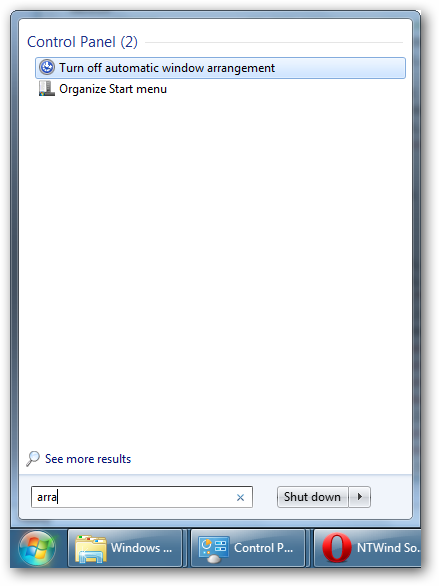
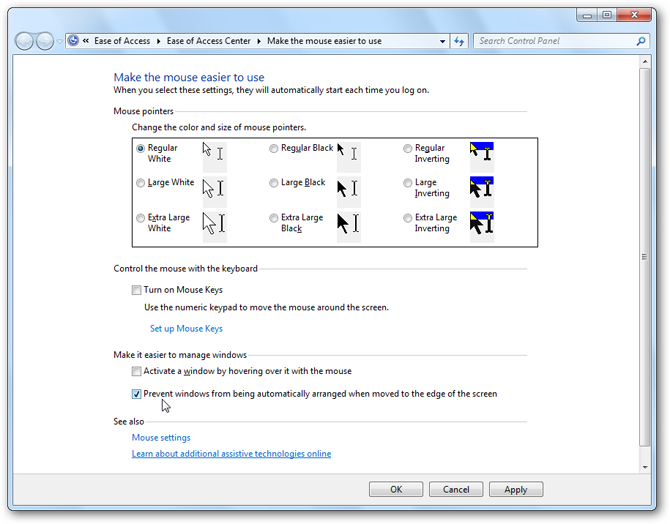
If Snap-To-Side feature is enabled, WindowSpace now turns off the built-in Windows 7's Aero Snap feature with no actions required from the user. You can check it by the following steps:
Improved Snap-To-Side
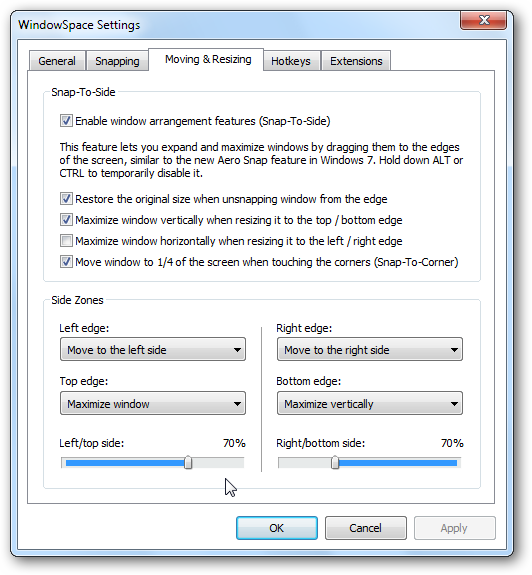
There are 2 major enhancements on the Snap-To-Side feature:
- added options to customize the width of the docked window
- dragging a maximized window away from the top of the screen restores its orginal size (similar to the Windows 7's Snap feature)
Other Minor Improvements
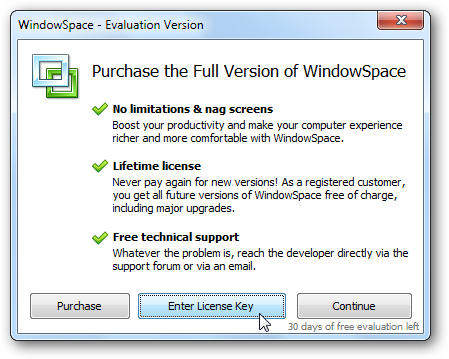
I've changed some default settings, polished UI and option names. Also there is a new trial reminder dialog and some other minor improvements I didn't mention.
Changelog for WindowSpace v2.5.1 Beta:
- Seamless integration with Windows 7 (Snap-To-Side replaces Aero Snap)
- Added ability to set the width of the docked windows (Snap-To-Side)
- Drag maximized window away from the top to restore its original size
- Improved support for complex multi-monitor setups
- Some other improvements and bug fixes